Call Scenarios
Overview of how TeamsPhone Plugin behaves during incoming calls based on the vtenext search result.
Introduction
When a call arrives in Microsoft Teams, the operator first sees the native Teams notification, including the caller's number and the controls to answer or reject the call.
Call Scenarios
At the same time, independently from the Teams notification, TeamsPhone Plugin searches the incoming number in the CRM.
- Single result: the matching CRM record is opened directly, without an intermediate selection page.
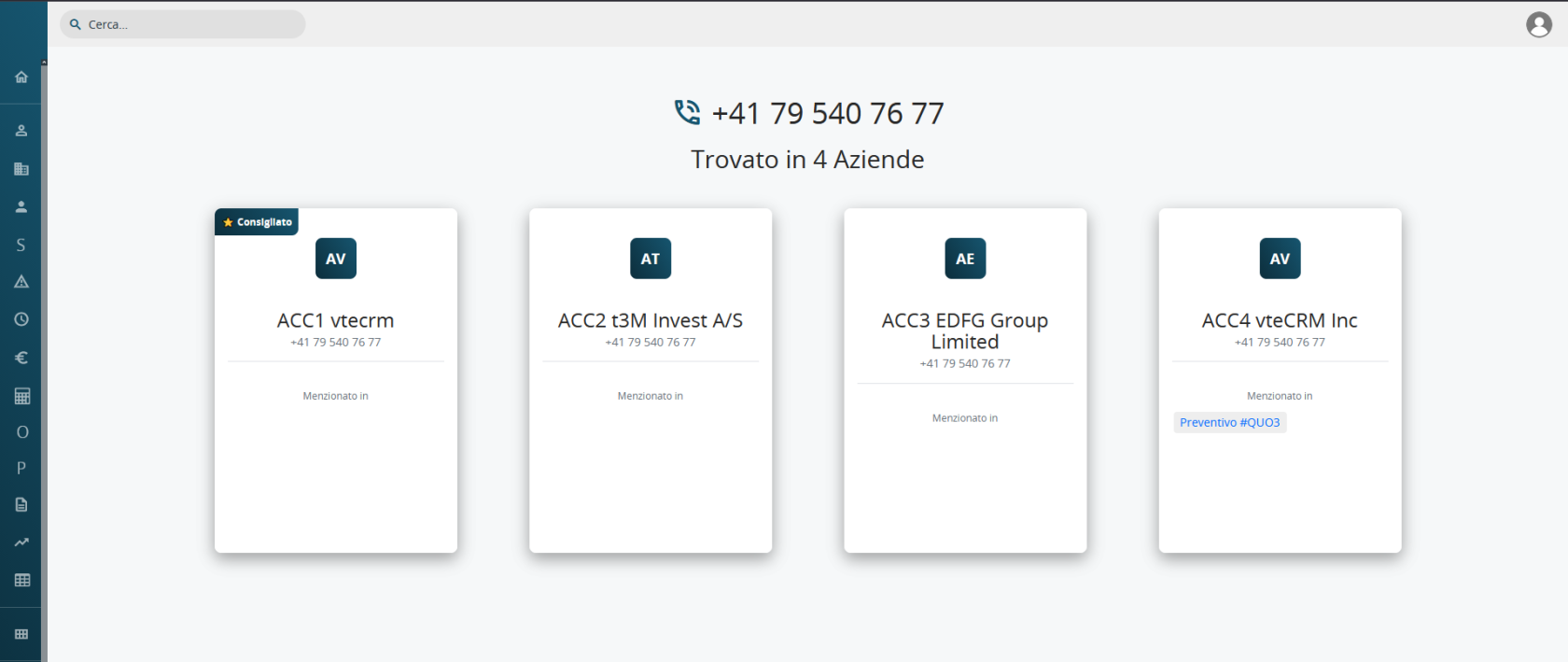
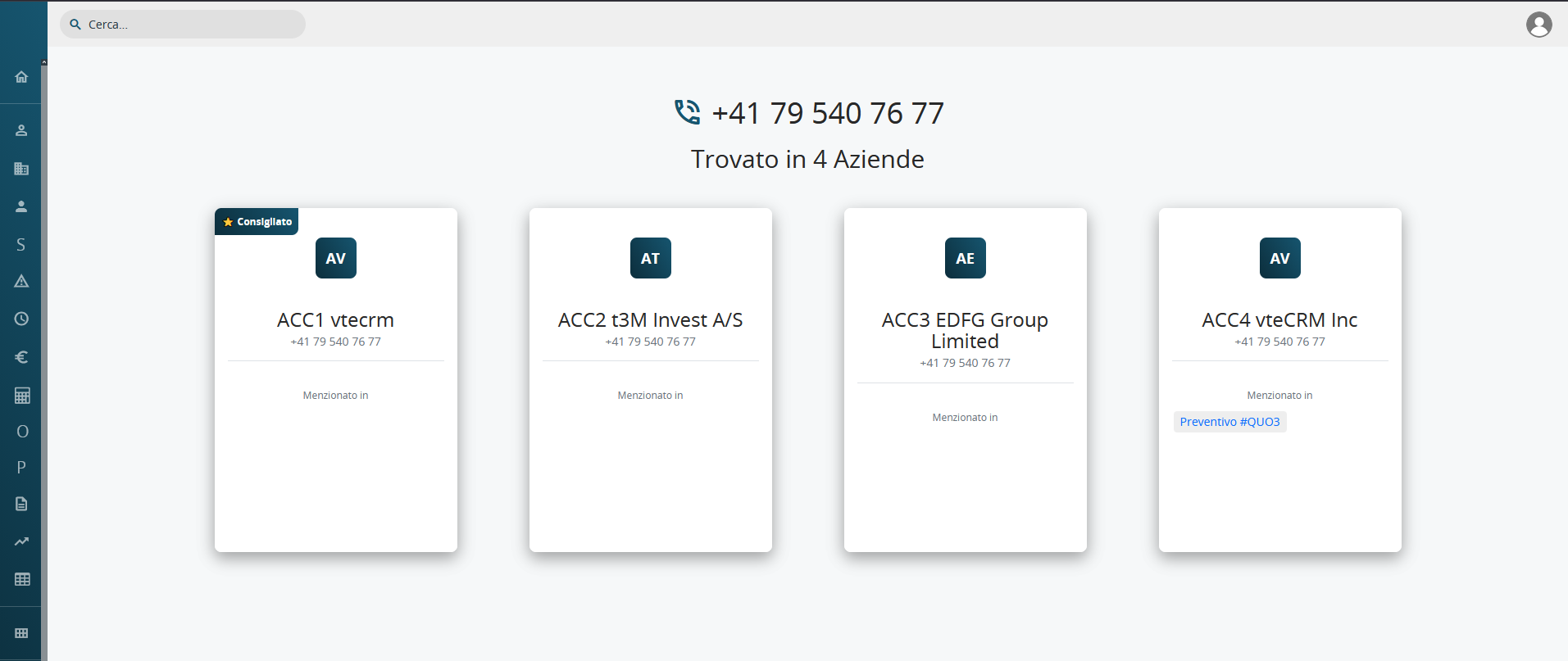
- Multiple results: the operator sees several cards containing the record name, matching phone number, and linked records. One card may be marked as Recommended, but the operator can select any result.
- No result: an unknown-caller popup is displayed, with the option to search for the number online.
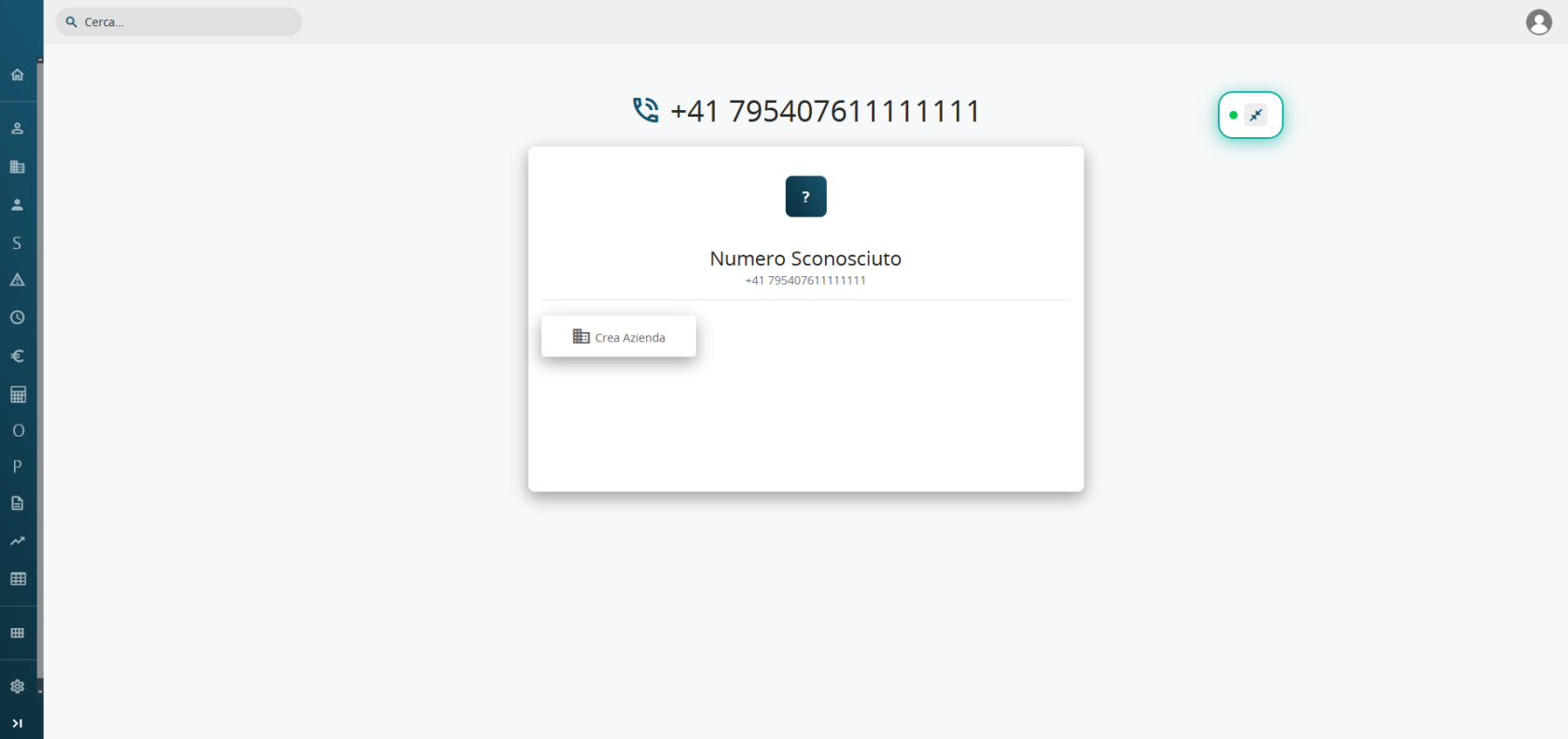
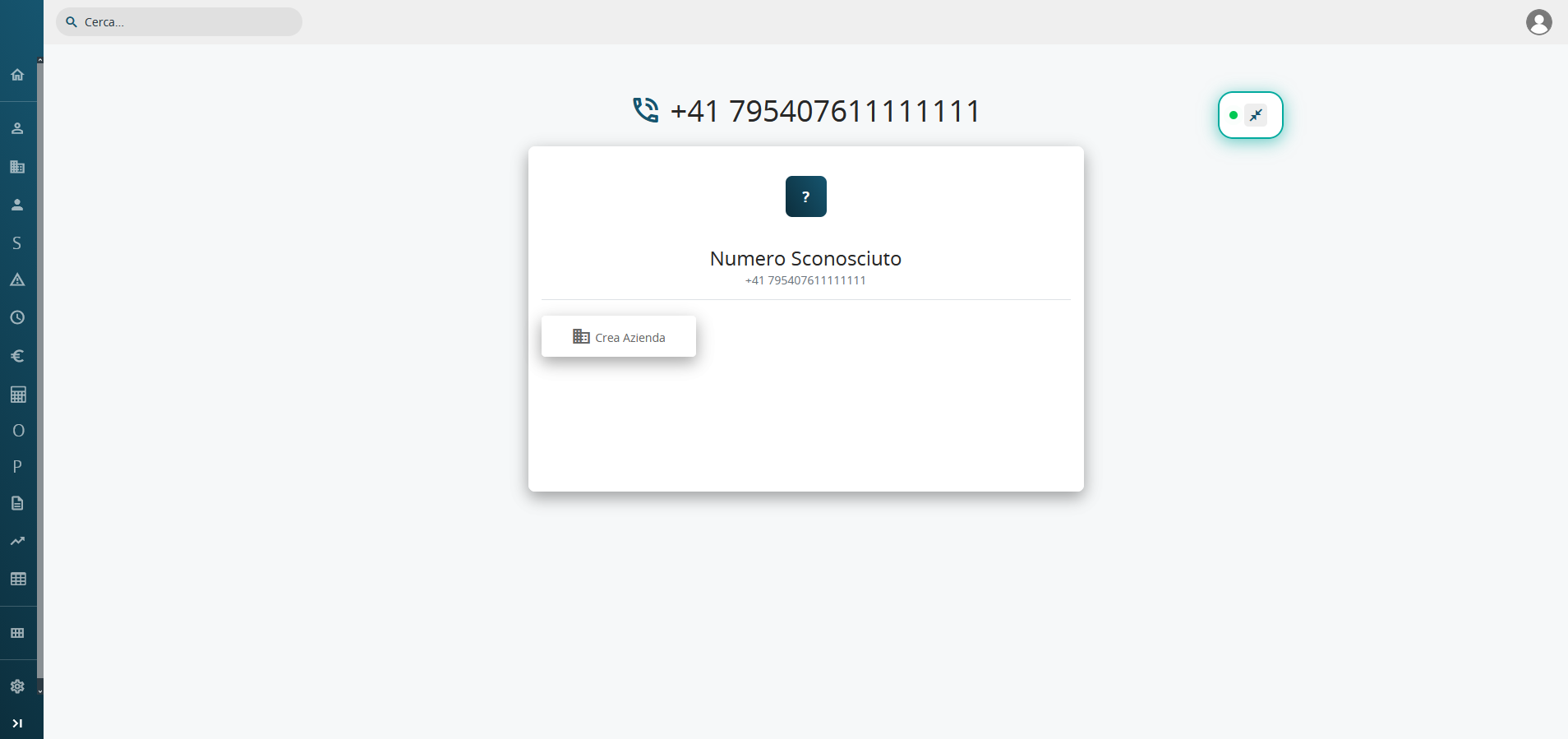
If a Create Record quick action has been configured for the operator's role, a new CRM record can be created directly from the popup during the call.