Introduction and Overview
Overview of the TeamsPhone Plugin: what it does, how it works, and why it supports the operator without managing the call.
- What Is TeamsPhone Plugin?
- How It Works
- Where TeamsPhone Plugin Is Configured
- Benefits
- Installation Requirements
What Is TeamsPhone Plugin?
TeamsPhone Plugin is a native vtenext plugin that integrates Microsoft Teams telephony with the CRM. When a call arrives, the plugin automatically recognises the caller's number and displays the corresponding information already stored in the CRM, without requiring a manual search.
The goal is to reduce delays when answering: the operator immediately sees who is calling and can act at once, keeping the focus on the conversation rather than searching for data.
How It Works
TeamsPhone Plugin works in three automatic stages:
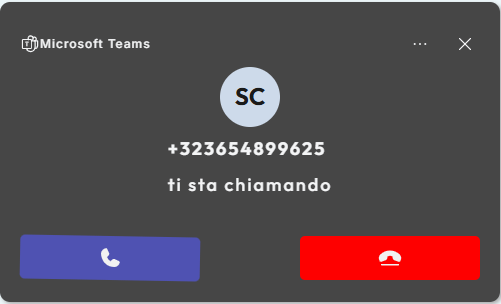
- Call notification: when a call arrives, Microsoft Teams proactively sends the notification to the CRM through a policy configured at company-tenant level in the Microsoft Teams administration.
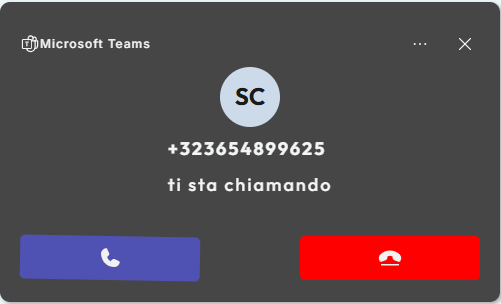
- CRM search: after receiving the notification, TeamsPhone Plugin searches for the number in the configured module and can continue with linked searches in associated modules.
- Result display: the plugin shows a single result, multiple result cards, or an unknown-caller popup.
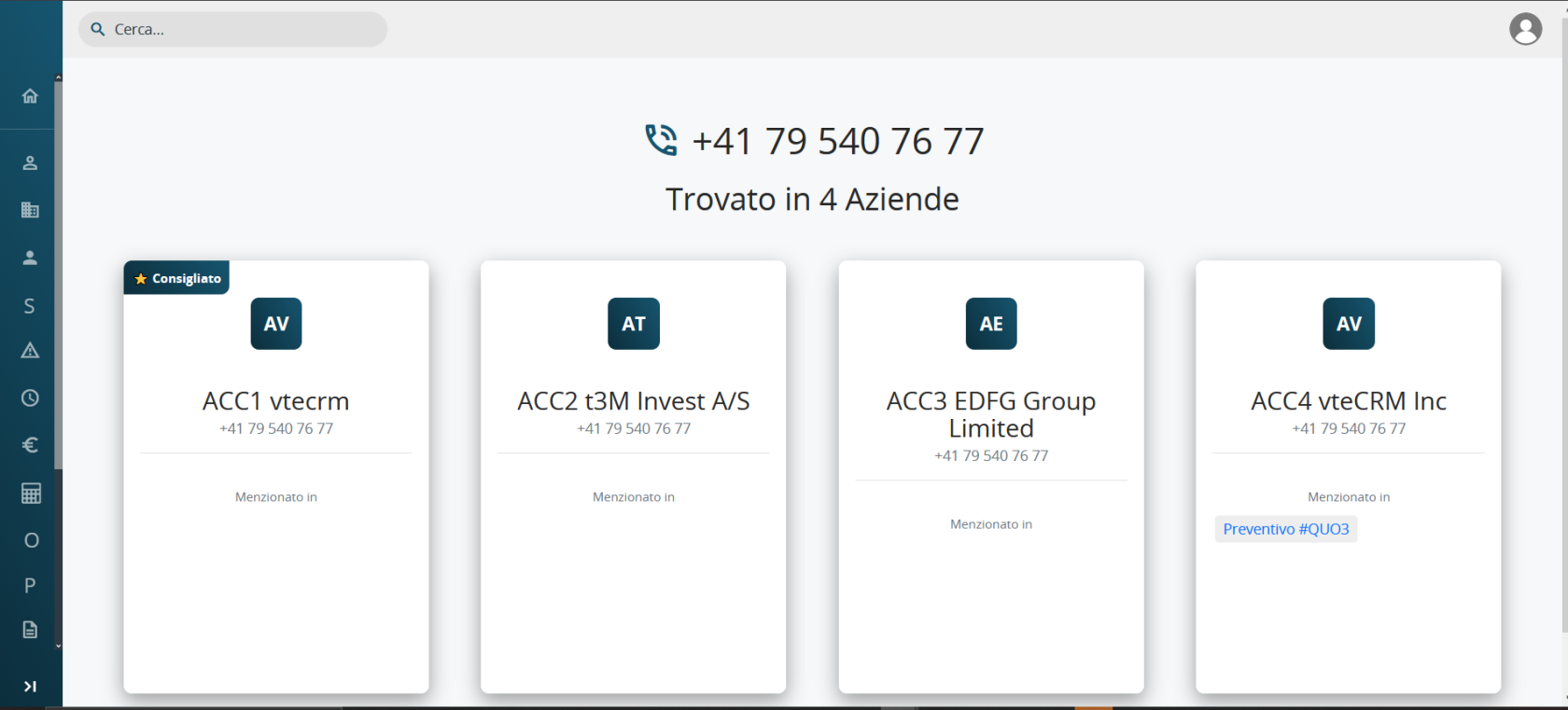
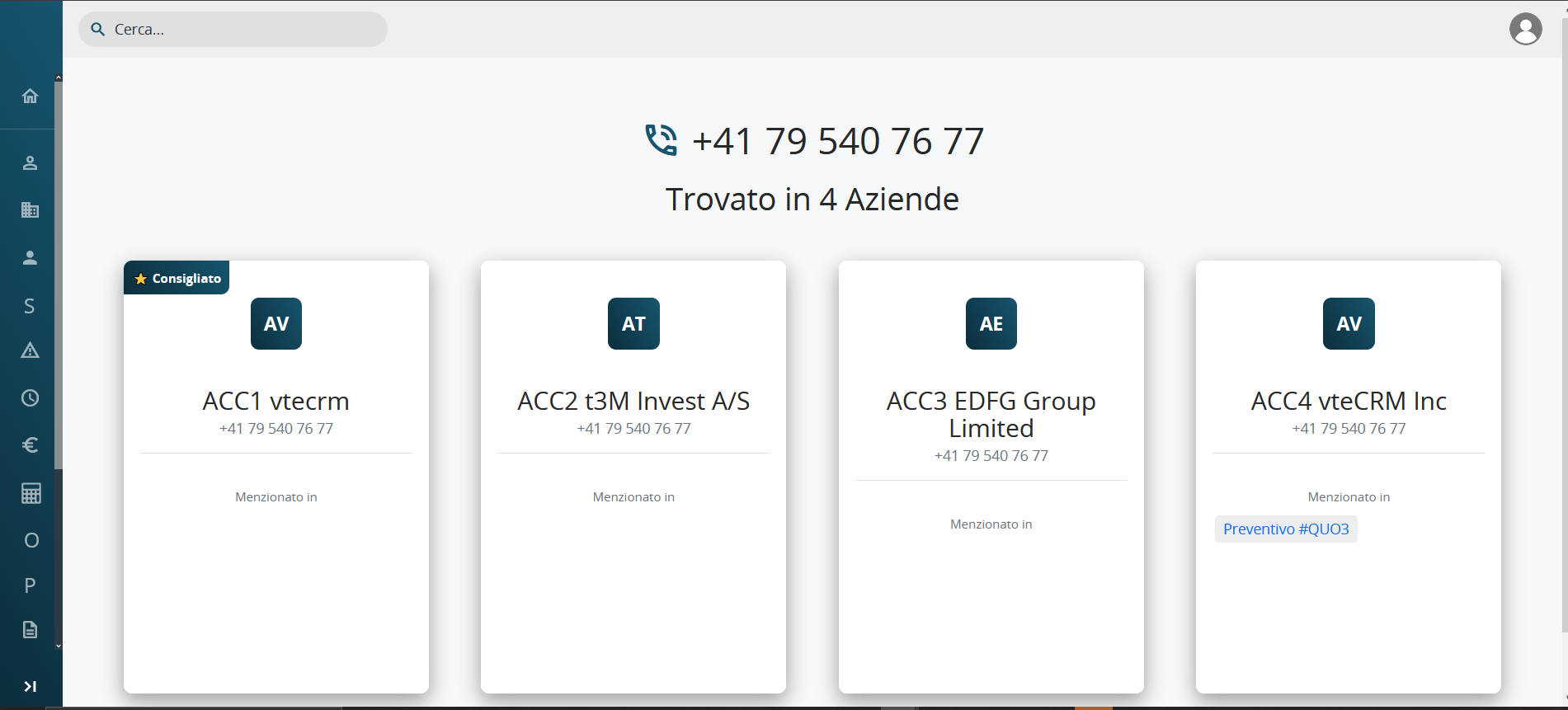
The popup can be moved freely and minimised.
Important: TeamsPhone Plugin is an integration, not a synchronisation.
Microsoft Teams and vtenext remain independent. Answering or ending a call in Teams does not automatically close the popup, and closing the popup does not end the Teams call. The call must always be managed directly in Microsoft Teams.
Where TeamsPhone Plugin Is Configured
TeamsPhone Plugin is configured in two separate areas of vtenext:
- Teams Connector, available in vtenext Settings. It manages licence activation and defines the CRM modules and phone fields in which the caller's number is searched.
- Popup Configurations, a dedicated vtenext module used to define which information and quick actions operators see during calls. Multiple configurations can be created and assigned to different company roles.
In summary, the Teams Connector defines the technical operating rules, while Popup Configurations define the user-facing content and behaviour.
Benefits
TeamsPhone Plugin turns an unexpected call into a prepared interaction by immediately providing the operator with useful information and actions.
- Immediate caller identification without manually searching the CRM.
- Instant operational context, including linked records such as existing quotations.
- Quick actions for opening or creating records during the call.
- Role-based flexibility, so each user sees only relevant modules and actions.
- Non-intrusive popup that can be moved and minimised.
Installation Requirements
Before installing and using TeamsPhone Plugin, verify that the vtenext environment meets the requirements listed below.
Supported vtenext versions
TeamsPhone Plugin is supported on vtenext versions from 24.08.x up to 26.x.
Versions later than 26.x are not currently supported.
HTTPS connection
The vtenext instance must be reachable through a valid HTTPS connection. The SSL/TLS certificate must be correctly installed and trusted by the devices and services that use the plugin.
Plugin licence
An active licence associated with the specific vtenext instance is required to use TeamsPhone Plugin.
Administrative permissions
Installation and initial configuration require a user with administrative permissions in vtenext. Microsoft Teams tenant administrator permissions are also required to configure PSTN call notifications.