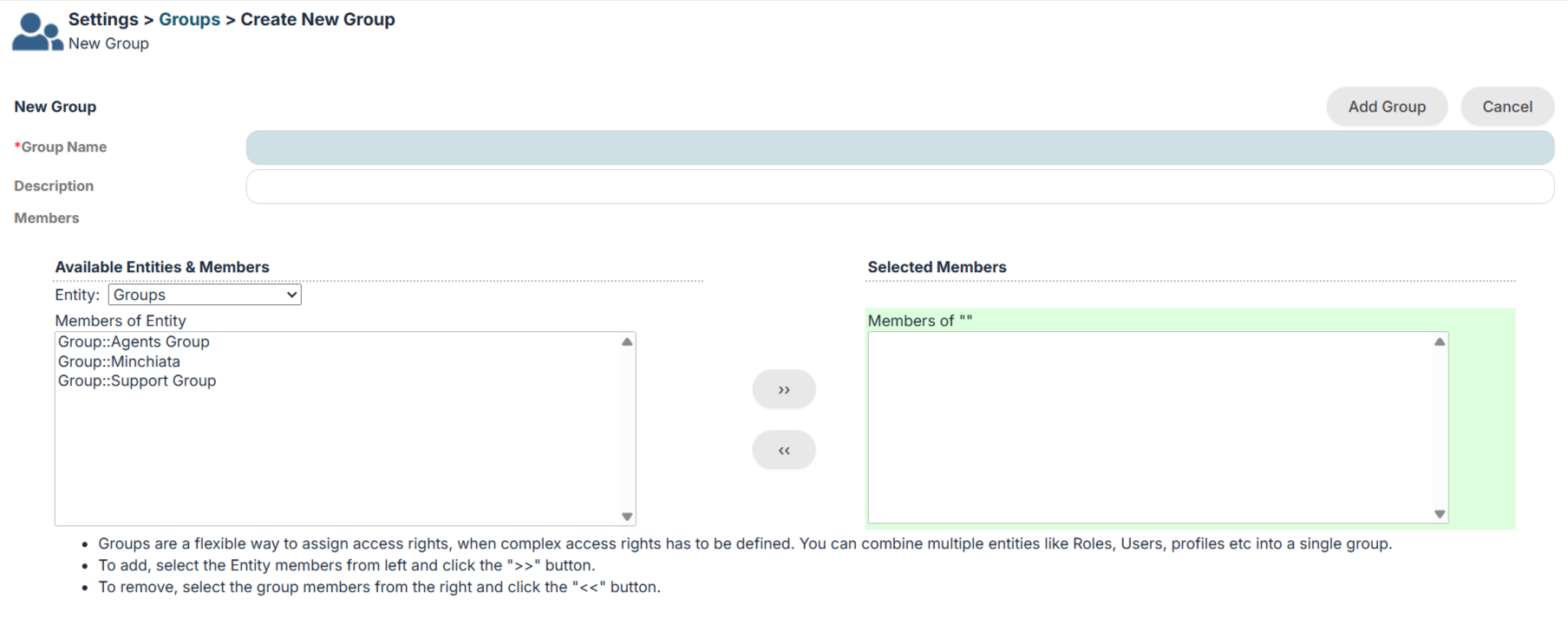
16.4 Groups
Groups are effective tools for bringing together users who belong to the same team. They are used for data assignment.
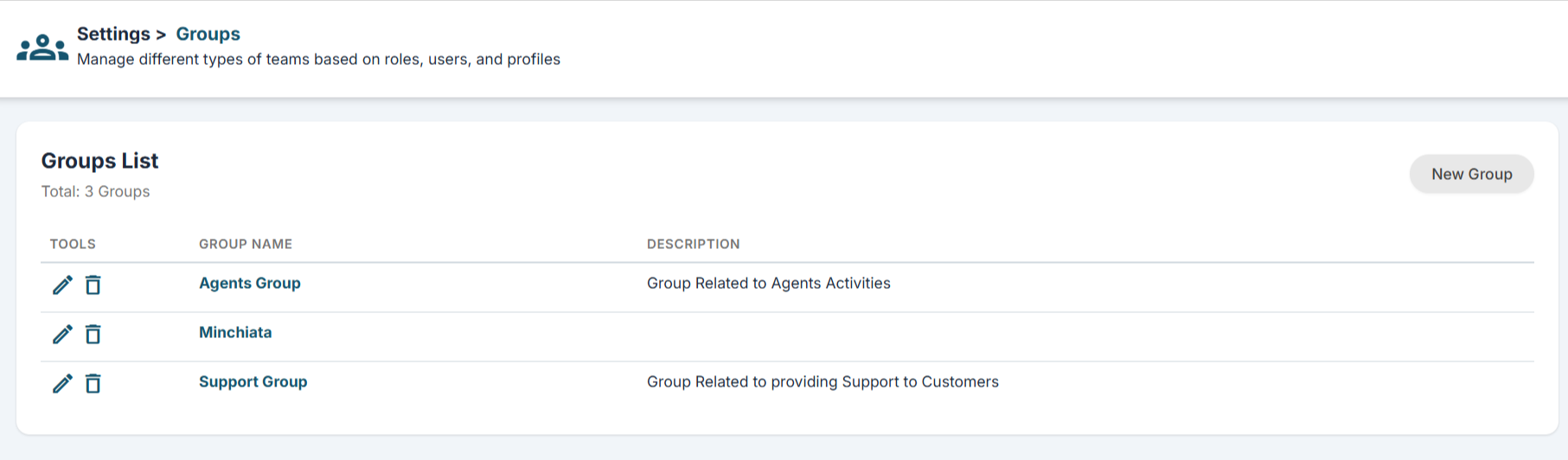
For example, if a Ticket arrives from a customer, you assign it to a dedicated Ticket management group so that all those users can see it. The first free user will be the one to take charge of it by assigning it to him/herself. To view the list of groups and create new ones, go to Settings> Groups
IMPORTANT: Groups can be composed of sets of: Users, Roles, Roles and Subordinates, other Groups.