17.7.2 Modules Manager and Layout Editor
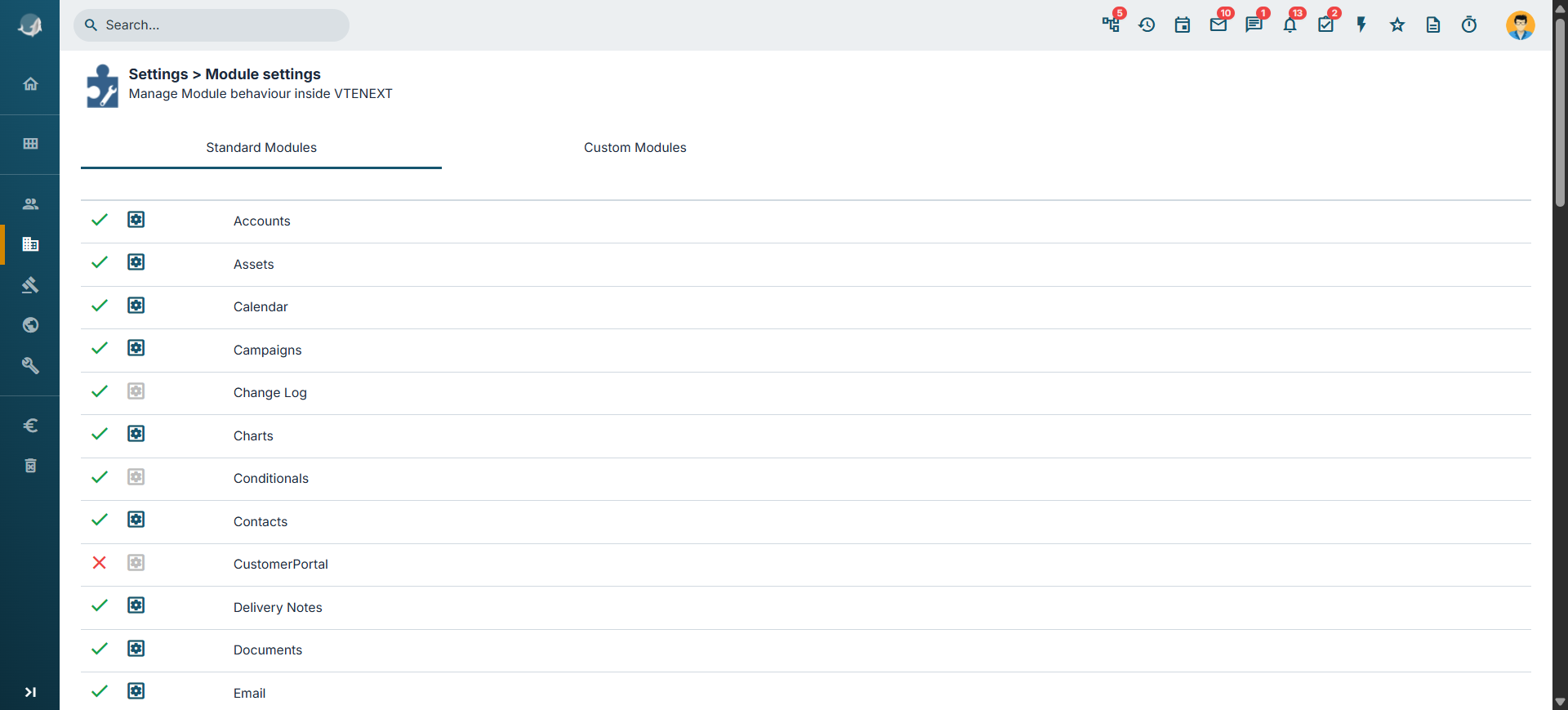
The Modules Manager allows for the activation and deactivation of all modules within the CRM, both standard and custom. It also allows us to manage the updating, enabling, disabling and creation of modules in the CRM.
In the list of modules, the green flag means that the module is active as a general CRM setting.
To deactivate it and "turn it off" (acting on all users/profiles/roles except the administrator), just click on the flag and it turns into a red X.
The Layout Editor can be accessed via the gear icon and from the Module Manager.
- Layout Editor: creation of fields, addition of block and shifting of fields already inserted;
- Mobile Layout: configuration of the field layout for access via apps;
- Field Formulas: for calculation functions on custom fields;
- Linked Picklist Editor: Edits the links between picklists;
- Standard Picklist Editor: customises the picklist values in each module.