Advanced Telemarketing Module Usage
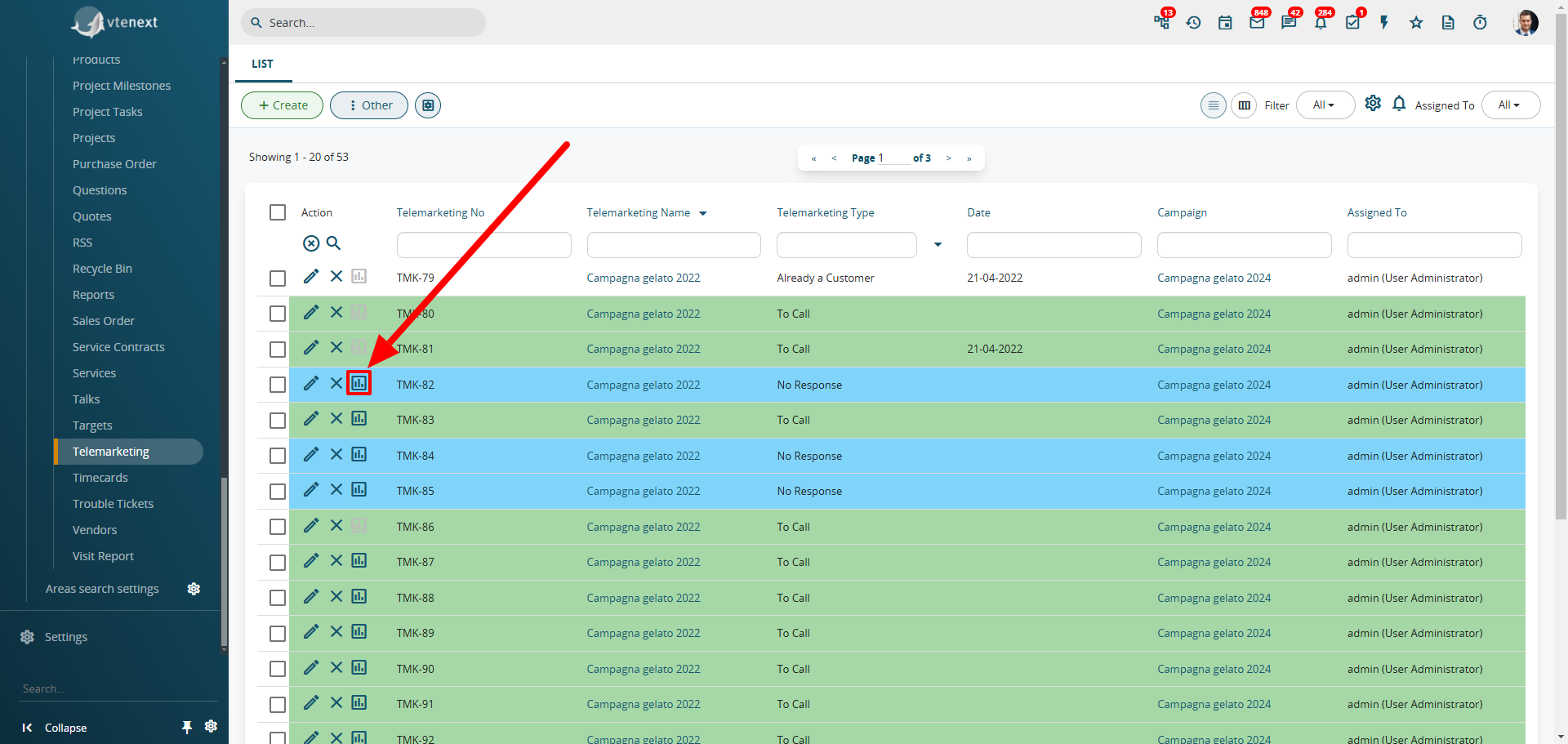
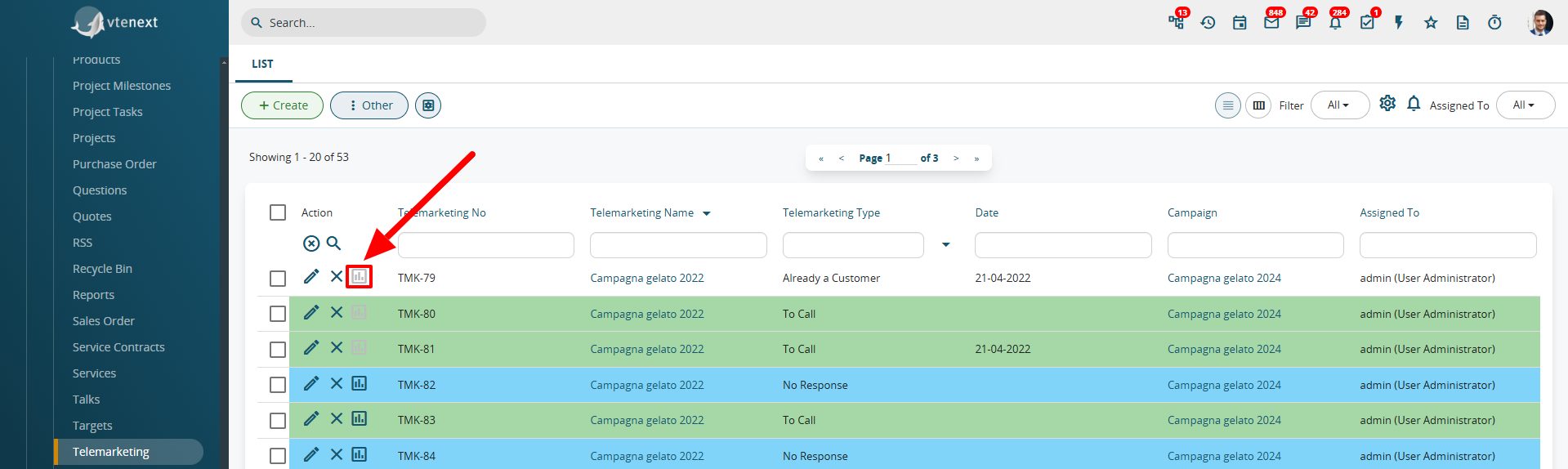
By accessing the dedicated “Telemarketing” page, you will see a complete list of all telemarketing campaigns created for the company, identified by the "Telemarketing Number". To view all relevant information, open the window located in the "Action" column, which corresponds to the "Questionnaire to be completed".
Once opened, this window will display all the assigned data from the campaign creation phase, including the questionnaire, script, and related questions.
![image.png]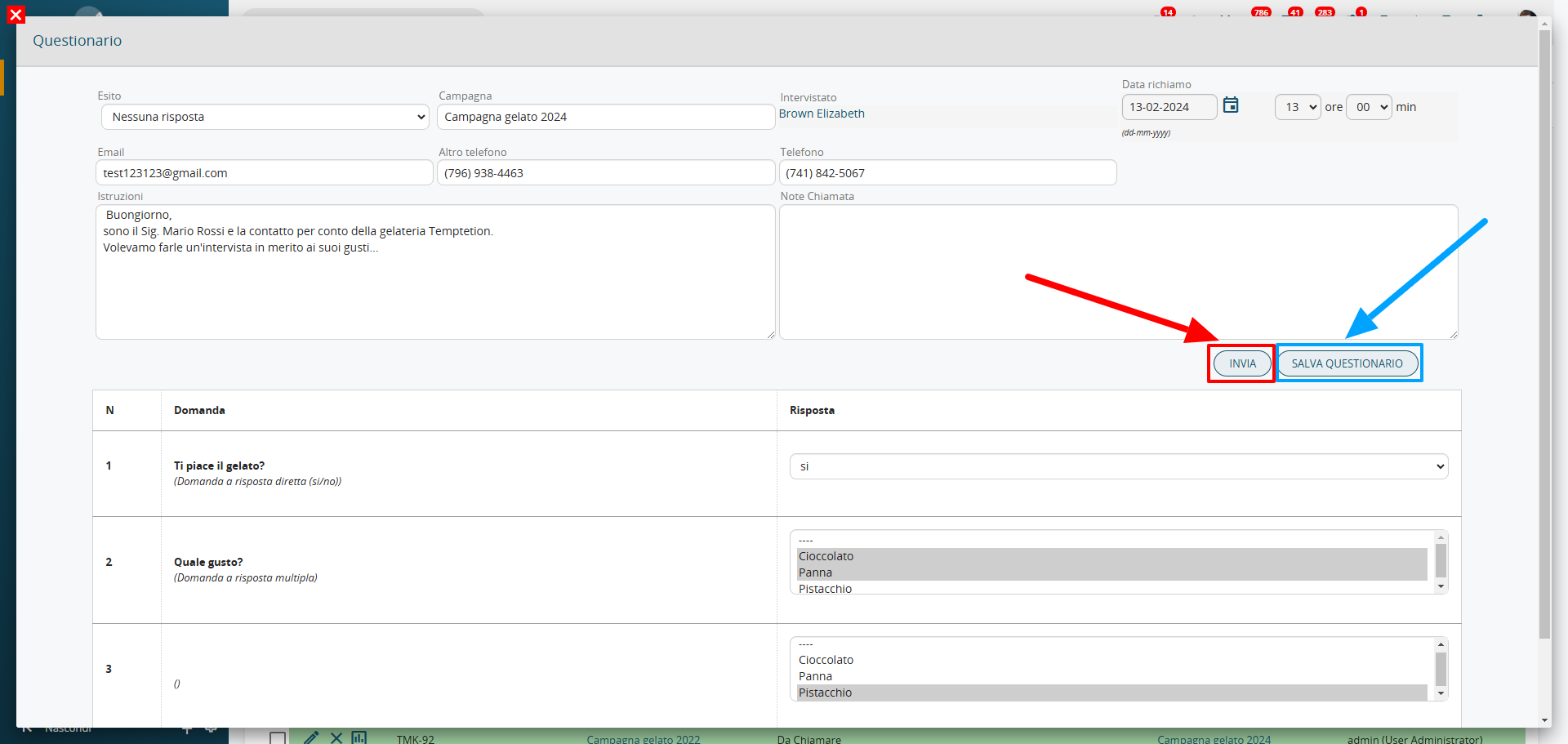
All previously entered data can be consulted and utilized later through filters and/or reports.
For each questionnaire entry, there are two save options available:
- Send: The questionnaire is not saved as it still needs to be completed.
- Save Questionnaire: The questionnaire is finalized, and the collected data can no longer be modified. (In the Telemarketing module list view, note that the questionnaire icon will appear disabled).