
1.5 Process Manager Section: General Description and List of Features
GENERAL DESCRIPTION
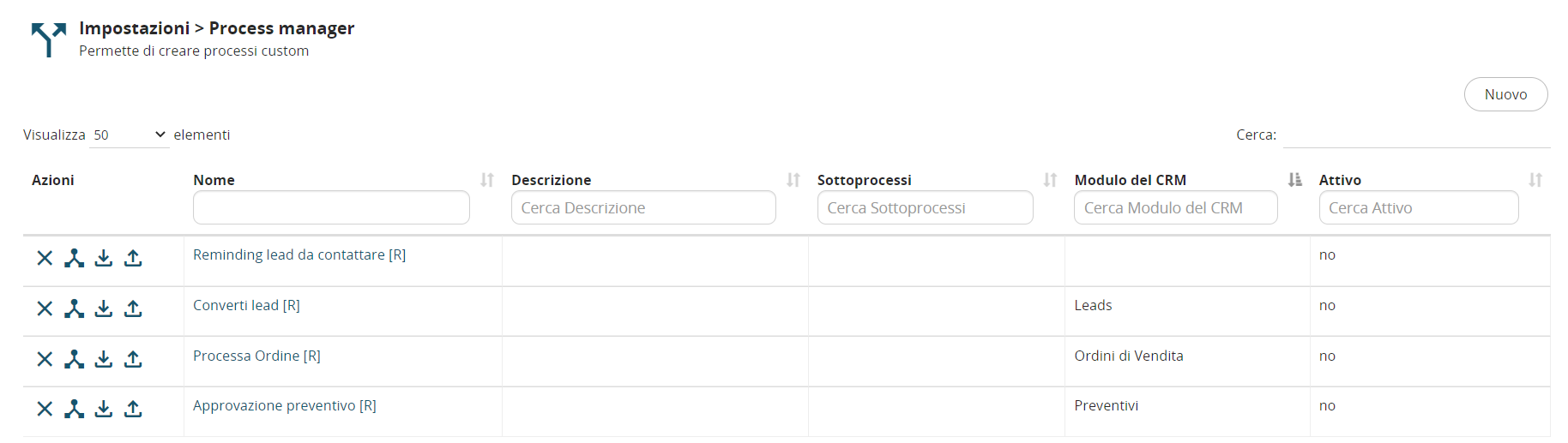
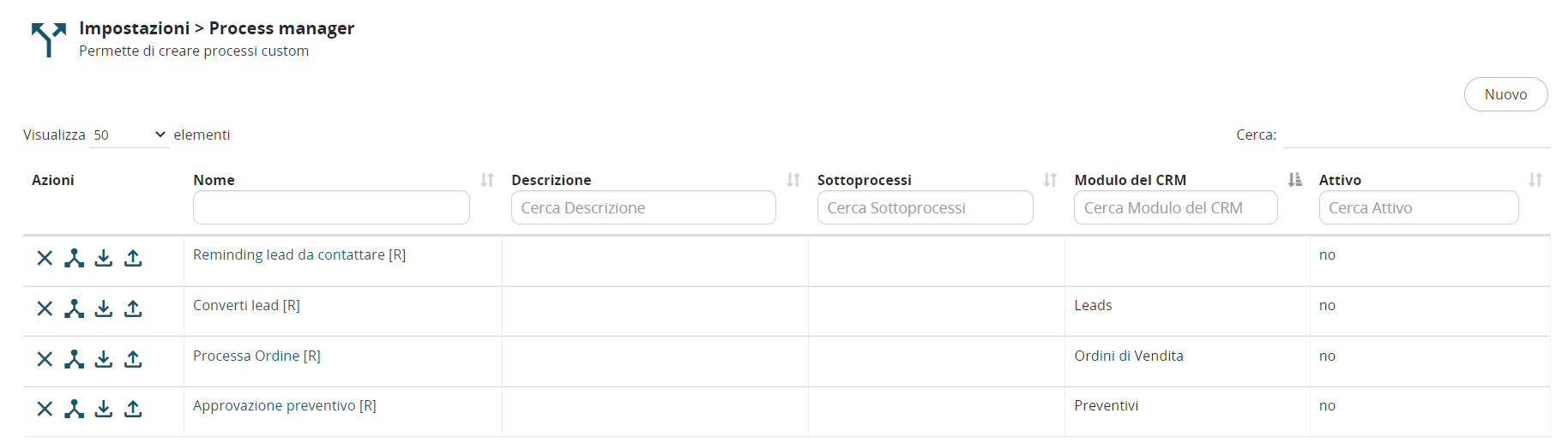
This section allows you to modify, create, import, and export BPMN processes.
It is composed of the following columns:
-
Name → represents the name of the process
-
Description → represents the description of the process
-
Sub-processes → indicates the list of any sub-processes linked to the current process
-
CRM Module → indicates the name of the main CRM module involved in the process, which forms the basis for the initial (starting) conditions of the process
-
Active → indicates whether the process is active (yes) or inactive (no)
Accessing the Process Manager Section with the “Next” Theme
To access the Process Manager section with the “Next” theme enabled, follow these steps:
1) Click on the profile icon, then select “Settings”

2) In the left-hand menu, click on the “Business Process Manager” section, then select “Process Manager”
