
3.15 Call External Web Service
This action allows you to call an external REST-type web service. (Figure 1)
All the call data can be configured under Settings -> Business Process Manager -> External Web Services.
You need to define the endpoint to be called, authentication, any static parameters, and returned fields.
Once everything is configured, one of these services can be called within the process.
From here, dynamic parameters (name and value) can be defined, so the web service call will be made with all the static data set in the settings and the additional dynamic data defined in the process.
Within the flow, it is possible to check whether the call was successful, as this action always returns 3 static parameters (success, response code, and message code).
In addition to these, the fields defined as returned fields will also be present and can therefore be extracted from the response.
In the case of complex responses (objects with multiple attributes), it is possible to extract these up to one level of escalation (by specifying the returned field name and attribute, e.g., object.attribute).
Reading attributes in the case of object lists as a response is not supported.
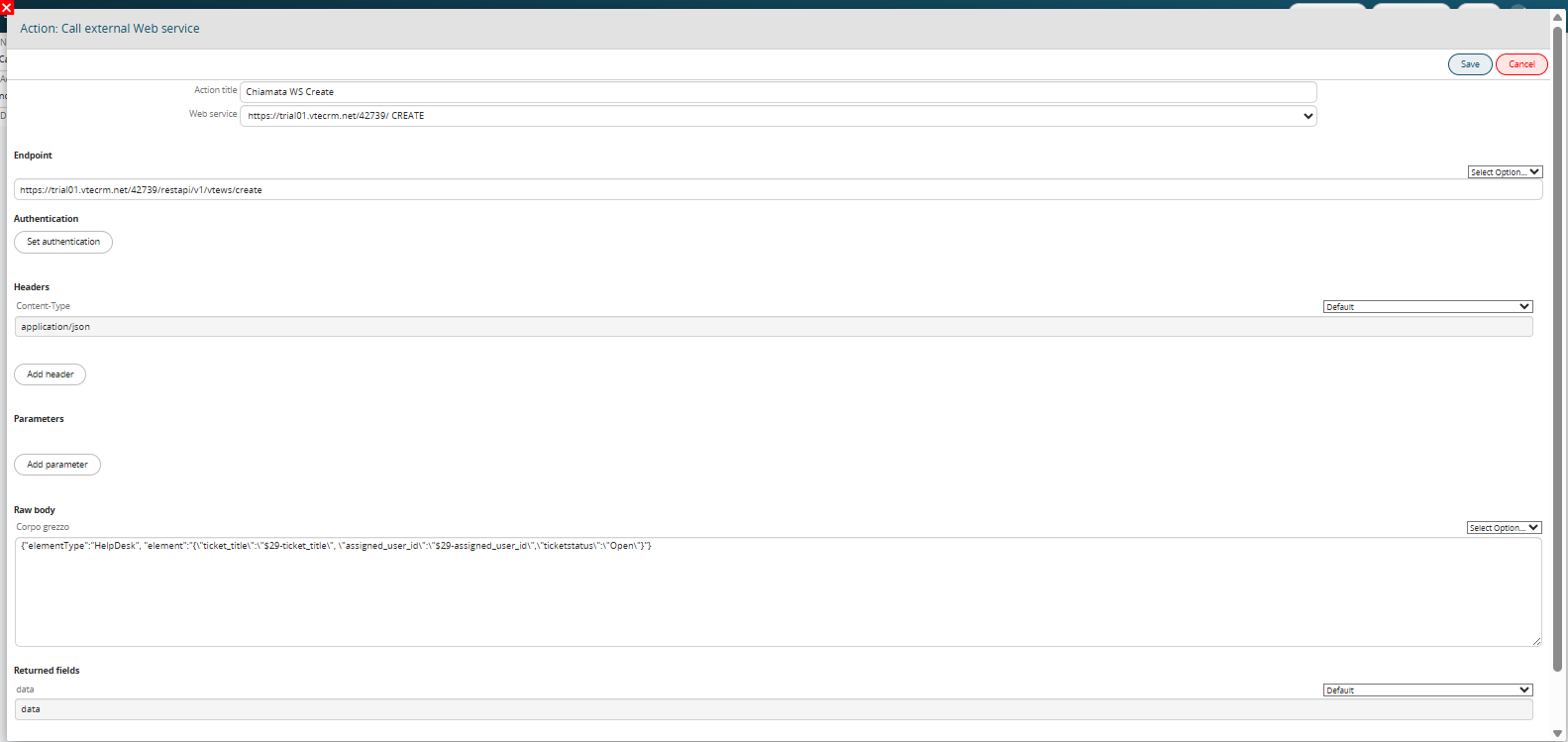
Figure 2