
5.2 Managing Properties of Individual Fields
To manage the properties of individual fields in the dynamic form, you will need to click on the “Edit” button to the right of the field name (Figure 1)

Figure 1
Specifically, you can manage the following properties: - Default Permissions → by filling in the “Permissions” picklist you can select one of the following items: “Read / Write”, “Read Only”, “Hidden” (Figure 2)
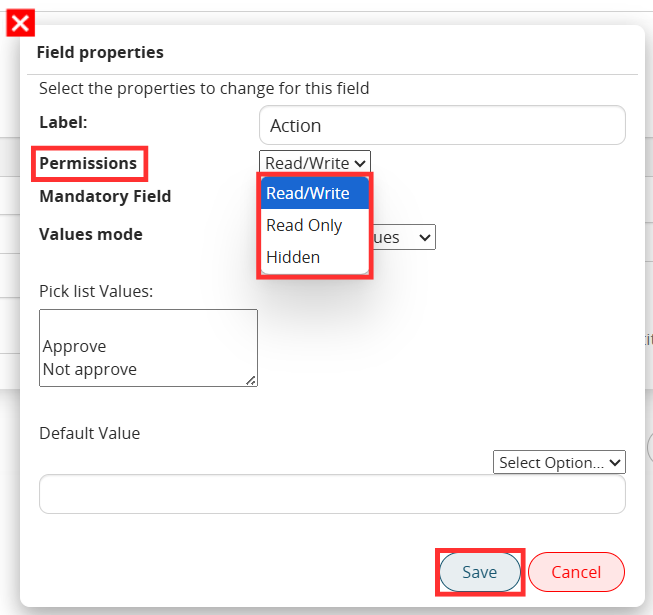
Figure 2
To set mandatory permissions instead, you will have to select the “Mandatory” flag (Figure 3)
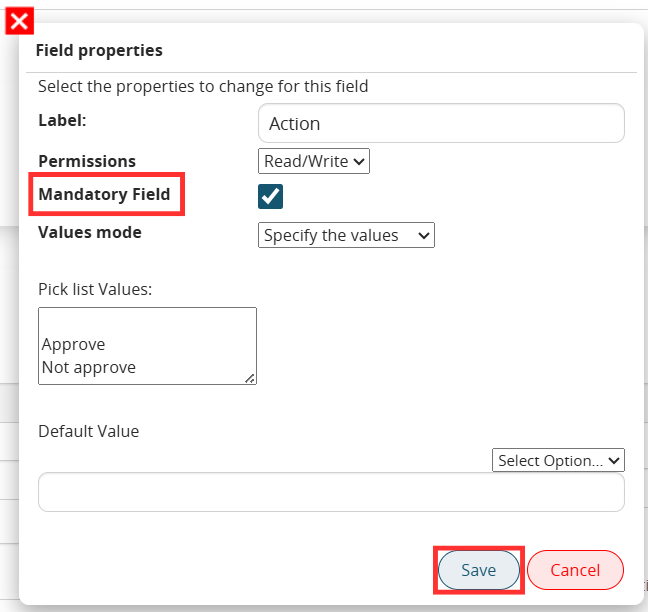
Figure 3
- Default Value → by filling in the “Default Value” field it will be possible to indicate a static or dynamic default value (by choosing from the “Select Option picklist”) (Figure 4)
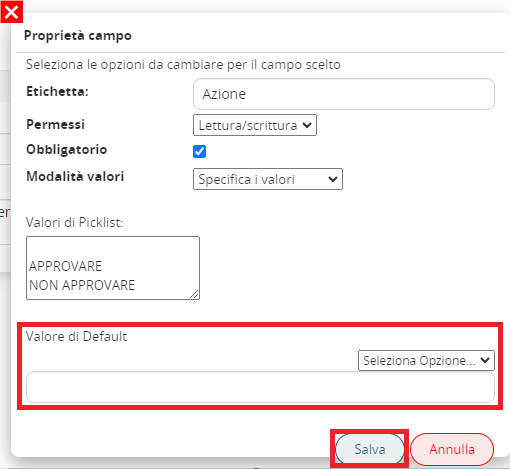
Figure 4
- Values mode → this is an exclusive feature for “Picklist” type fields.
It allows you to choose whether to specify static values as components of the picklist (by selecting the “Specify values” item, Figure 5) or whether to inherit the values of an existing picklist on one of the modules involved in the process or present in the CRM (by selecting the “Inherit from a field” item, Figure 6).
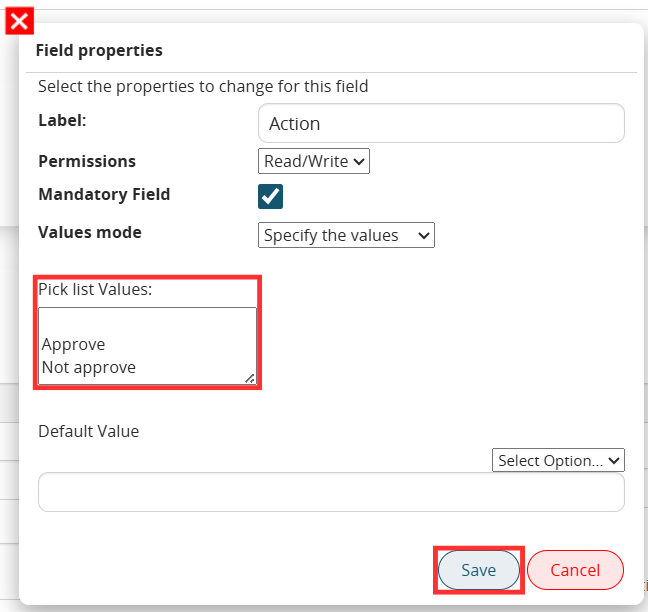
Figure 5
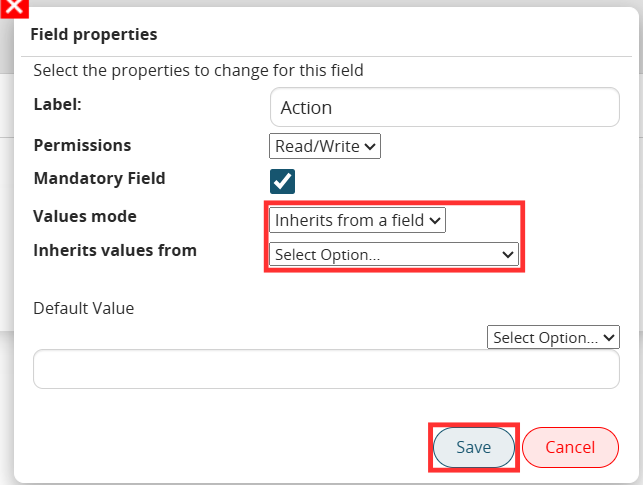
Figure 6
NOTE: within the processes it is possible to separate the process into different branches that are traversed by the flow based on the conditions that occur within it.
For this reason, when configuring this functionality, it is good to pay particular attention to the sources from which we are going to obtain the values to inherit.
In fact, in the case in which the values of a field are inherited by fishing it from an instance involved in the process, it must be ensured that that instance is actually always involved in the entire path that then leads to the process helper, otherwise there is a risk that the system will not return anything because, in that specific branch traversed by the process, the instance of that module does not exist.
For example, if the process is divided into 2 different branches, in which in the first there is a create entity action on the companies module and in the second instead the process helper that we are configuring, if we go to fish the values to inherit by pointing to the company created by the create entity action we will not obtain any value, this is because in the path that leads to the process helper that company is not created.
So in this case we will have to point to the variables linked to the generic modules present in the CRM (Figure 7)
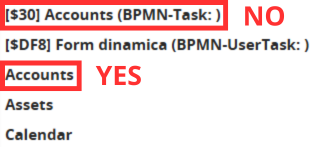
Figure 7