
Synchronization and Creation of a New Event
After configuration, the system will start synchronizing events. Events created from vtenext will be immediately available in Google Calendar, while those created from the Google application will be synchronized everythrough threethe minutescron (valuequeue modifiableconfigured fromby DB).
the administrator. The “synchronization is incremental through Google Sync”sync tokens: only changes made after the last successful execution are downloaded. The Google Sync button will stillalso be available to force a manual synchronization.
When creating a new event in the CRM, it will be possible to checkselect “"include video call”call" to generate a Meet link,link whichthat will be inserted ininto the event description. If there are guests,participants, vtenext will automaticallyhandle sendsending theemail invitation emailsinvitations to the recipients.recipients as usual. It will also be possible to select a different Google destination calendar thanfrom the one configured as primary.the main calendar.
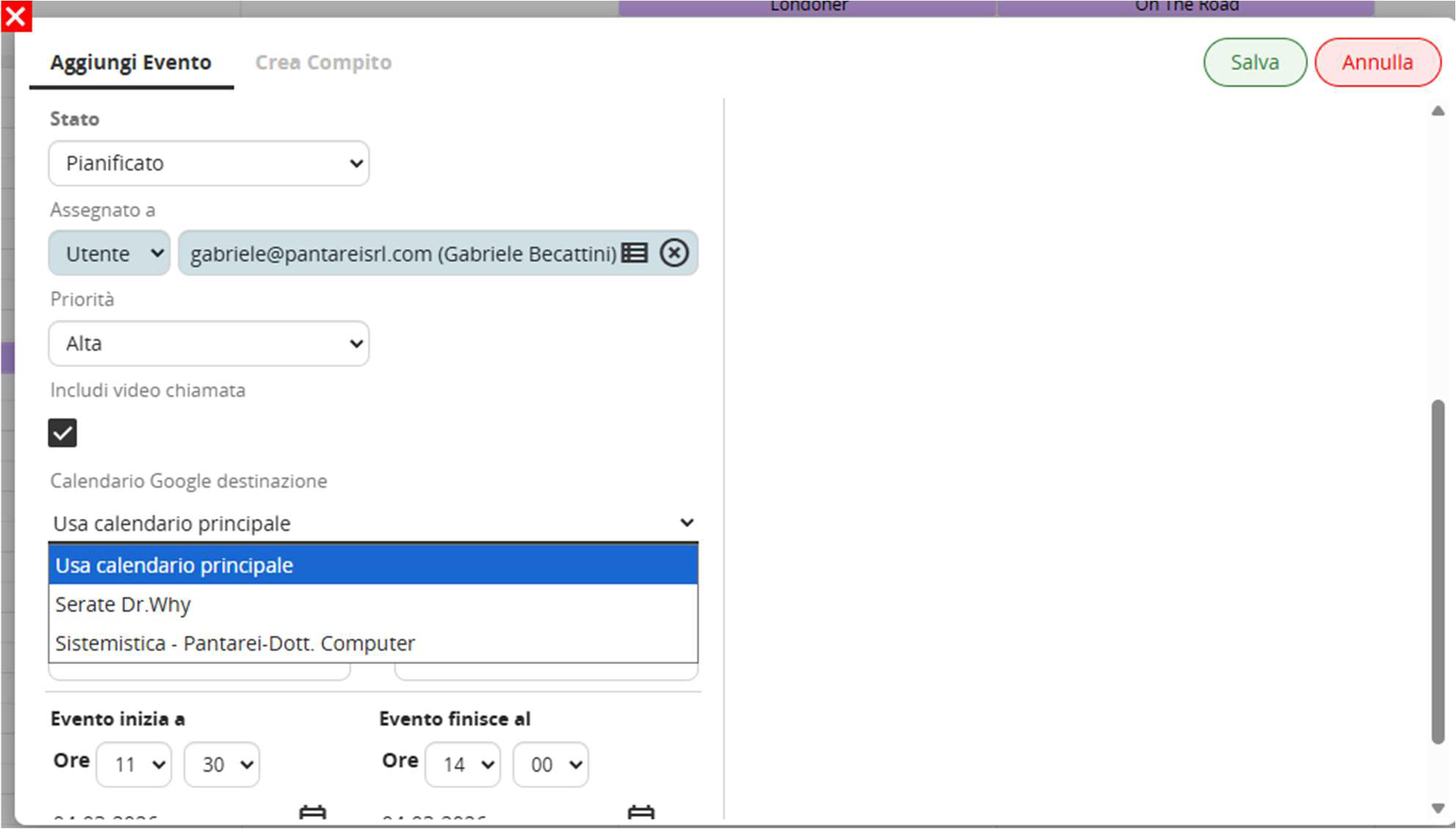
Event Creation
Example view of the two synchronized calendars between vtenext and Google Calendar.
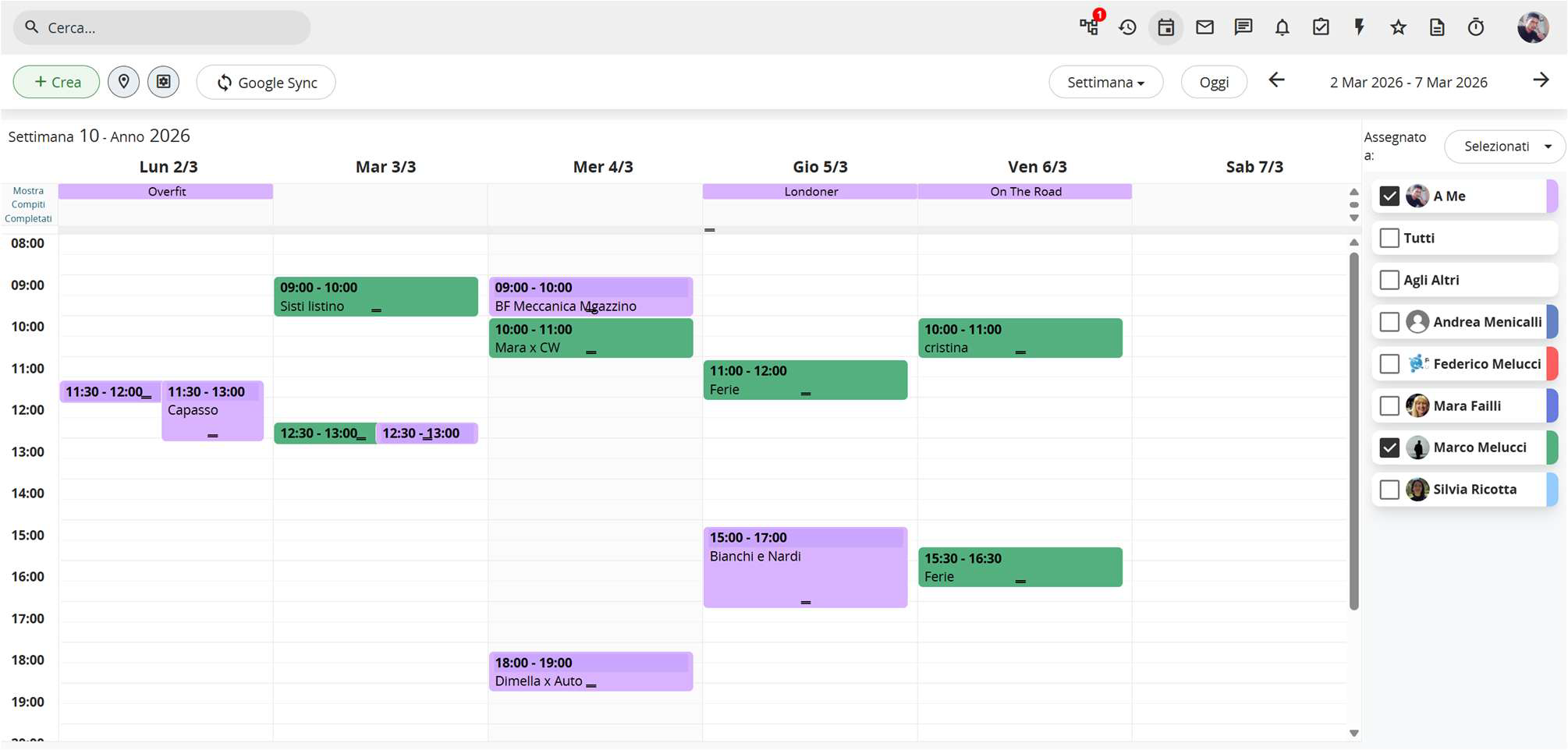
vtenext Calendar
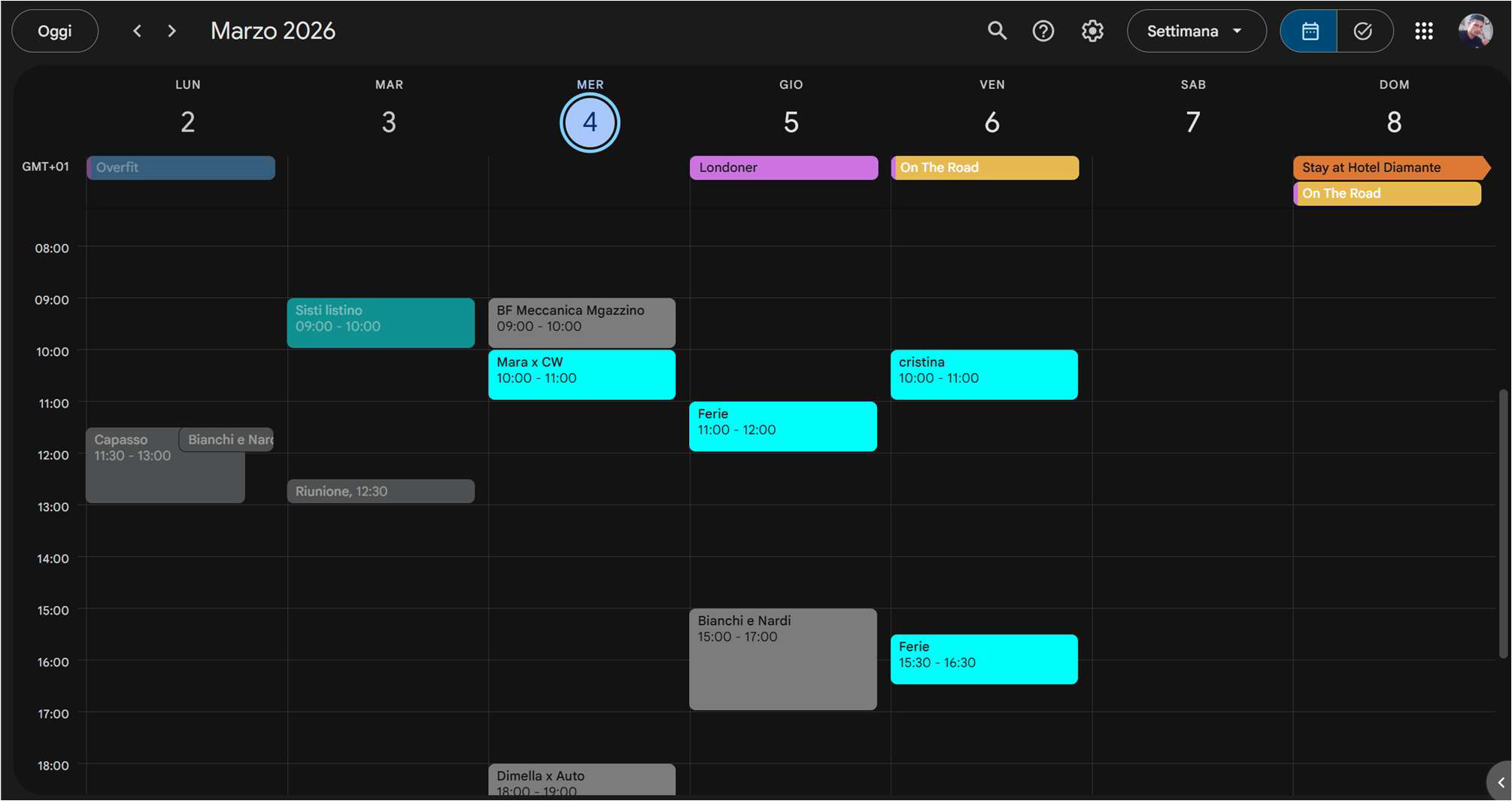
Google Calendar