Connect MailUp to vtenext
ACCOUNT CONFIGURATION
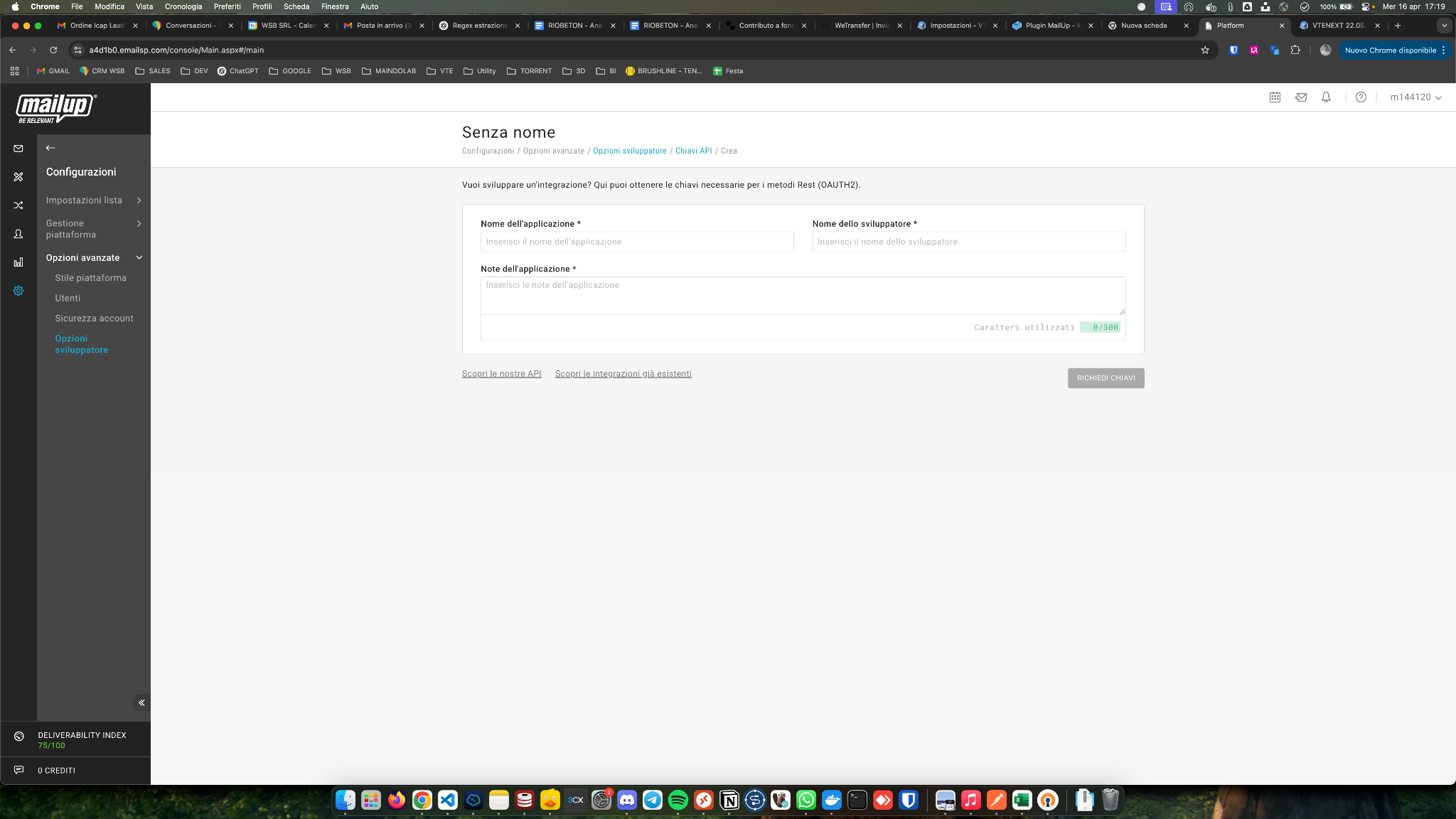
Log in to MailUp and go to Settings > Advanced Options > Developer Options > New API Key. This will generate the Client ID and Secret Key.
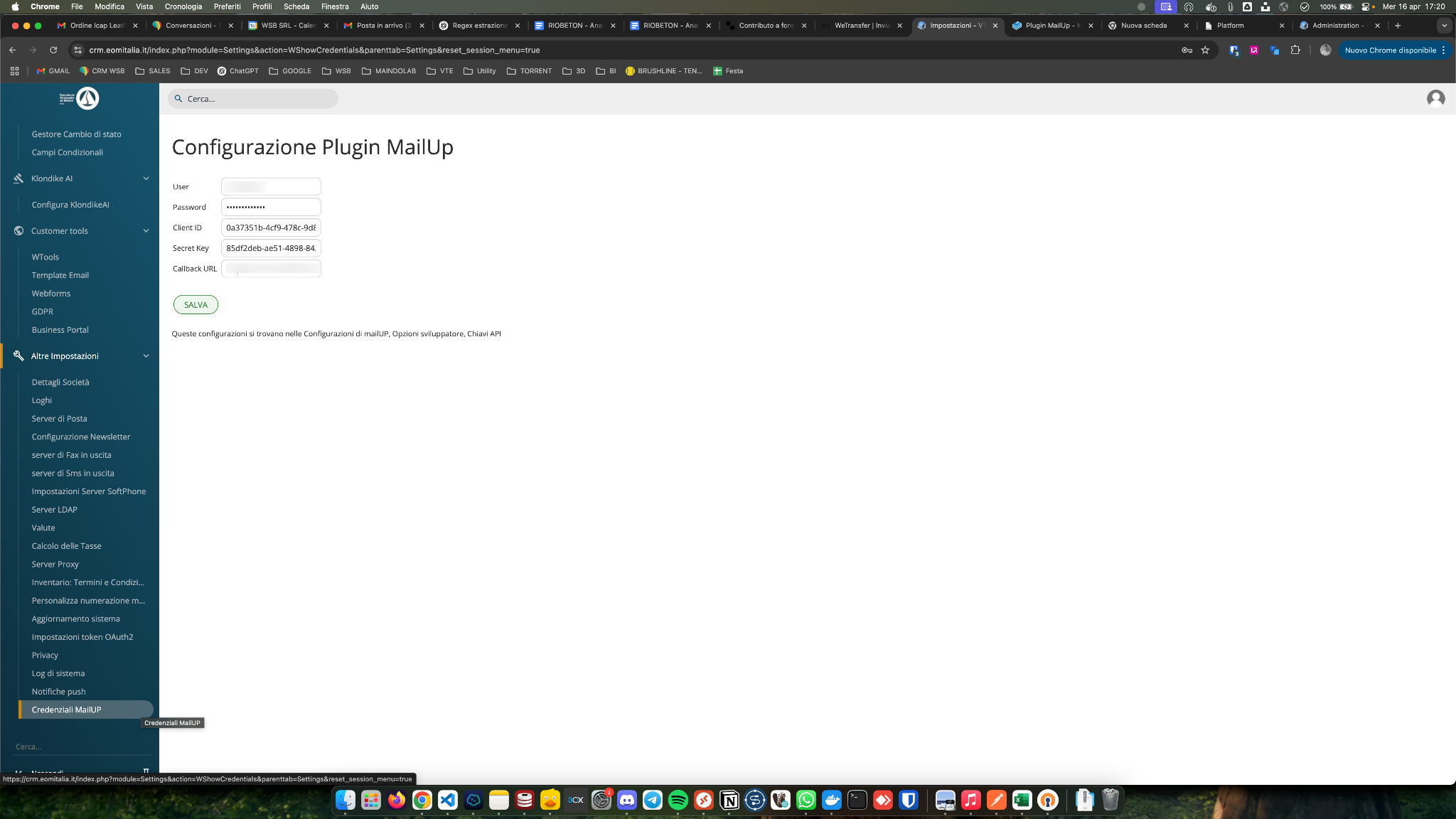
Enter the username, password, Client ID, and Secret Key in the Settings > Account Configuration section of vtenext. The CallBack URL is not mandatory and corresponds to the CRM URL.
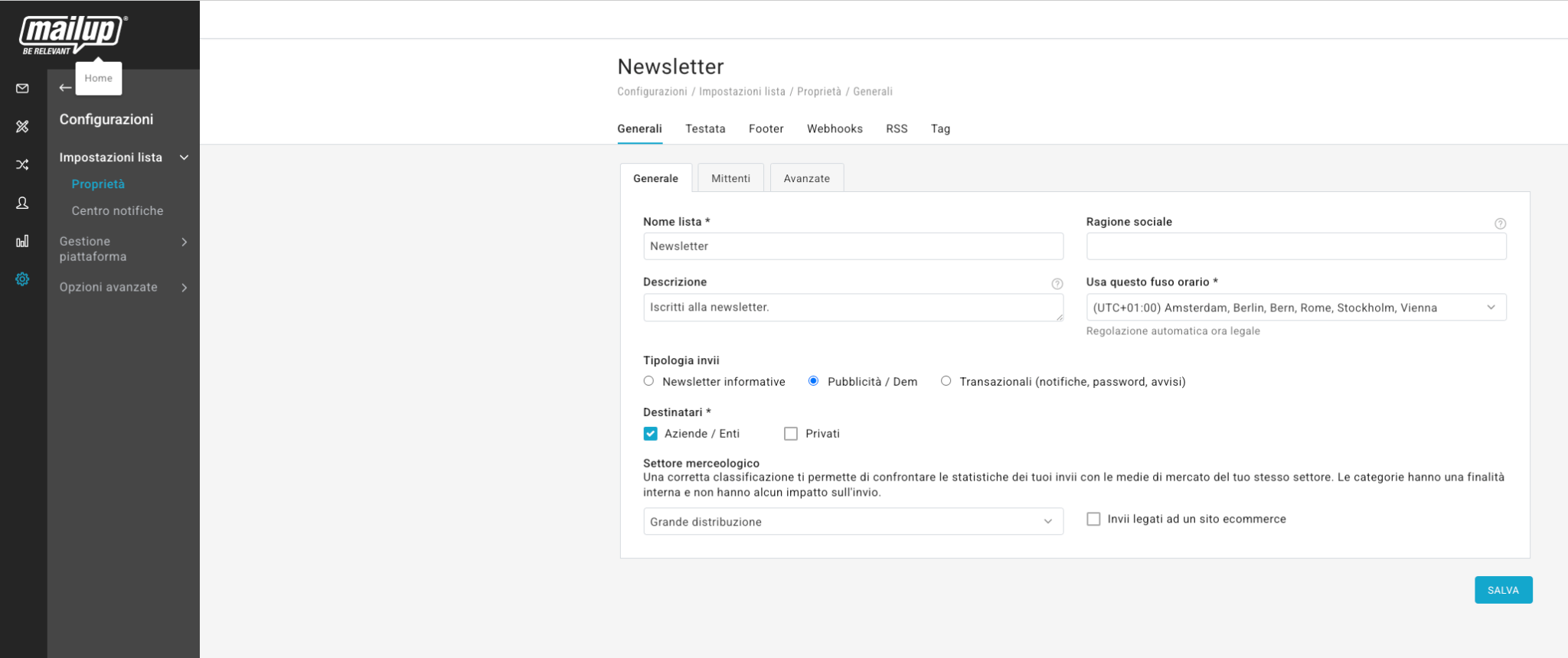
Configure the list by going to: Settings > List Settings > Properties > General.