
Update from web interface
Prerequisites
Make sure the following conditions are met before attempting to update:
- vtenext must be updated to version 25.02.2. Only from this version it's possible to proceed to the next update step
- A valid license must be active
- An admin user with local password (no 2-factor authentication or external single sign-on) must be present and active
Update procedure
In version 25.02.2, if the automatic check for updates is enabled, the administrator user will receive a notification about the new version, which will alert about the necessity to update the php version:
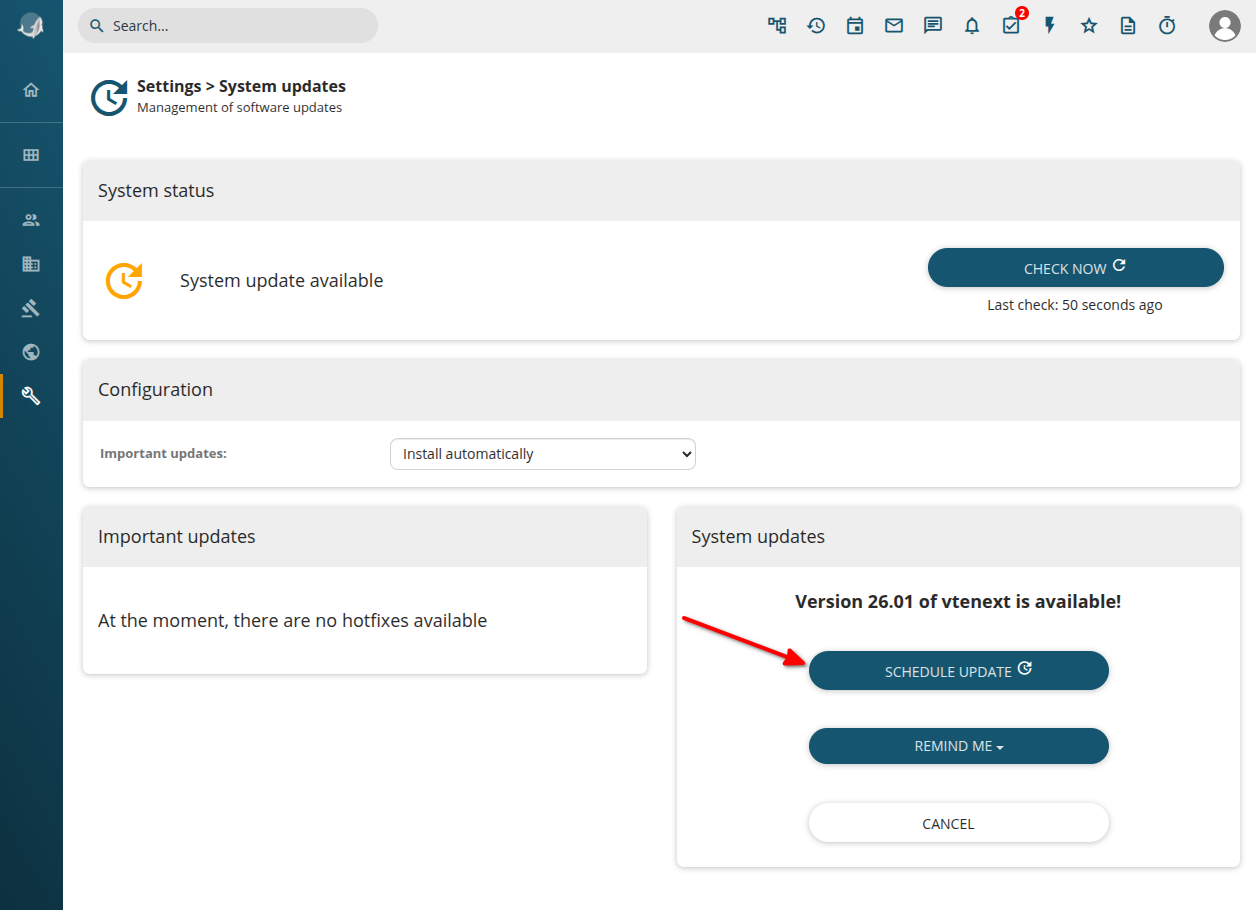
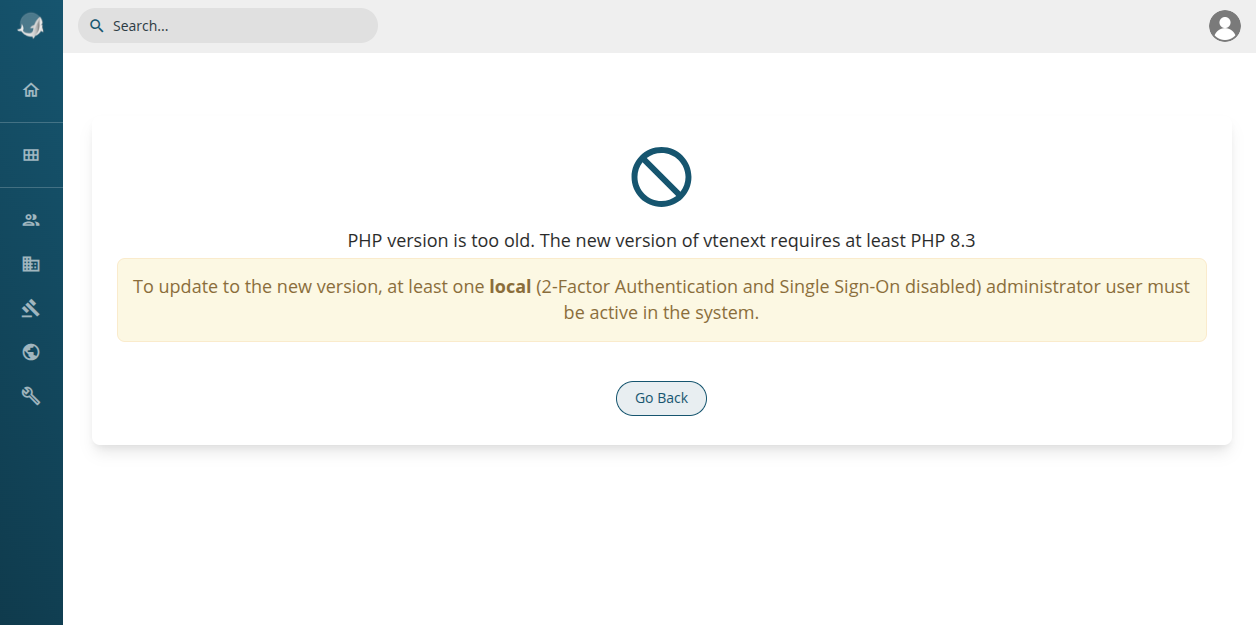
At this point there are 2 options:
After this move or update has been done, vtenext will enter an update only mode, which only allows the update to continue:
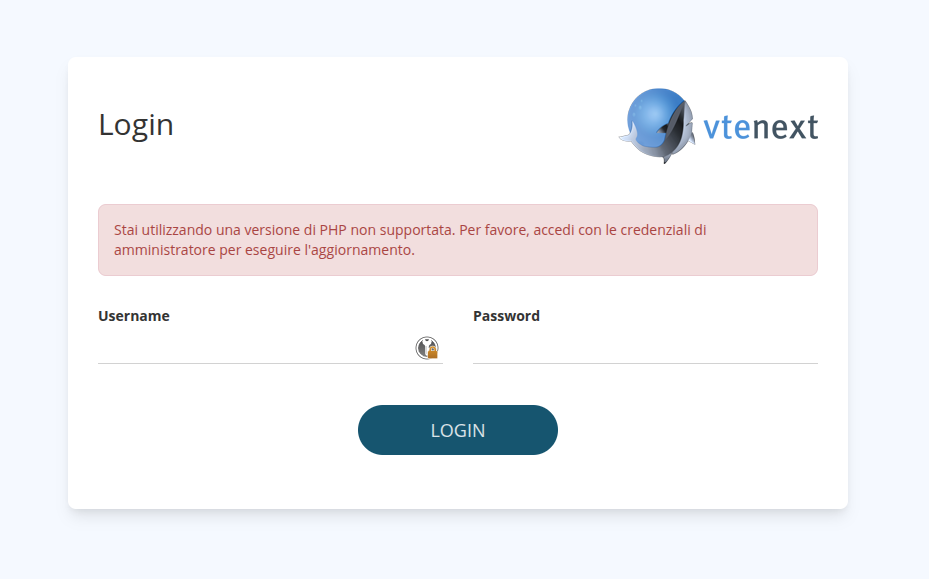
After logging in, a simplified update page is shown, where it's possible to start the update:
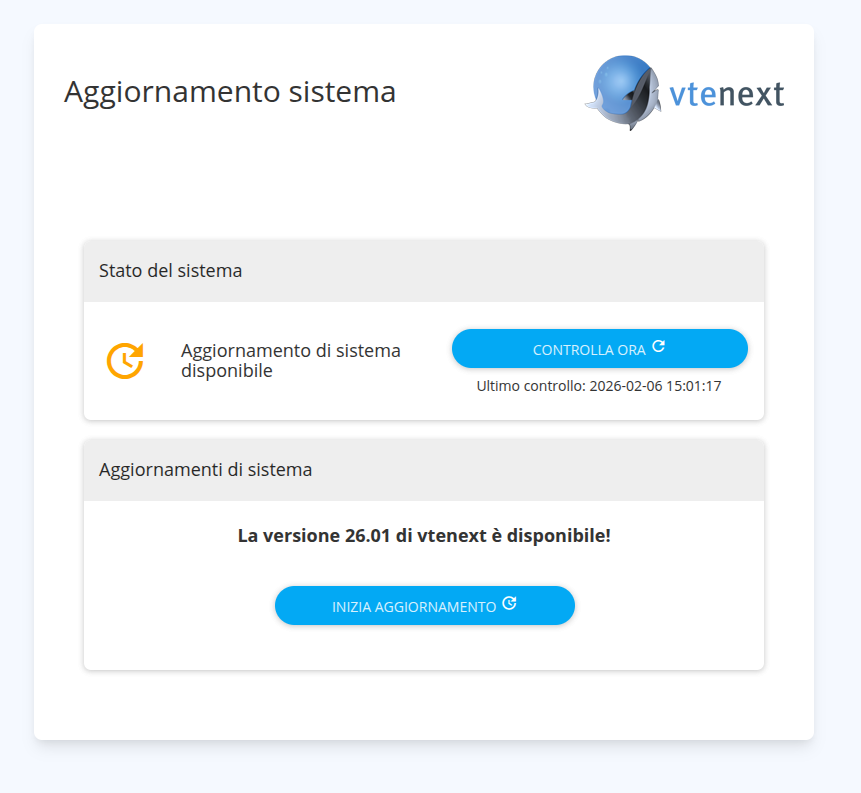
If vte cron jobs are not active or not executed recently, it may be written.possible that this page won't show the availability of the update. In this case click on "Check now" and wait a few minutes or manually execute the cron from the vte directory:./cron/RunCron.sh
It may be necessary to execute it 2 times, until the output says something like
"[INFO] Found new version available (....), checking for compatibility..."
After clicking on "Start Update" it's possible to give one last confirmation:
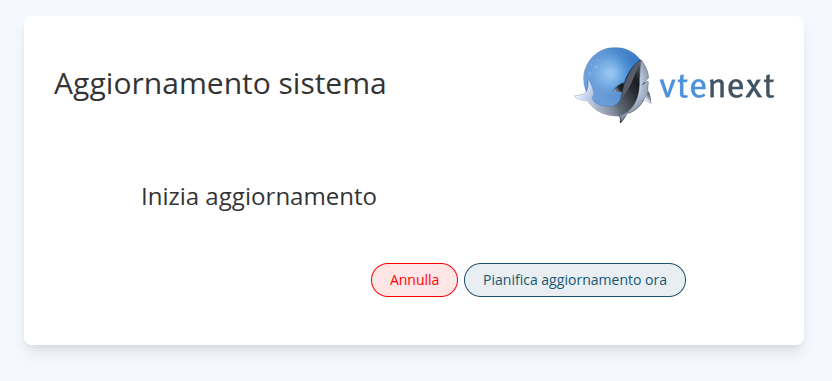
When confirmed, the update will proceed in background (if crons are enabled, otherwise the ./cron/RunCron.sh must be executed manually).
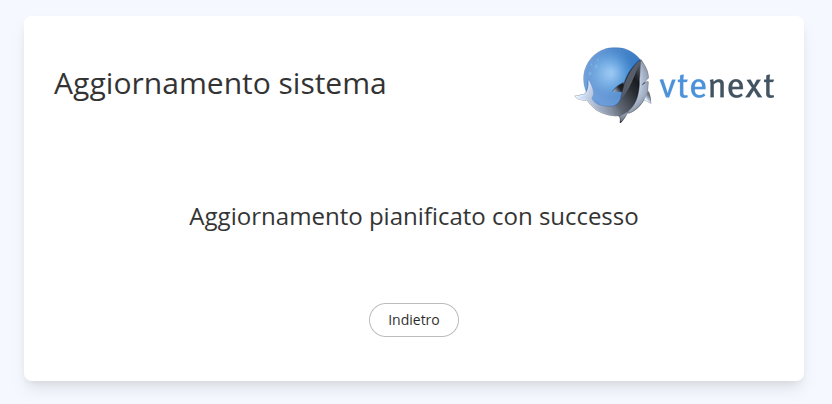
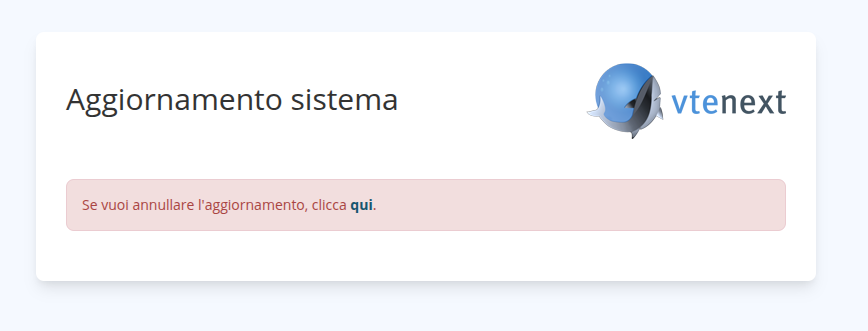
E una volta che l'aggiornamento inizia: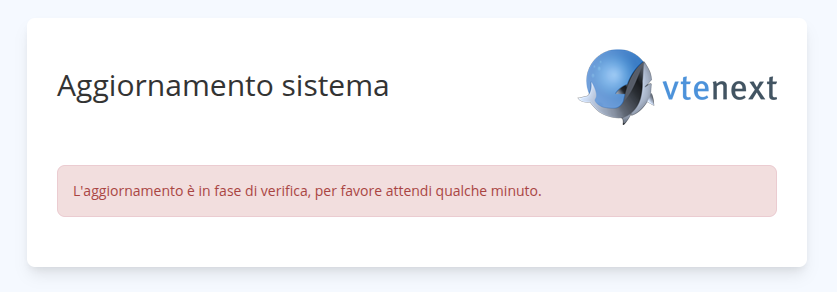
Al termine dell'aggiornamento sarà possibile utilizzare la nuova versione di vtenext.