
APP MeetApp for vtenext
Download App
To get the app is easy! Search for "MeetApp for vtenext" on your preferred app store (or click on the App Store or Google Play) and download it.
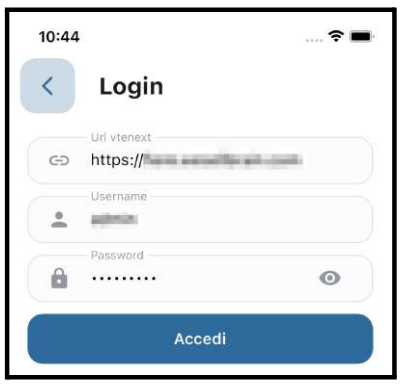
Login
To log in, enter your credentials by clicking on the button in the top right corner and going to settings.
The three pieces of information needed to log in are:
- URL of your vtenext environment preceded by https://
- Username of your user
- Password of your user
The language of the app changes based on the language of the mobile device.
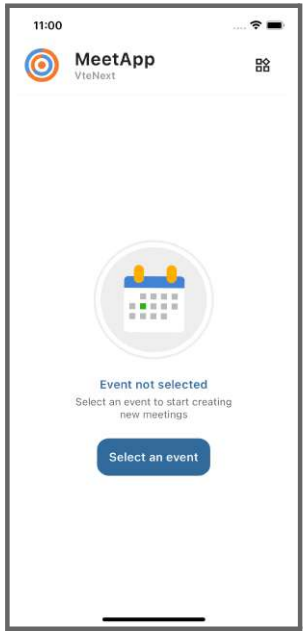
Select Event
Select the event you are attending or simply a generic event such as business visits.
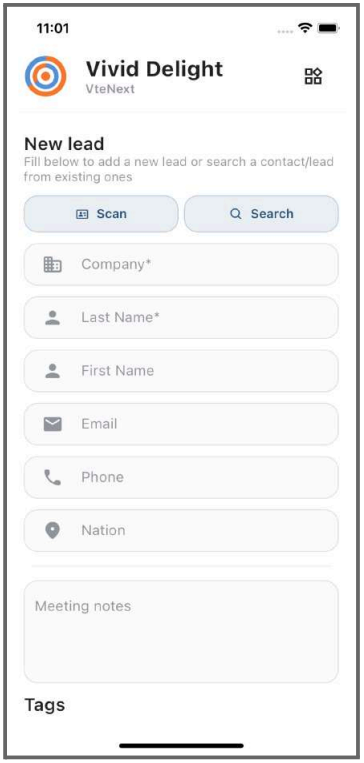
Insert a new meeting
When you meet a new person and enter the data such as company, last name, and first name, the meeting will be saved.
To create a lead, you will need to go to the meeting in vtenext, click on the three dots, and select "Convert to Lead."
Search and select an existing contact or lead
You can associate a meeting with an existing contact or lead. To do this, click on "Search," and you will see a list of your contacts and leads based on your visibility in the CRM.