Release Note vtenext 26.10
Webservice REST > Origins allowed
Under Settings > REST Webservices, you can specify the domains permitted to call the REST APIs from a browser via an external domain.
Drag & drop in form filters
It is now possible to change the column order in form filters using drag-and-drop during configuration.
Tool-type Processes improvements
The requirement to include at least one entity-type parameter when creating a tool process has been removed.
In the list under Settings > Process manager, the SUBPROCESSES / TOOLS column now also displays any tools used within the process.
Process variable UI improvement
The process variable selection menus have been updated to include a search function.
MCP Server log
An entry has been added under Settings > System logs to manage logs of calls to vte MCP Servers.
Detailed logs for AI operations
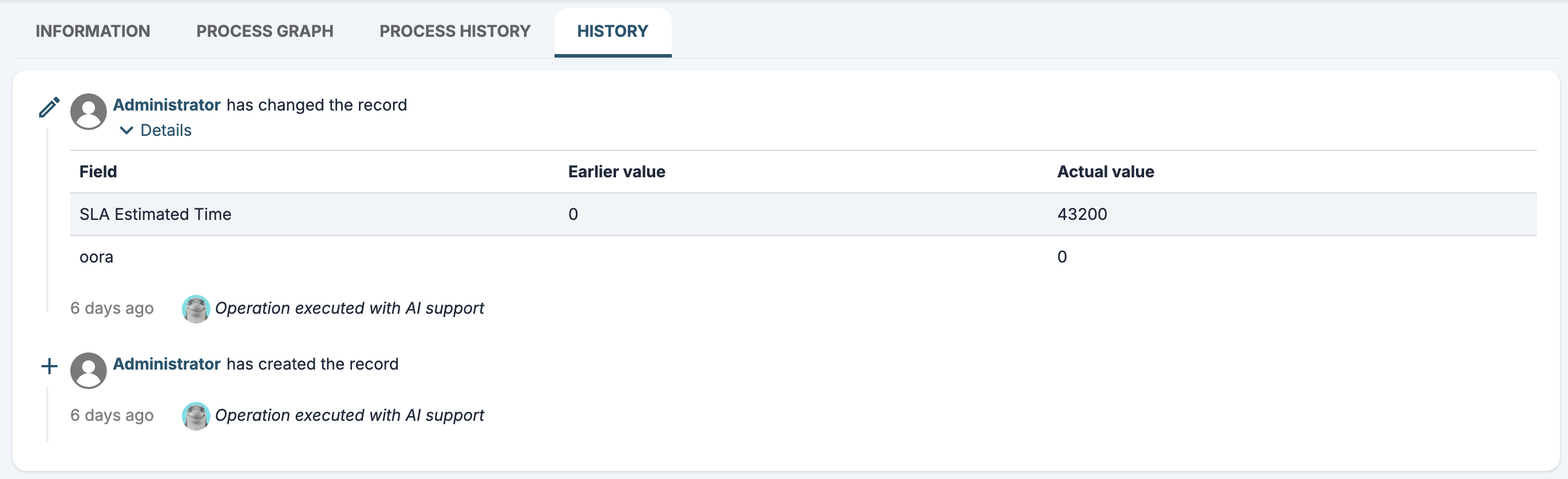
Updates performed via AI, even those explicitly requested by the user, are always identified in the record's History tab as content produced with the support of artificial intelligence.
Under Settings > System Logs > AI Agents, the user's choice to approve or disapprove tool execution is displayed.
2026-07-31 09:08:32 [INFO] HITL threadId:800 userid:1 approve tool call: Array
(
    [0] => Array
        (
            [tool_call_id] => 56d634ea-256b-44ab-89a9-1d86c51290c0
            [type] => approve
        )

)
AI Process Action Review
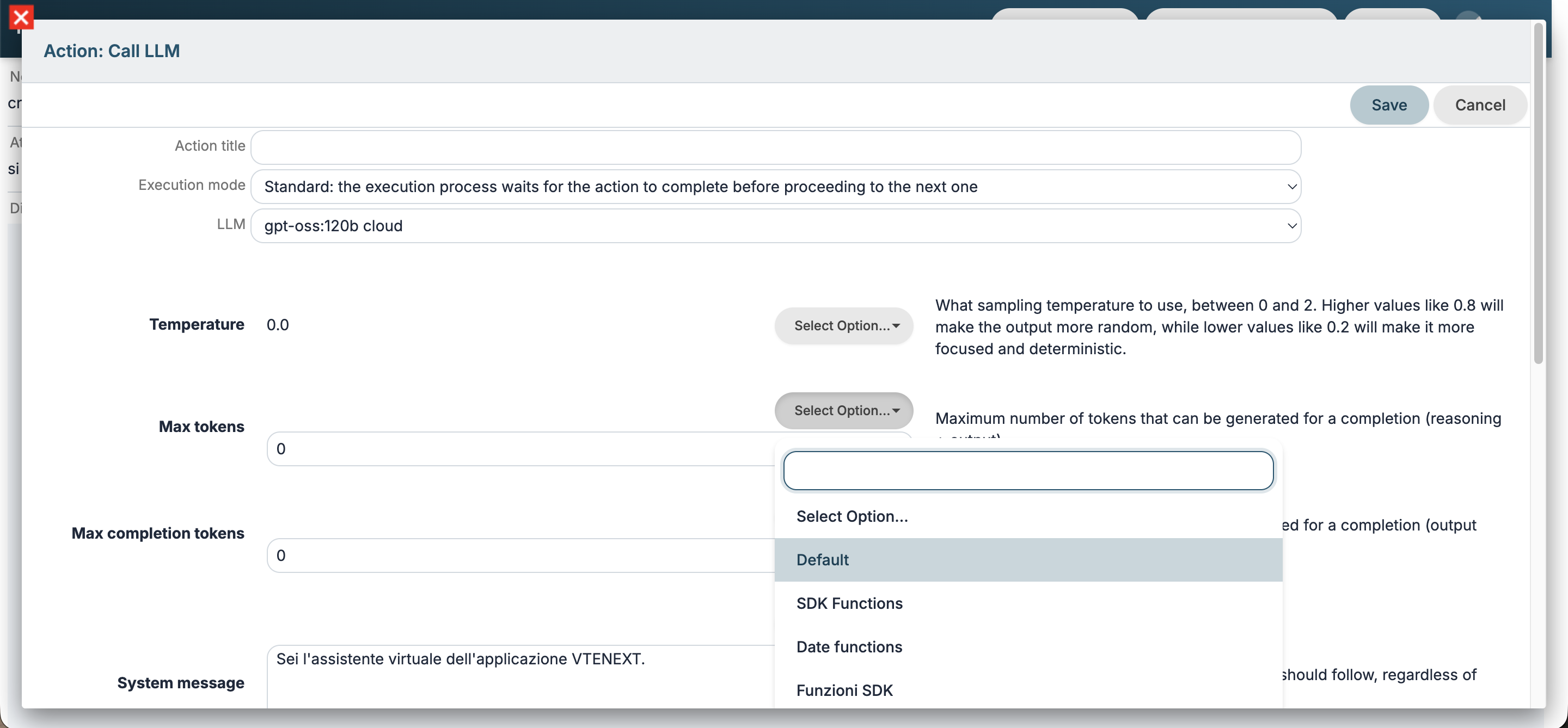
Certain configuration settings have been removed from the Call LLM and Call agent process actions; they are now retained solely within the general configuration under Settings > AI Tools.
Additionally, you can inherit properties from a model's or agent's standard configuration by selecting the Default option.
HITL(Human in the loop) preview
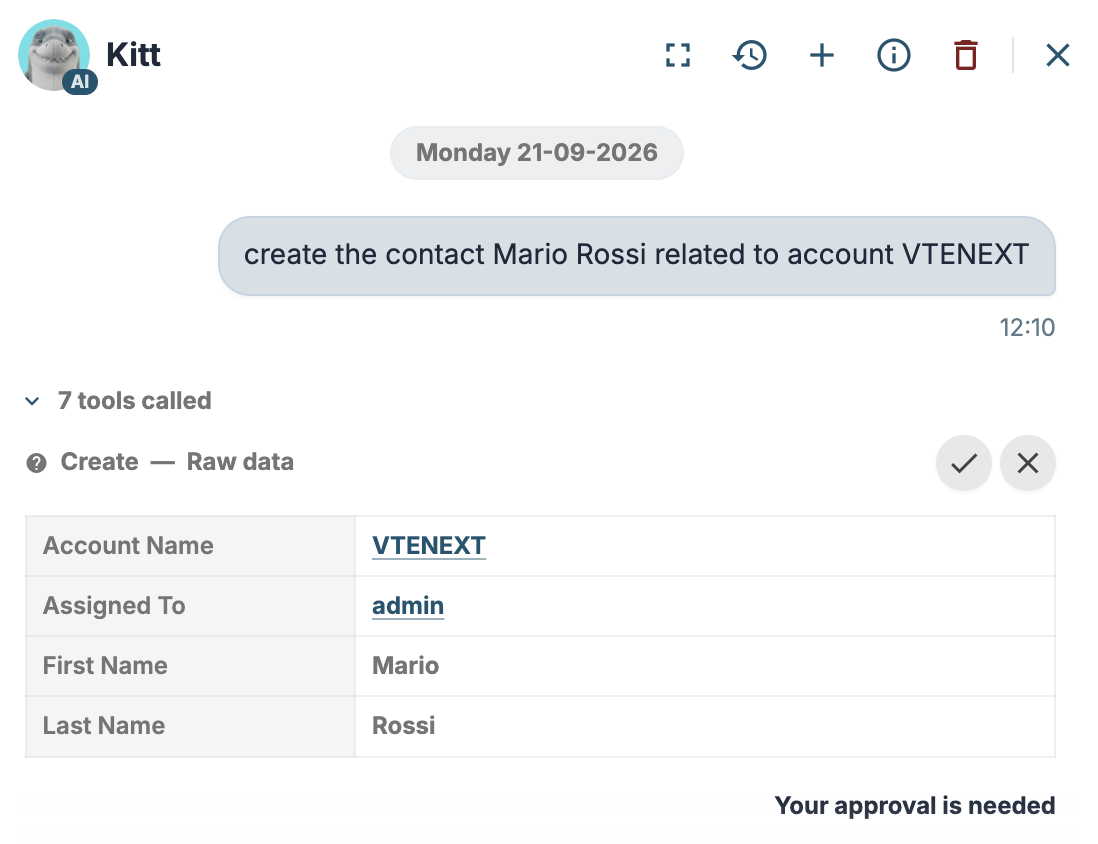
When using the Kitt assistant, approval is requested to use certain tools (e.g., process tools and tools that perform write operations).
Starting with this version, you can preview the actions the tool will perform.
Processes: timer logs improved
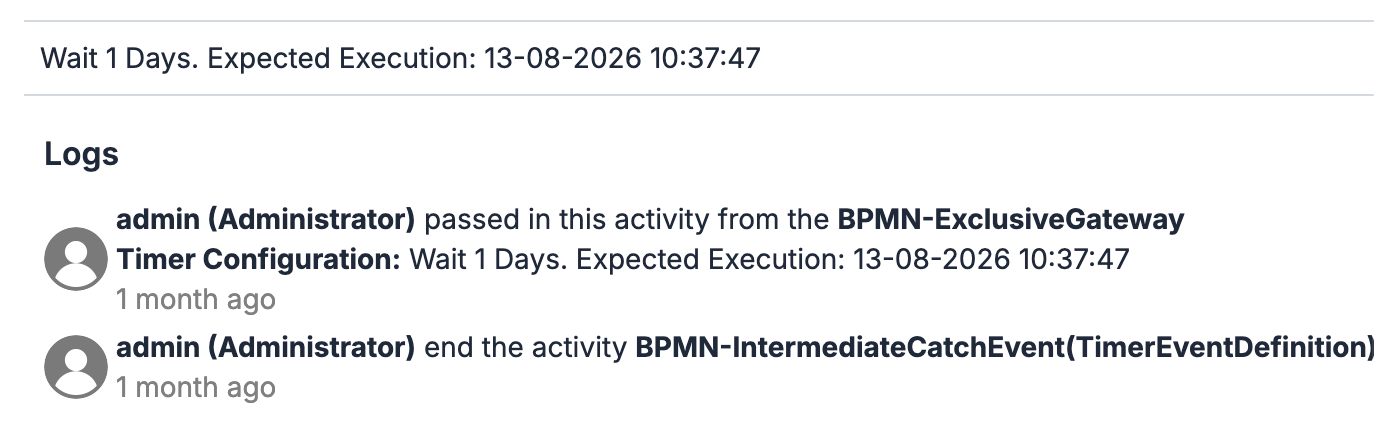
In the process chart, clicking on the timers also displays the scheduled execution date.
Processes: tool process logs improved
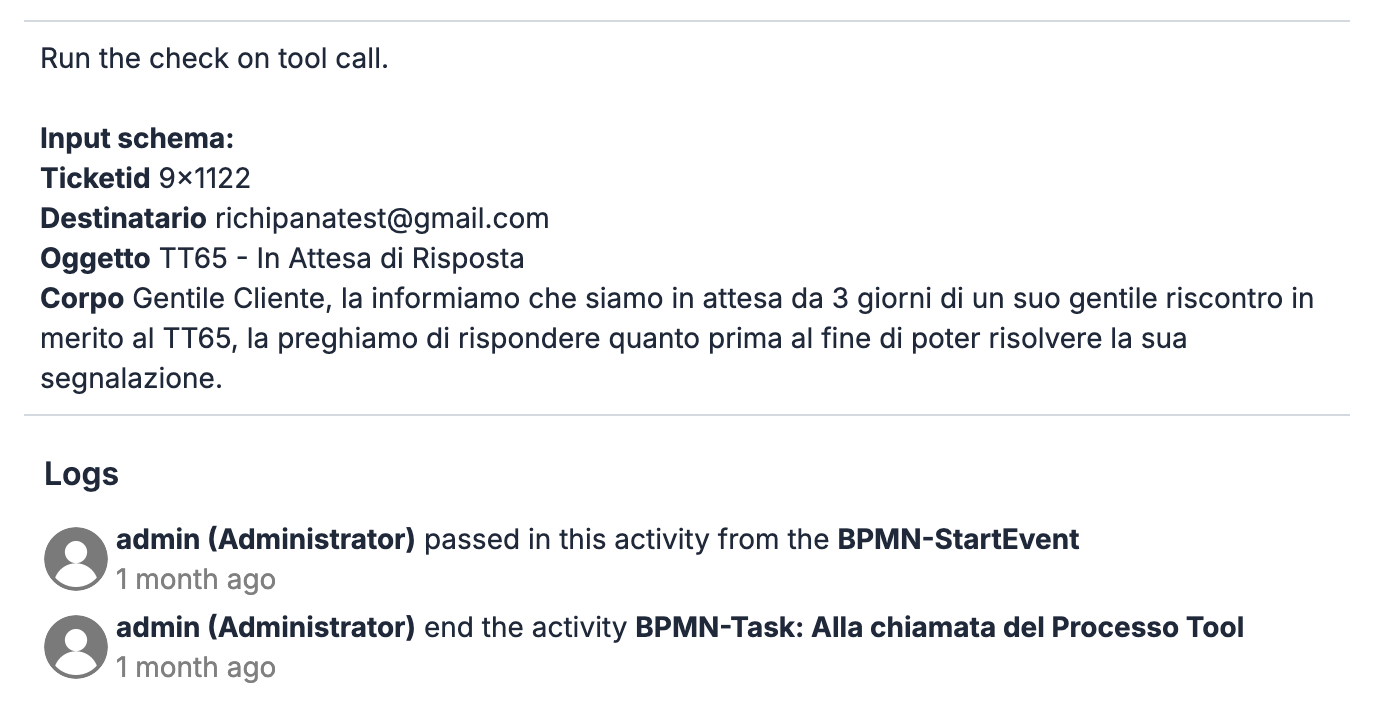
In the process graph, clicking on the initial task of a tool process displays the parameters and actual values passed during that specific execution.
Additional details during background execution
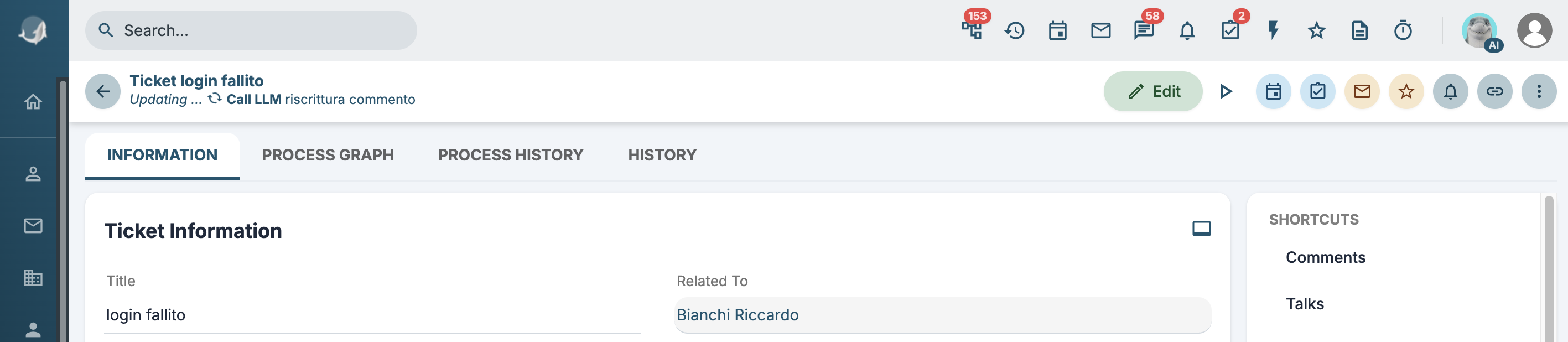
If there are background processing tasks running for a specific record (see Worker), details of the ongoing operation will be displayed.
LLM UI Improvement
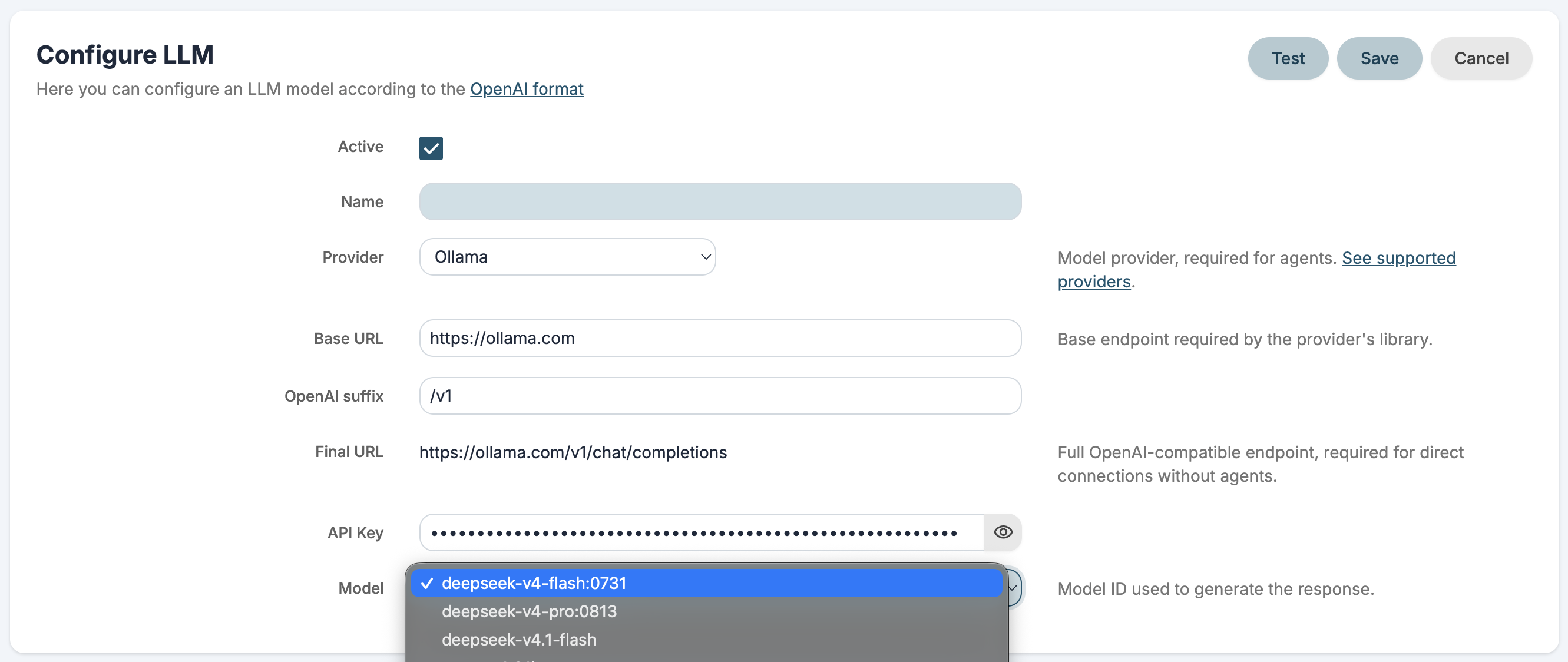
The LLM configuration interface has been improved, allowing users to choose from a list of supported providers and their respective models.
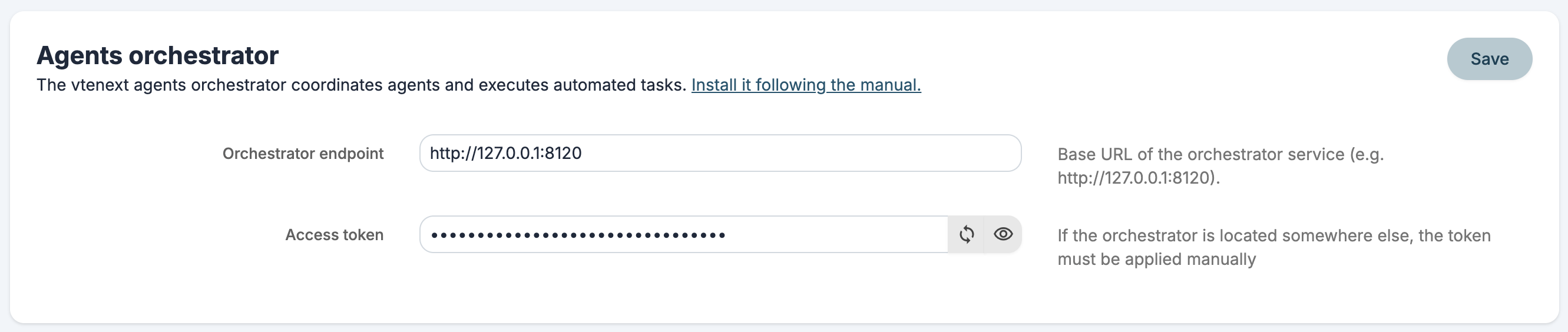
Orchestrator authentication
An access token for the VTE agentic orchestrator has been added. If the orchestrator is not located in the standard plugins/agent path, the token must be manually added to the config.yaml file.
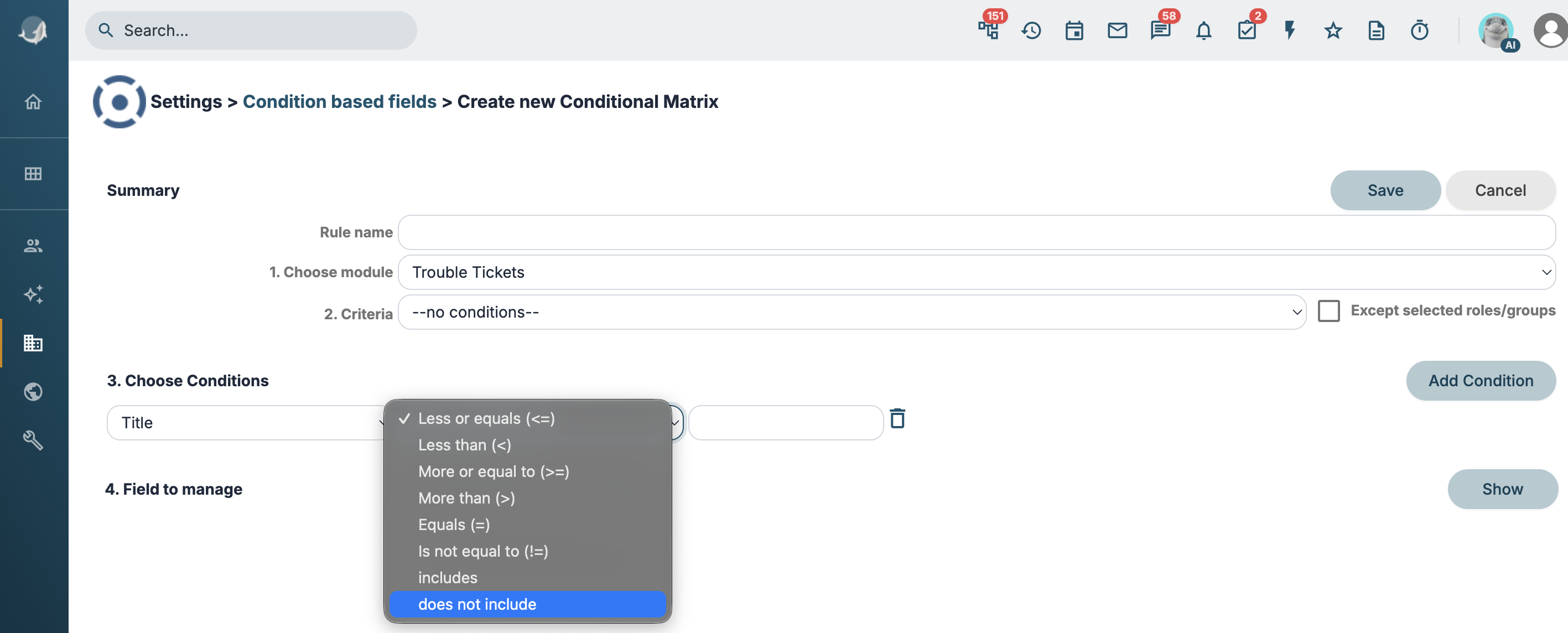
New comparison operator in Condition based fields
Added the does not include operator.