
AI Tools
LLM
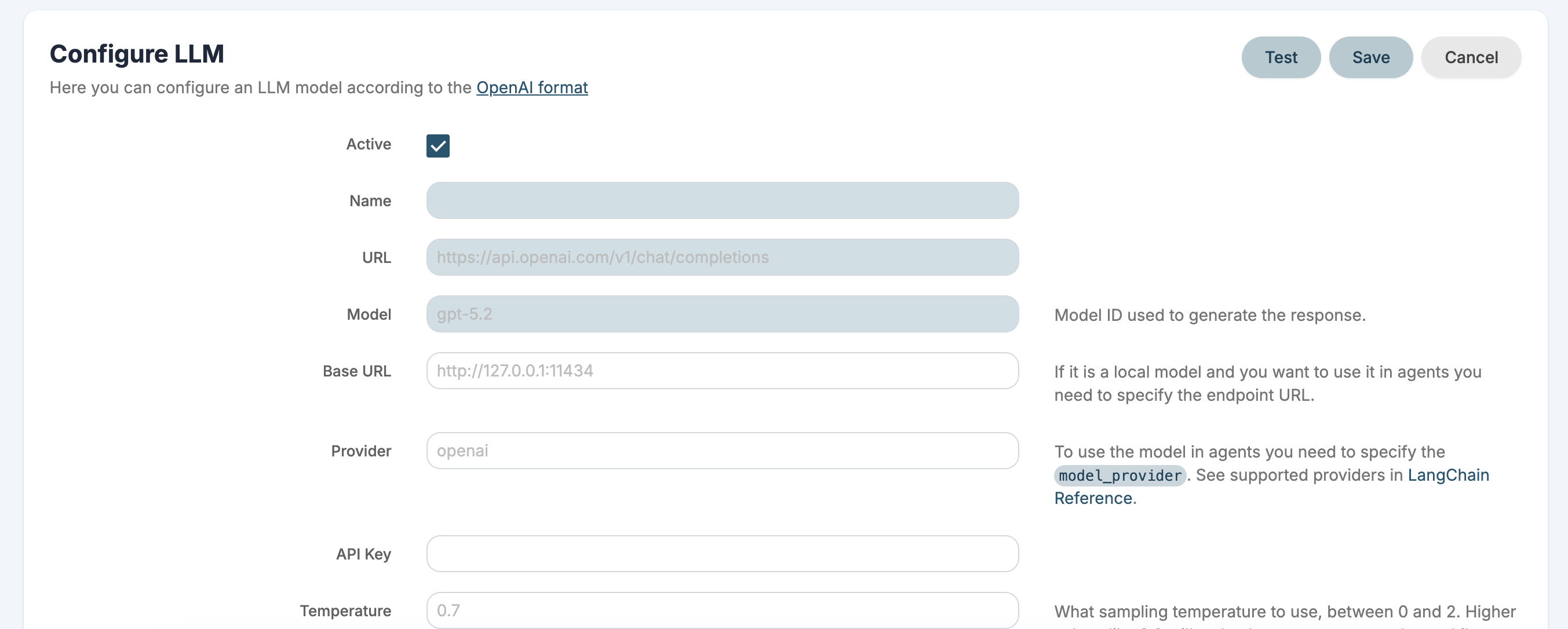
You can configure an LLM model according to the OpenAI format.
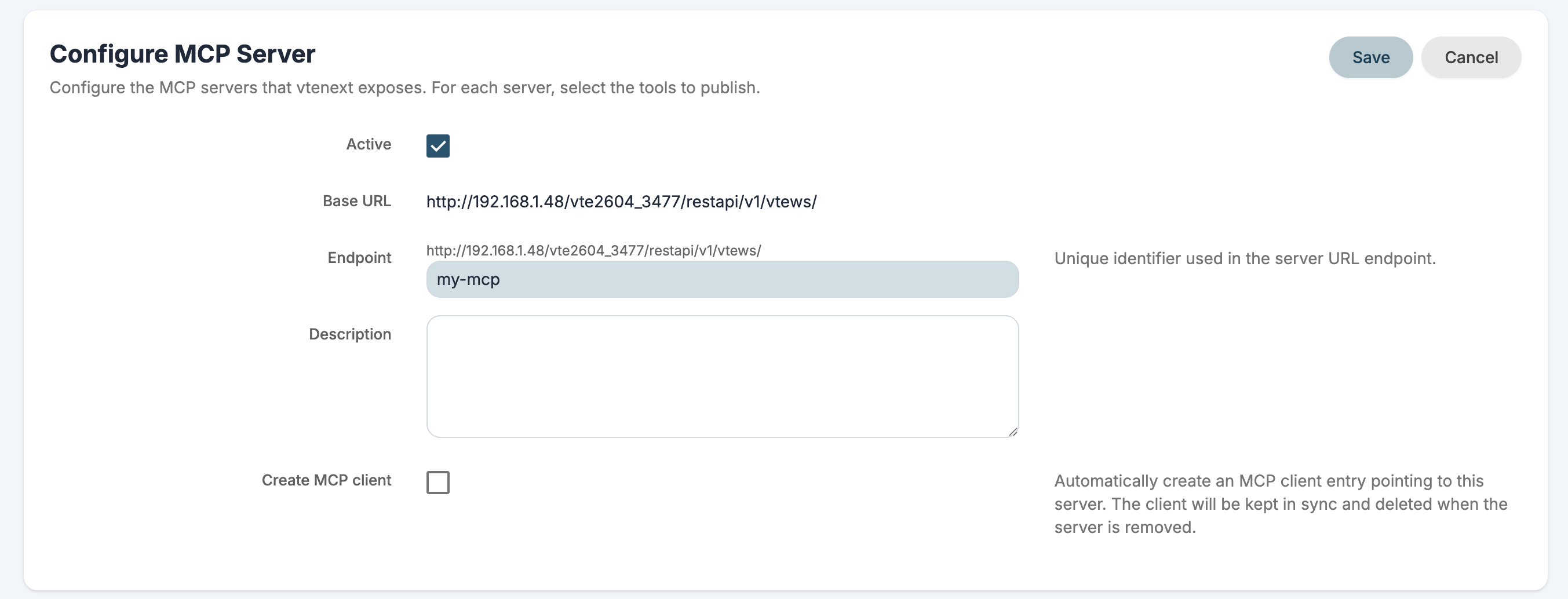
MCP Server
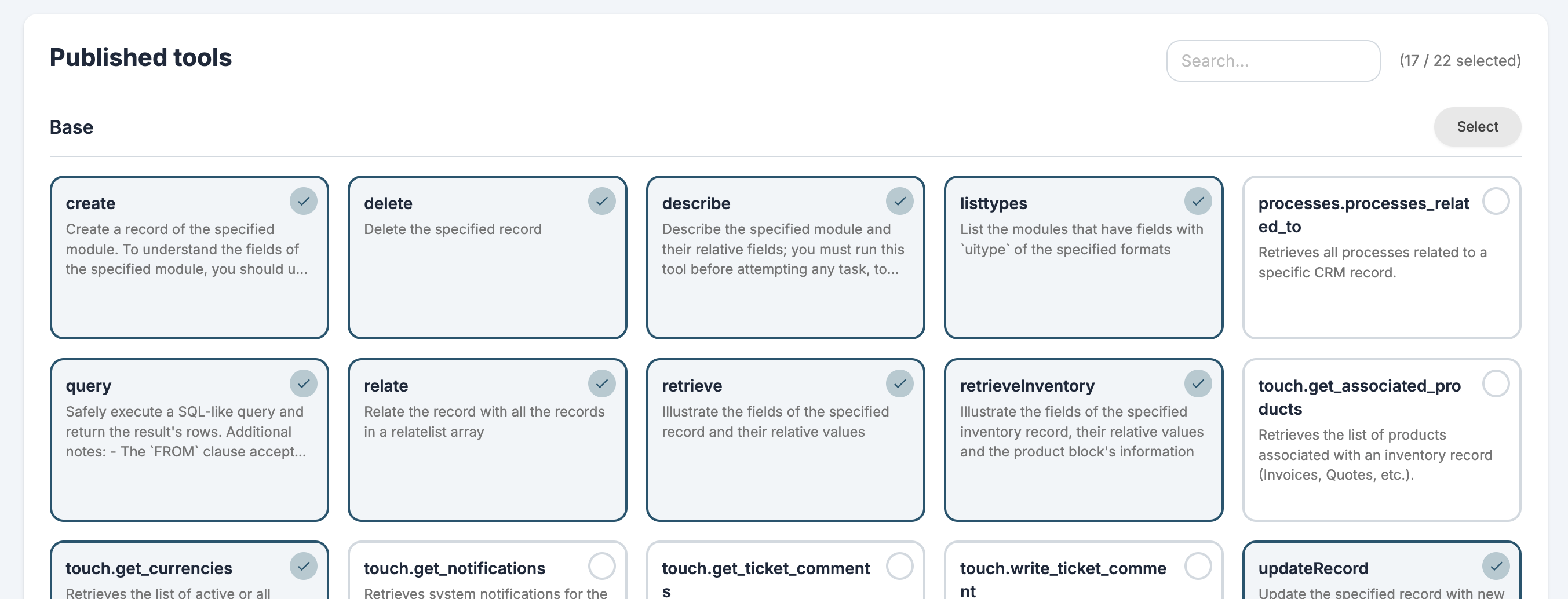
You can configure the MCP servers that VTENEXT exposes. For each server, you can select which tools to publish using REST APIs, custom tools, and Processes.
Technical documentation is available here.
MCP Client
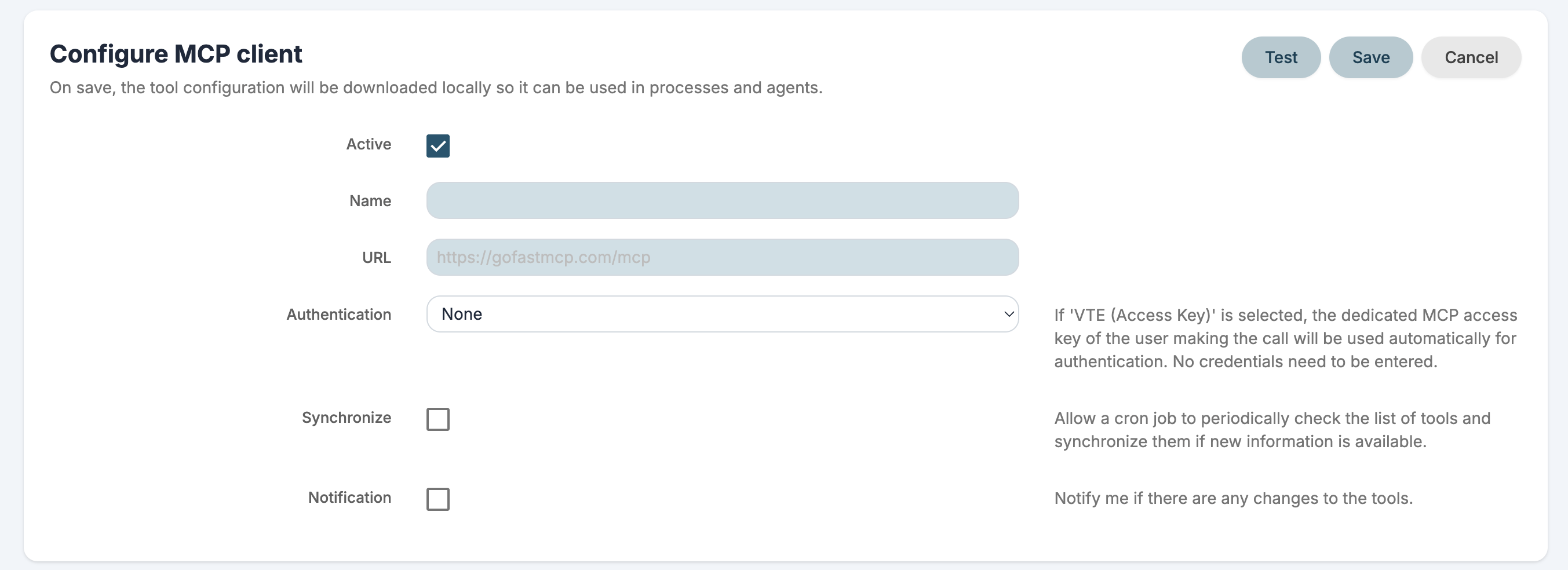
You can configure the MCP servers whose tools you want to use. Only servers exposed via HTTP are supported.
By default you get a VTENEXT MCP and Exa MCP installed for web searches.
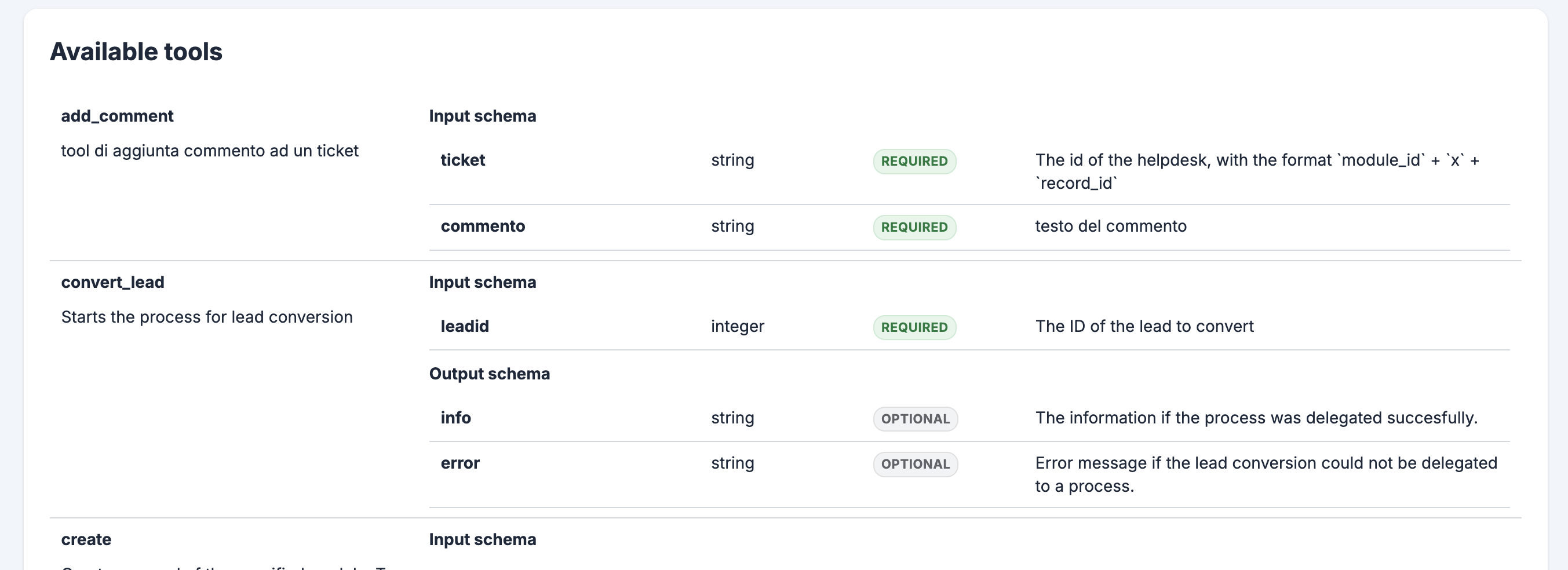
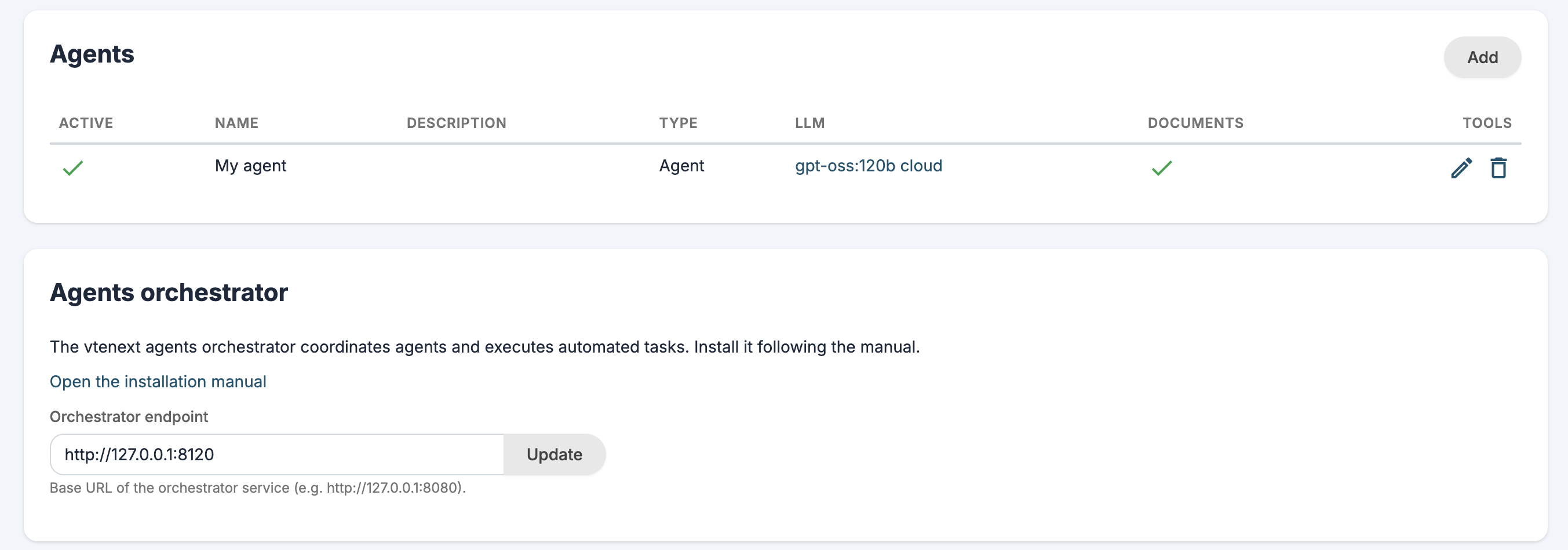
Agents
You can configure AI agents to use in your assistant and processes. An agent can use LLMs, MCP tools and RAG to complete tasks automatically.
Assistant
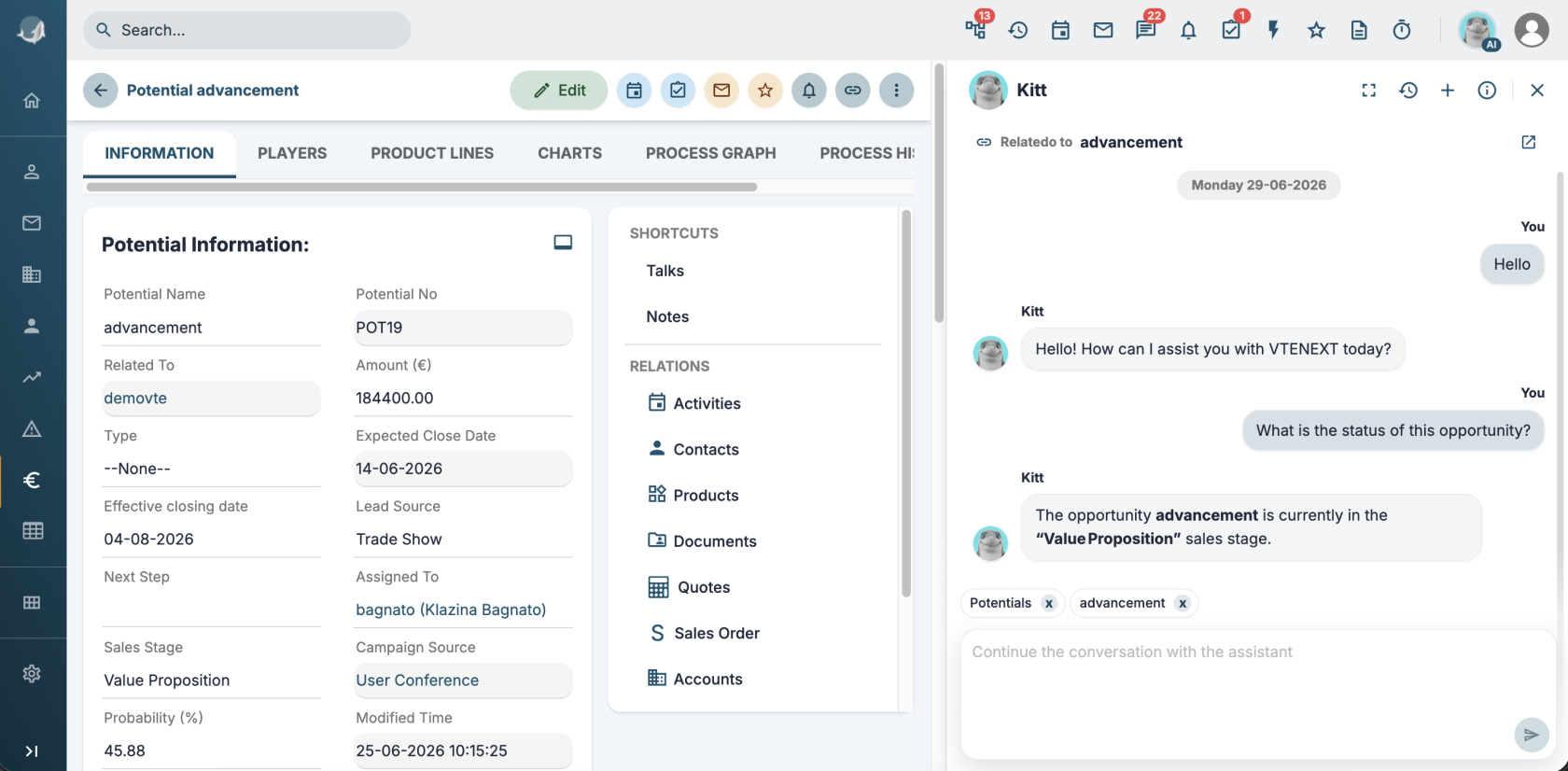
The new assistant is called Kitt but you can change his name and photo from the user preferences.
The assistant can query an LLM, an Agent or a custom REST Webservice.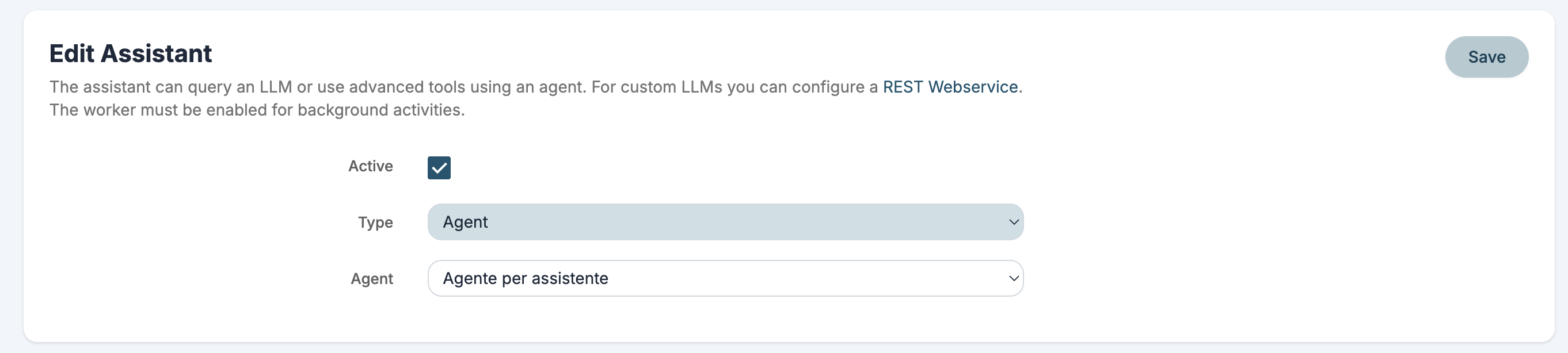
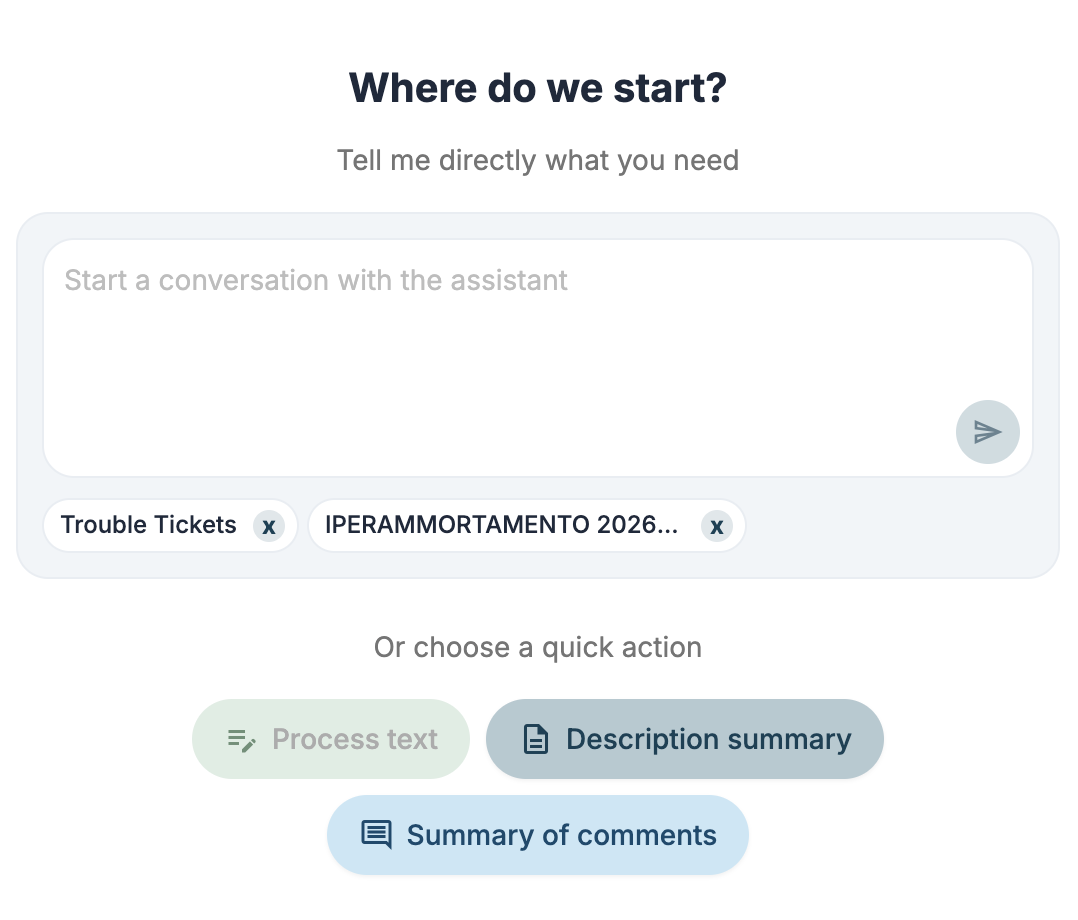
You can ask the assistant questions through conversations or with the new side panel.
You can also use pre-configured quick actions to:
- summarize
- process text
- translate
These quick actions can also be published as MCP tools.
Agent Logs
An entry has been added in Settings > System logs to control agent logs.
AI actions in ProcessMaker
You can configure process actions and run:
Call LLM
Make a request to an LLM and use the response in the process.
Call MCP tool
Run an MCP tool.
Call agent
Make a request to an Agent to complete tasks automatically and use the response in the process.
Call process tool
Run a tool-type Process.