Active Licence Management
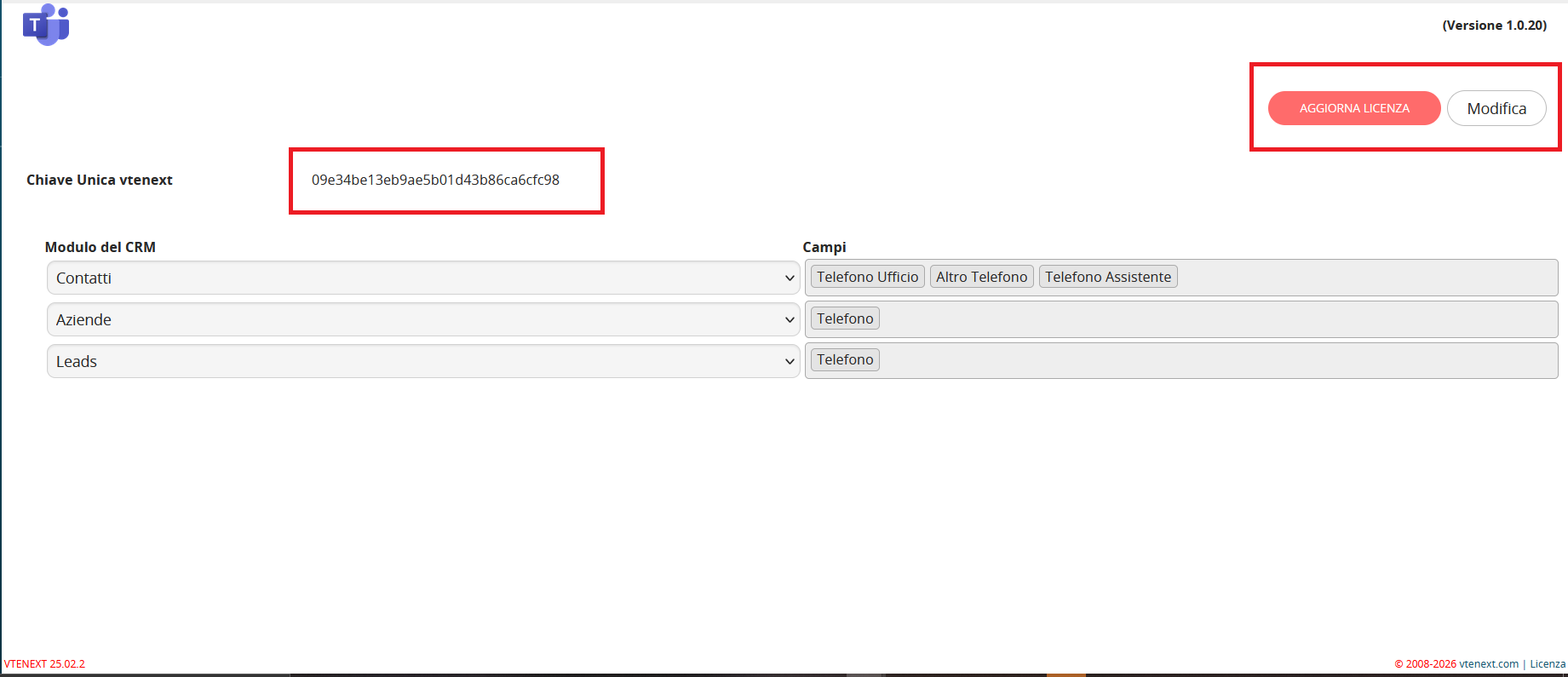
The UPDATE LICENCE button is available in the upper-right corner of the Teams Connector page. It can be used to enter the licence code supplied at purchase or replace it when the licence is renewed.
The page also displays the vtenext Unique Key, an automatically generated identifier for the instance. This key is required during licence activation or renewal.