
How It Works
TeamsPhone Plugin works in three automatic stages:
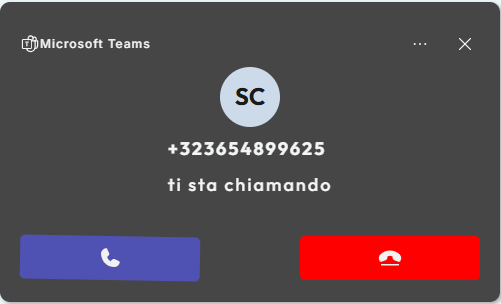
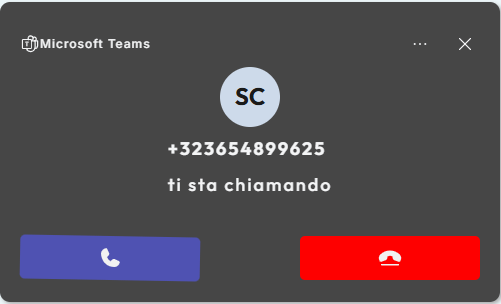
- Call notification: when a call arrives, Microsoft Teams proactively sends the notification to the CRM through a policy configured at company-tenant level in the Microsoft Teams administration.
- CRM search: after receiving the notification, TeamsPhone Plugin searches for the number in the configured module and can continue with linked searches in associated modules.
- Result display: the plugin shows a single result, multiple result cards, or an unknown-caller popup.
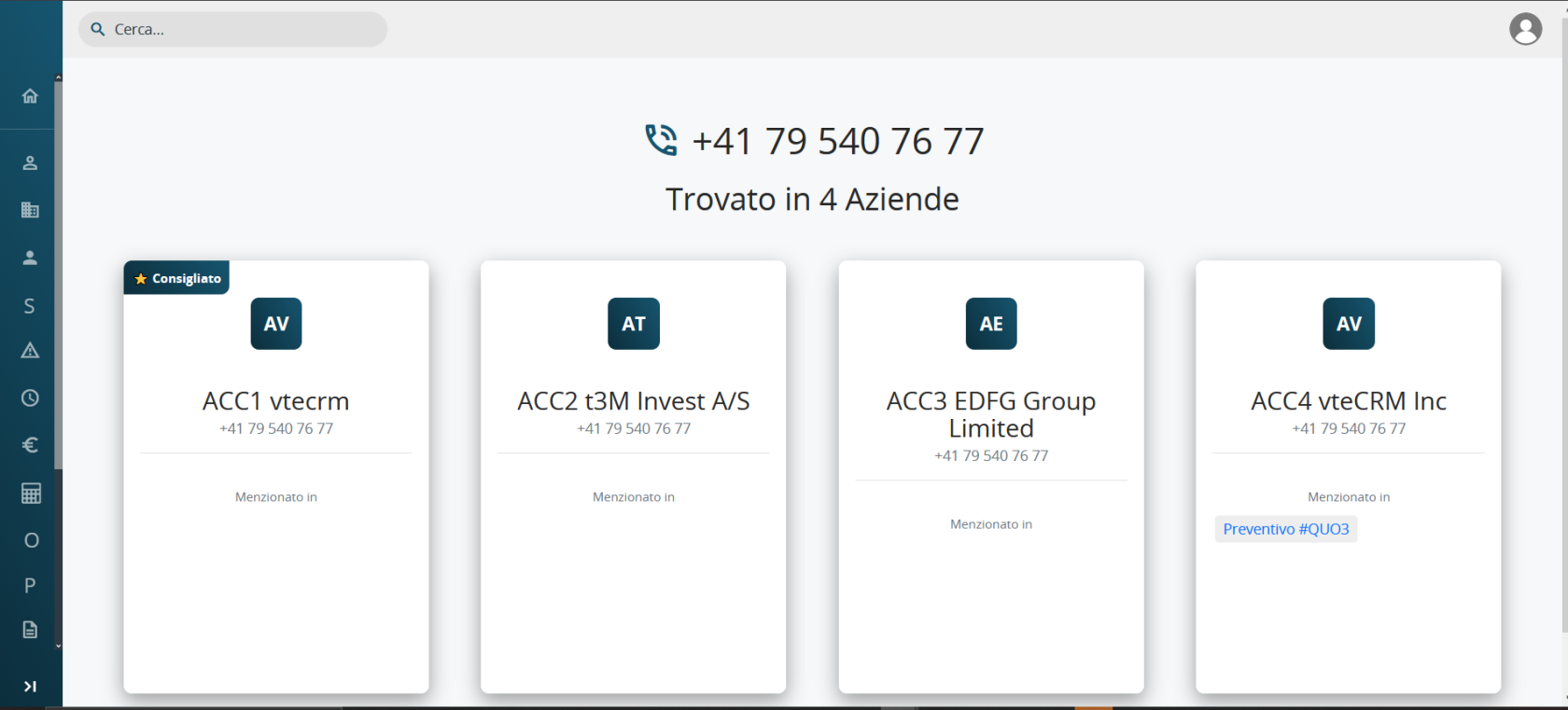
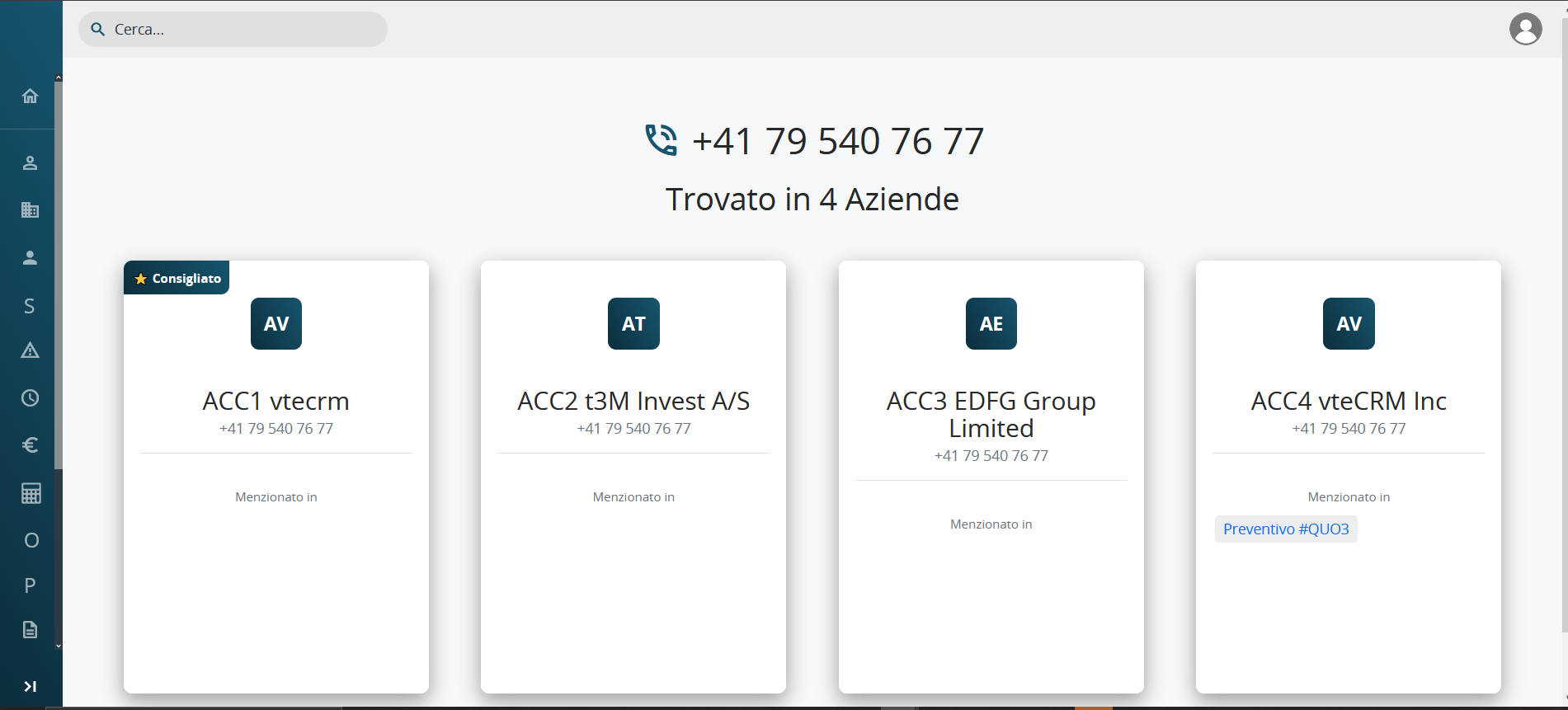
The popup can be moved freely and minimised.
Important: TeamsPhone Plugin is an integration, not a synchronisation.
Microsoft Teams and vtenext remain independent. Answering or ending a call in Teams does not automatically close the popup, and closing the popup does not end the Teams call. The call must always be managed directly in Microsoft Teams.