
8.4 Price Books
The function of a price book is to collect a set of products whose price changes compared to the unit price, defined in the product record. To create a price book, click on  .
.
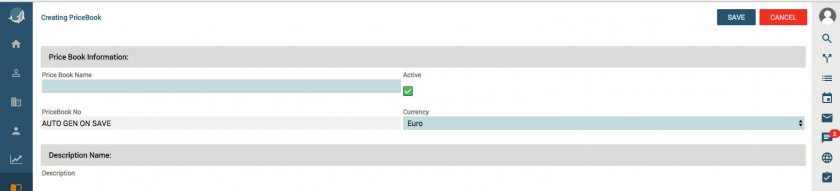
To avoid confusion, the Price Book must be given a unique name. The program also allows the insertion of a description for possible future reference. Refer to the information given for the Products and Services modules in relation to the relevant fields.
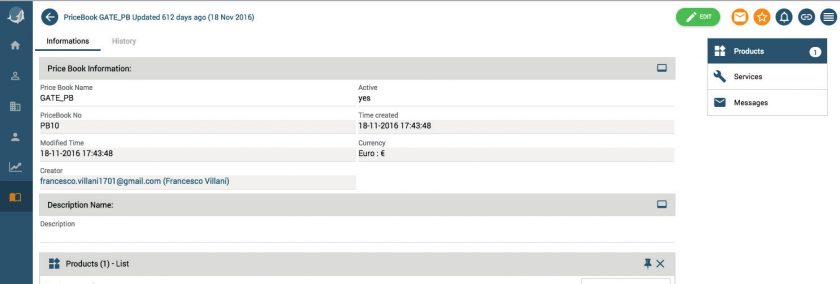

Once you have associated a product/ service to a price list, you can retrieve the price list when you are filling out invoices, quotations and sale orders.
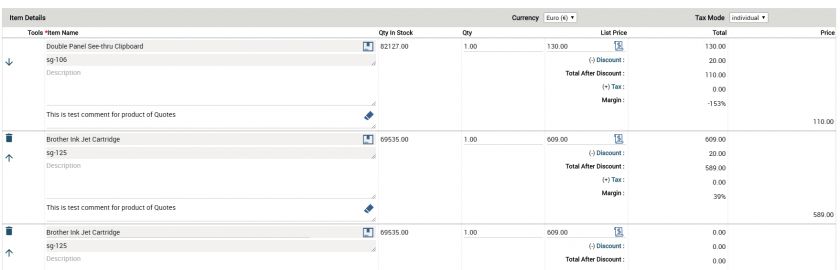
By clicking the icon  , on on every product line, it is possible to display the list of the price books which includes the product and select the desired one.