
3.5.3 Export
The export process allows the records to be saved in a csv file. Click on the icon to open a menu in which the export criteria can be selected.
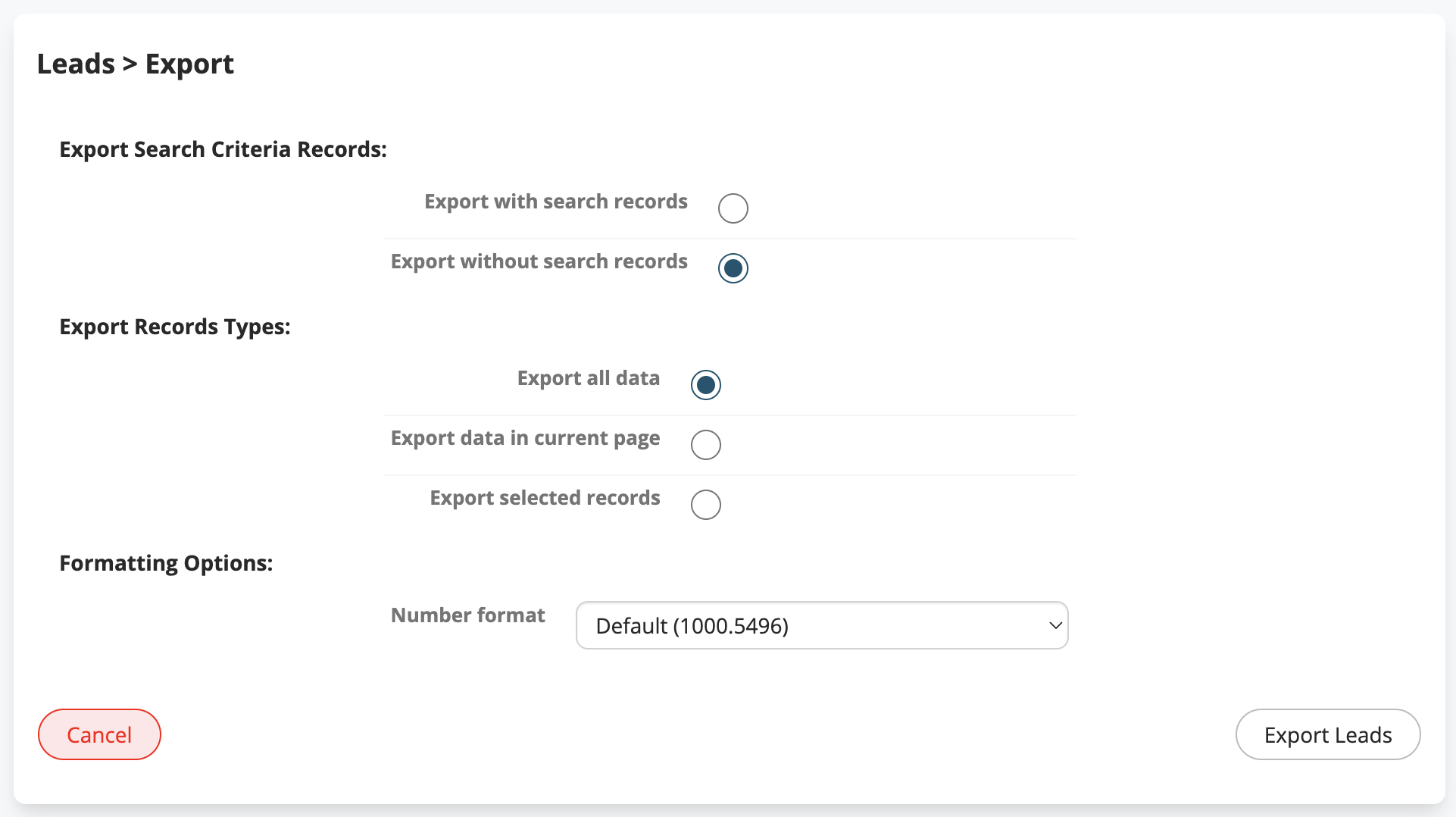
Export Search Criteria Records:
|
Export with search records |
Export only records returned in search results |
|
Export without search records |
Export all records irrespective of search results |
Export Records Types:
|
Export all data |
Export all records |
|
Export data in current page |
Export records shown in current page |
|
Export selected records |
Export only flagged records |
Formatting Options:
|
Default (1000.5496) |
With dot as the decimal separator |
|
Italian (1000,550) |
With comma as the decimal separator |
|
English (1,000.550) |
With comma as the thousands separator and dot as the decimal separator |
|
User (1000.55) |
According to user settings |
When you click on “Export” the browser will prompt you to save the data on your computer.