
16.3.2 Managing the "Inactive" User Status
The CRM automatically sets users to the "Inactive" status if they do not log in for a period of 6 months. Once this period has elapsed, the user is automatically marked as "Inactive", preventing access to the system until the account is reactivated by an administrator.
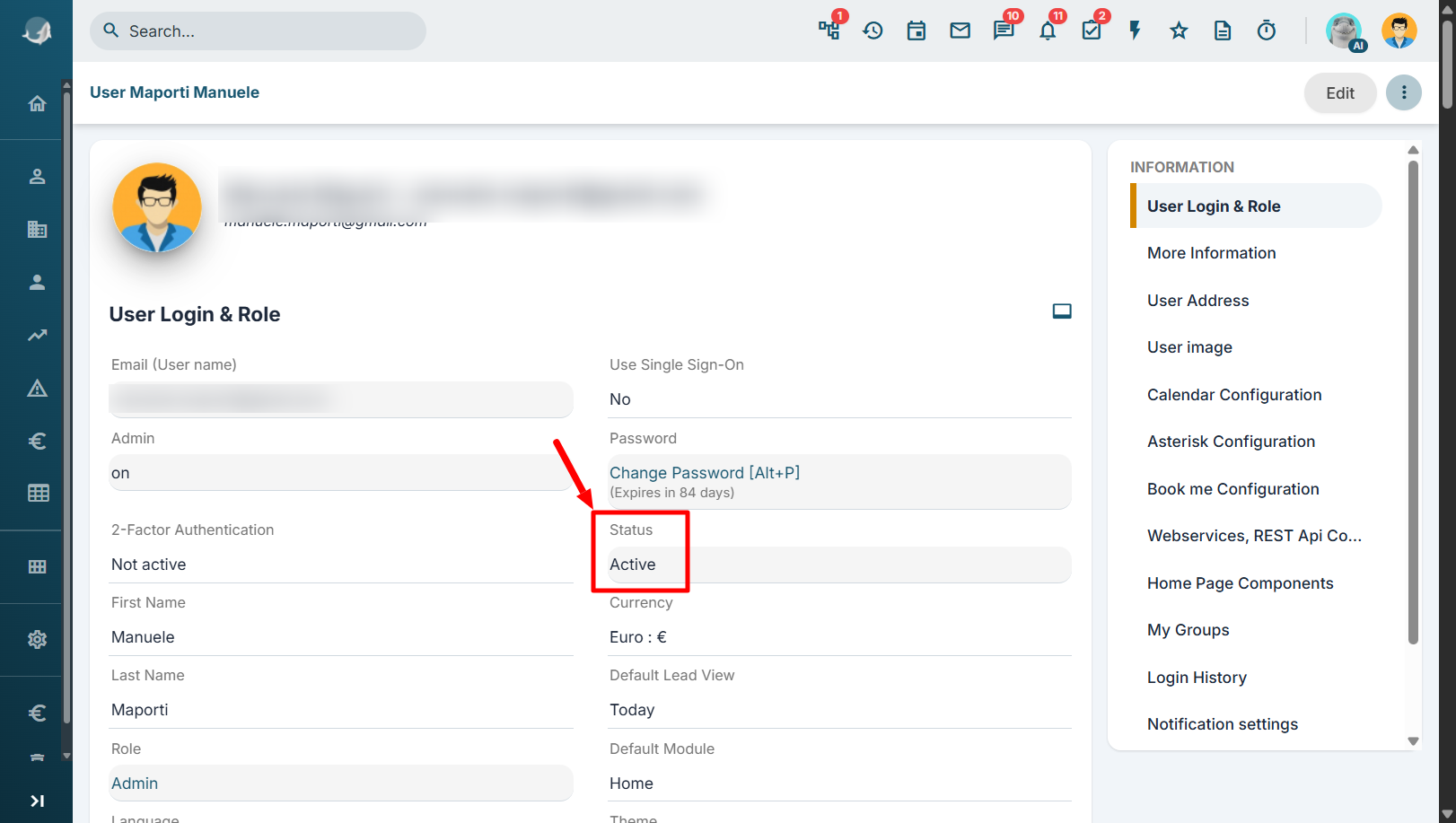
This behavior applies to all users, without exception, including users with administrator privileges. Therefore, if an administrator does not access the CRM for more than six months, their account will also be automatically set to "Inactive". This rule also applies if the user is the only administrator in the system.
The same logic applies to users that are used exclusively for Web Service/API integrations. If these accounts never log in through the CRM user interface, they are still considered inactive. At the first authentication attempt after the inactivity period, the account will automatically be set to "Inactive", requiring an administrator to reactivate it before the integration can be used again.
It is recommended to periodically verify the status of administrator accounts and technical users dedicated to integrations in order to avoid service interruptions caused by the automatic deactivation process.