
3.5.5 Save Mapping
All users can perform a uniqueness check on each module by means of the "Find Duplicates” button when creating new records.
Define the set of fields to be matched and then click on Save Mapping.
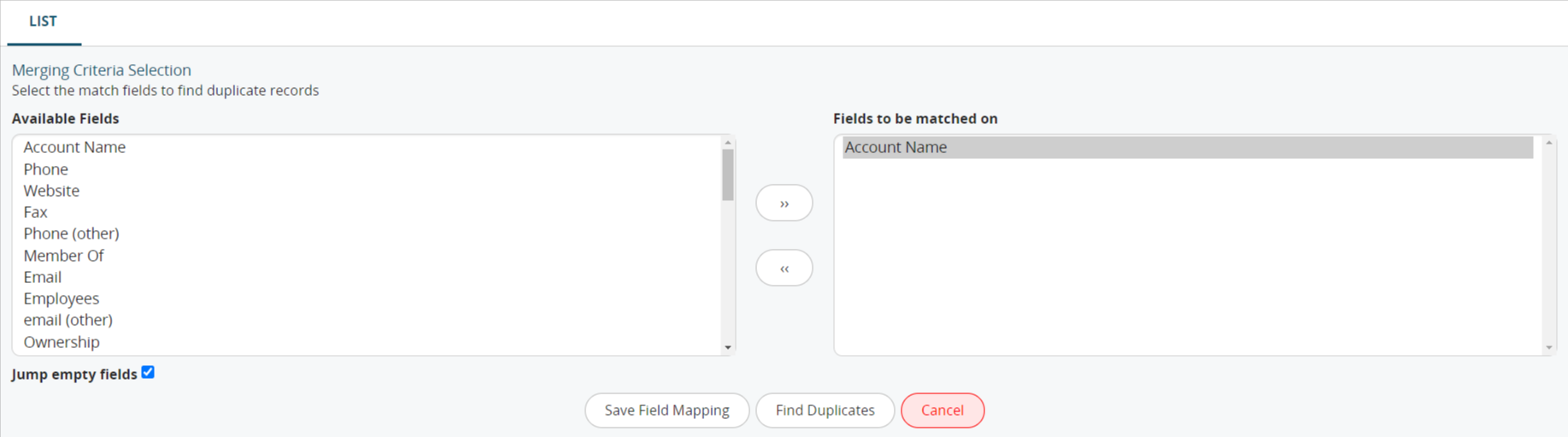
At this point, whenever you attempt to edit an existing record or create a new one, the system will check for the existence of a record with the same combination of fields, alerting you to the presence of duplicates. For example, if the Email field is selected for matching, the warning shown in the following screenshot will be displayed.

Important: The “Save Mapping” configuration described in this chapter is applied exclusively to the user for whom the configuration is set up.
This means that, for example, if we want the Contacts module to notify users when they are about to create a contact with an email address that already exists, this configuration must be set up for each user who needs to use this duplicate check.