15.7 Synchronization with Zapier
Zapier is a product that allows end-users to integrate web applications and automate workflows. It enables the connection of various web applications through "ZAPs," which can be customized based on user needs. Zapier functions as a bridge between different applications, allowing the automation of business processes and saving valuable time.
The guide to create a Zapier integration is available here:
https://usermanual.vtenext.com/books/creation-of-external-apps/chapter/zapier
Name of the fields in vtenext
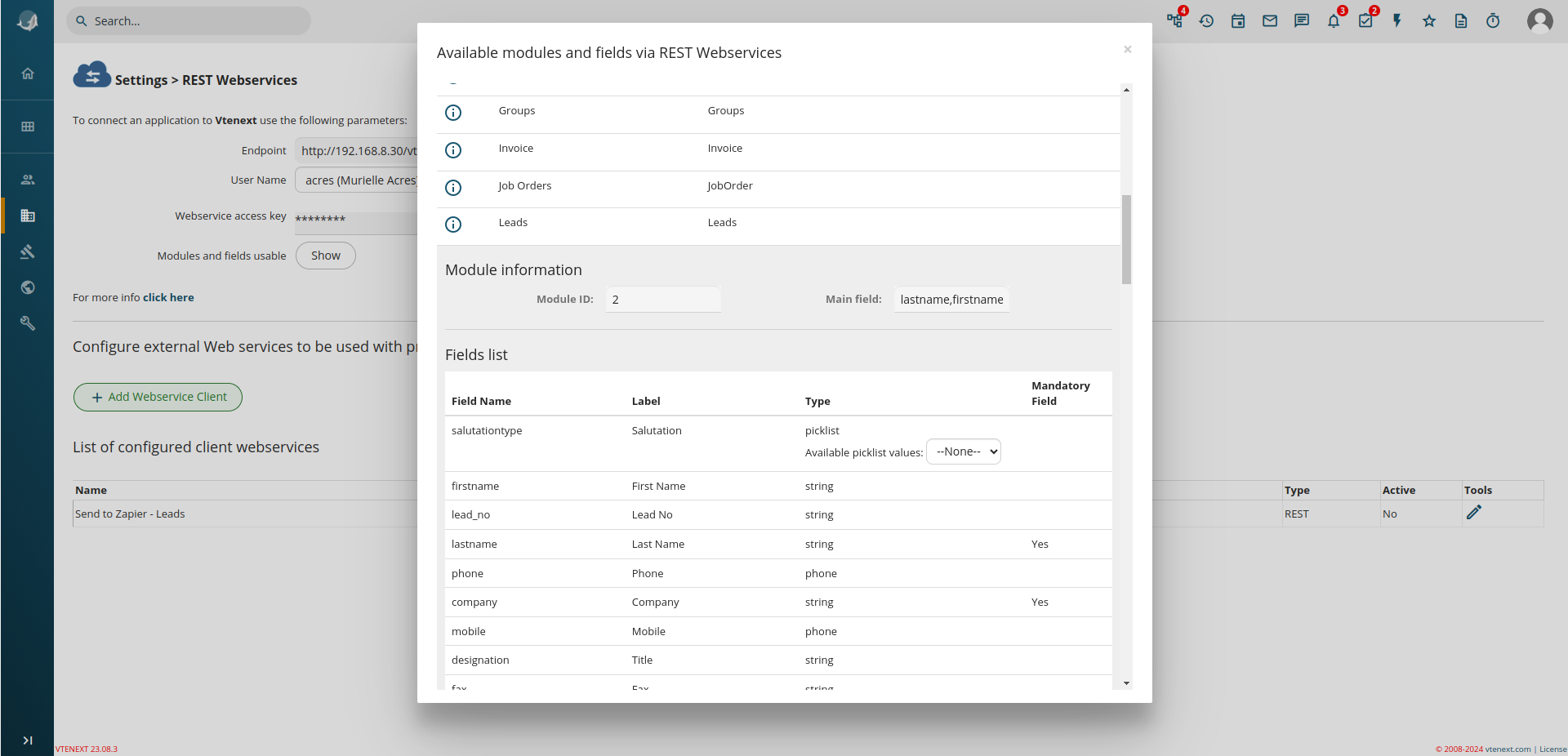
In the linked tutorial several internal field names of vtenext have been used. These names are not normally visible from the web interface, so a special page has been prepared, where all field names can be seen, to be used in integrations using the API.
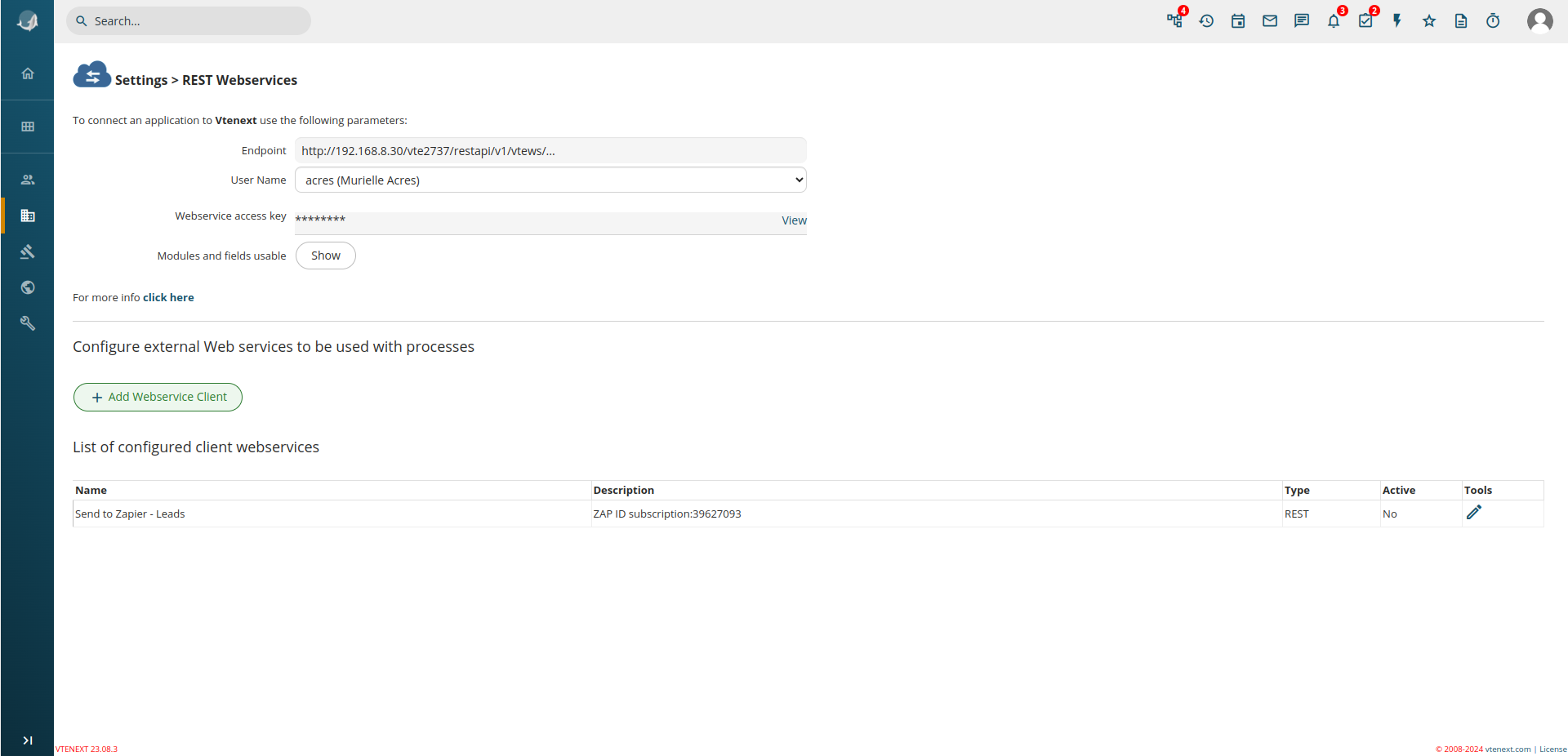
To see them, go to Settings -> REST Webservices and click on Show:
A popup will open, showing the id of the modules and field names: