
17.13 List view colours
Allows for the application of custom colours of views by list, or related list, based on the value assumed by a picklist-type field or control box. Note that only one field can be chosen per form.
Furthemore is possible to choose the style through which color records, which are: Full row, Little block on the left or Thin line in the bottom of the record. Lastly is possible to adjust the color intensity, thanks to a slider that manage the percentage value.
How the list view color configuration appears in the settings:
|
Full row |
|
|
Little block on the left |
|
|
Thin line |
|
|
Field |
|

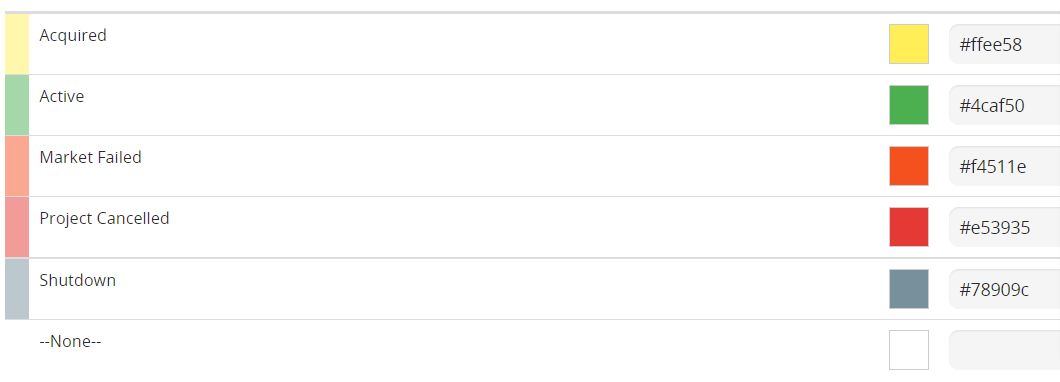

For example, we want to view Accounts records with colour based on the Rating field.

Edit page to change the color of the Accounts based on Rating field
The coloring will be displayed on the "All" filter and on custom filters created for the module. Here’s how it appears:
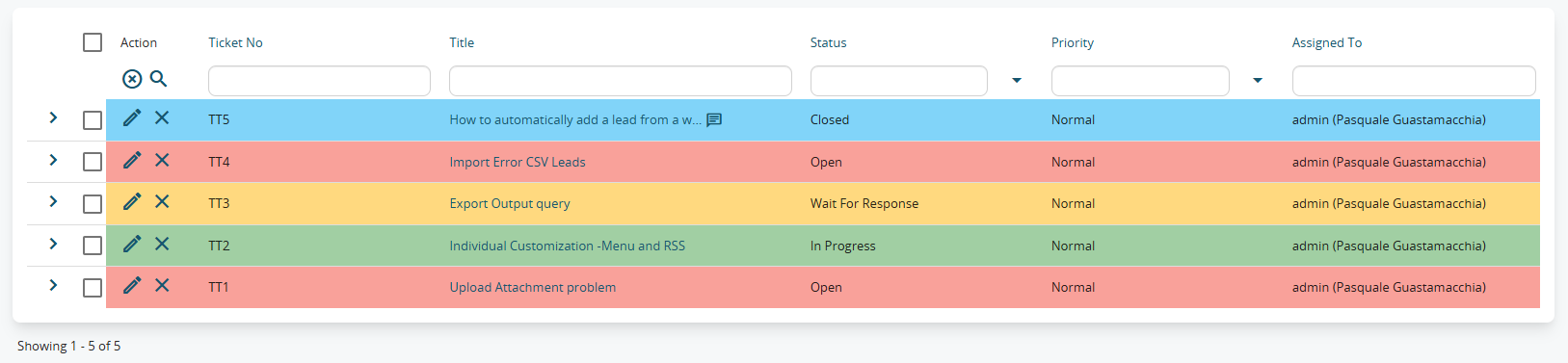
Full row Coloring
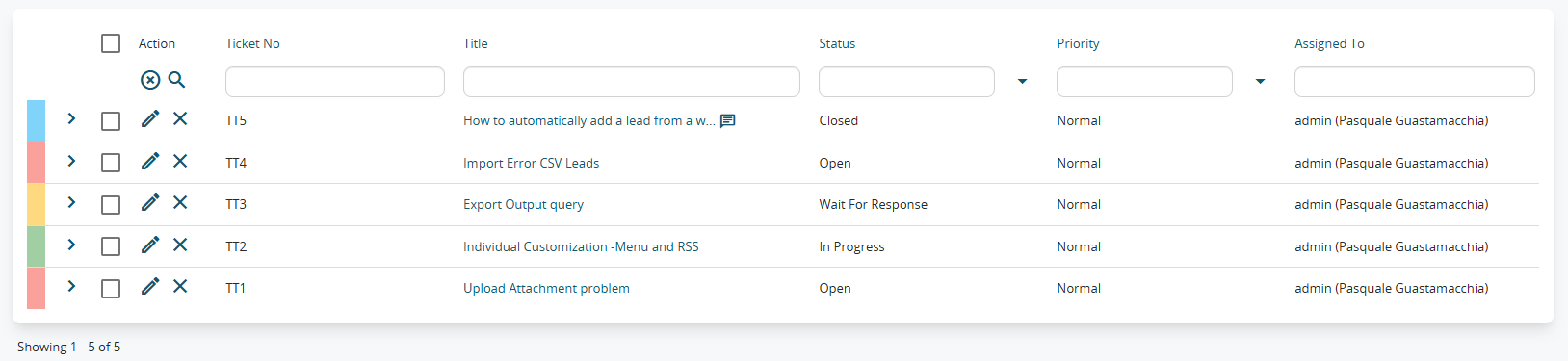
Little block on the left Coloring
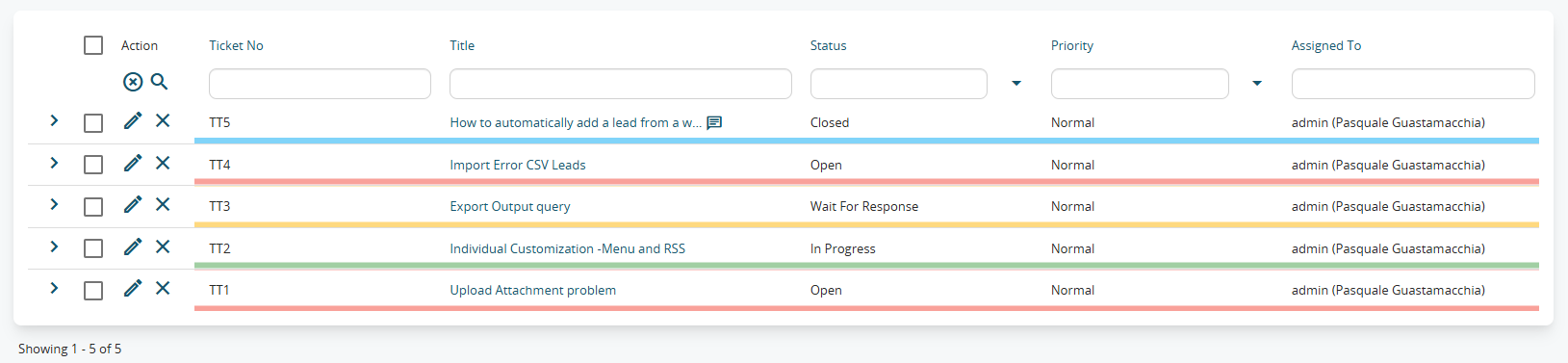
Thin line Coloring
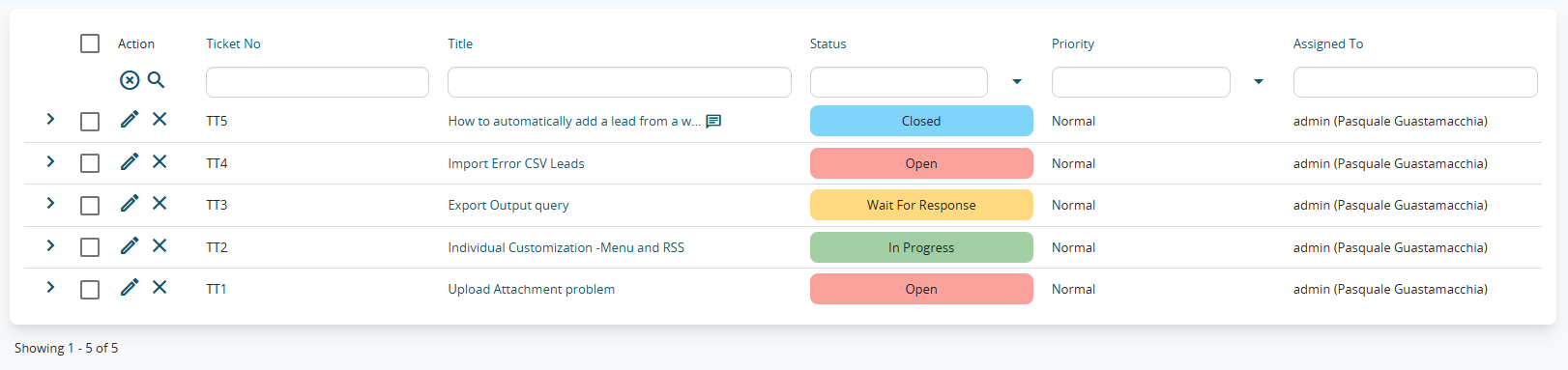
Field Coloring