
2.6.2 Relationship Navigator (Expandable List View)
During the creation of a filter, by scrolling to the bottom of the configuration page, you can set the expansion of list views. With this feature, you can propagate the view of related modules within a filter. For example, in a Company filter, you can already see all the Contacts associated, or in the Customer Support module, you can see all the Tracking Activities and all the Interventions linked.
This function is available for all standard and custom CRM modules.
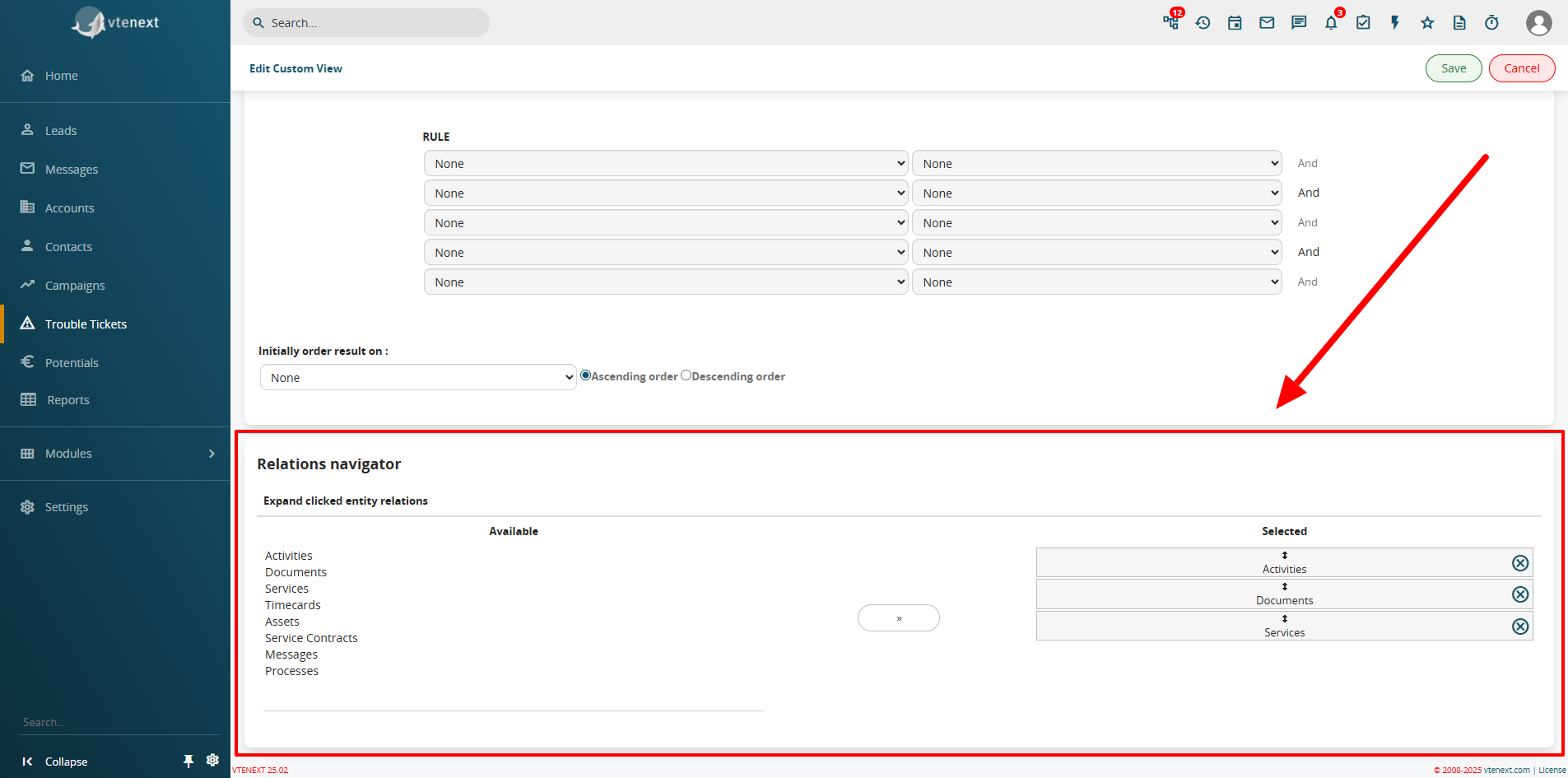
In the example shown in the image above, by modifying the All filter (though it is also possible to perform this operation by creating a new filter), you can see that the Calendar Activities, Documents, and Services modules were selected as navigable relationship modules directly from the list view of the filter.