11.2 SDK Action
It is a type of function that is used to create custom BPMN actions.
You can register new actions with the following method:
SDK::setProcessMakerAction($func, $src, $label);
$func : name of the function
$src : path to the file containing the function
$label : label of the function
To unregister the file use:
SDK::unsetProcessMakerAction($func);
$func : name of the function
Once registered, it is available for use in the "Action" section where all the other BPMN actions are present.
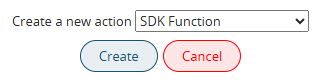
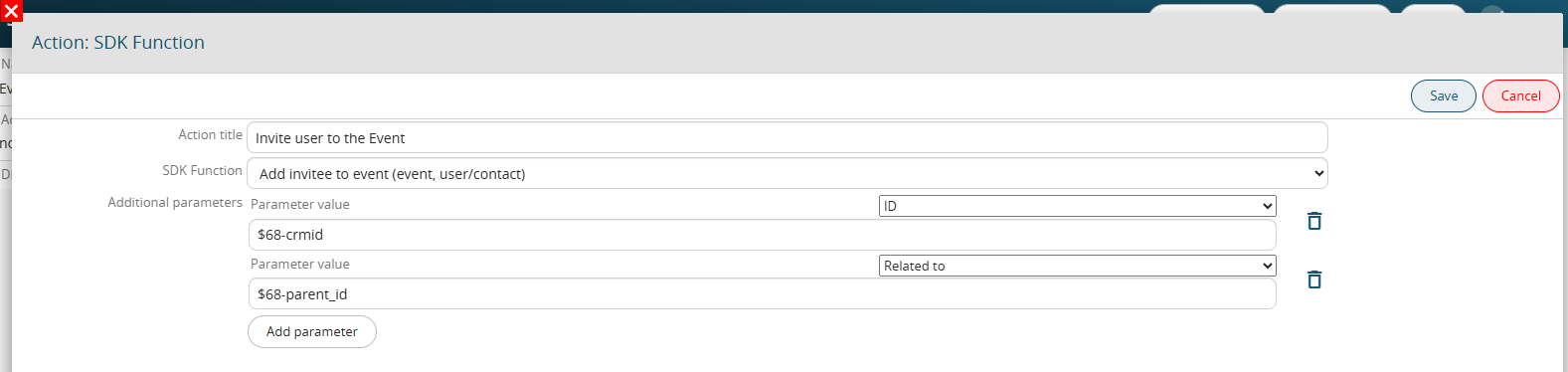
Furthermore, once we have chosen the function to call, if we manage input parameters in the function we have the possibility of passing them directly from the interface:
Example
In the following example I record a function to add a guest to an event.
SDK::setProcessMakerAction('vte_add_event_invitee', 'modules/SDK/src/ProcessMaker/Utils.php', 'Add invitee to event (event, user/contact)');This function requires two parameters: the event id and the invitee id, which can be a user or a contact. For clarity, I also indicate the parameters in the function label in the registration command.
In the function that I will develop, the $event and $invitee parameters must be added, which will be populated with the values passed by the action configuration interface.
The first two parameters are fixed and are:
$engine, the object containing all the information relating to the process that is being performed
$actionid, the id of the current action
function vte_add_event_invitee($engine, $actionid, $event, $invitee) {
    $engine->log('vte_add_event_invitee', "event:$event invitee:$invitee");

    if (strpos($event,'x') !== false) list(,$event) = explode('x',$event);
    if (strpos($invitee,'x') !== false) list(,$invitee) = explode('x',$invitee);

    $parent_module = getSalesEntityType($invitee);
    if ($parent_module == 'Contacts') {
        $_REQUEST['inviteesid_con'] = $invitee;
    } else {
        $_REQUEST['inviteesid'] = $invitee;
    }
    $focus = CRMEntity::getInstance('Events');
    $focus->retrieve_entity_info_no_html($event,'Events');
    $focus->mode = 'edit';
    $focus->save('Events');
}
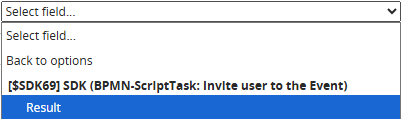
If necessary, it will be possible to foresee within the function the return of a value that can then be recalled and saved within a field of a dynamic form or a module through the "Result" variable in the dedicated section available in the "Select option" picklist.