
2.5 Conditional Task and Action Task
CONDITIONAL TASK
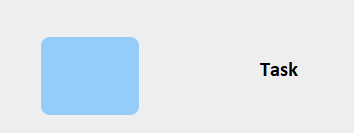
Represents the element used to perform creation and control actions within the flow of a process.
ACTION TASK
To define the type of task, Vtenext provides symbols that can be used to indicate the action performed by each task.
These symbols can be selected during the diagram editing mode by pressing on the task and then later on the wrench that appears among the various selectable options.
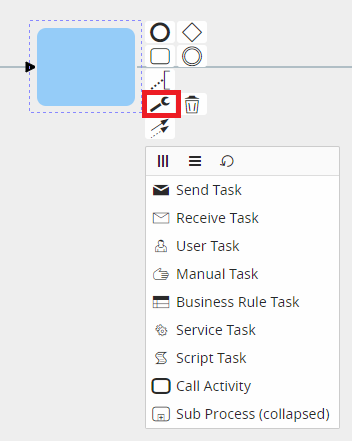
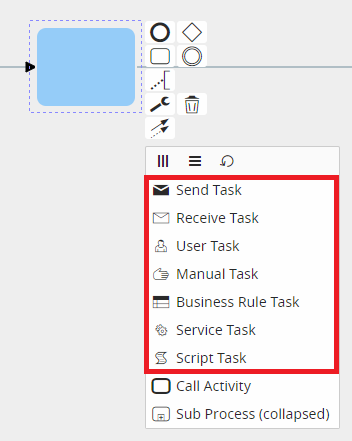
It is important to point out that these symbols do not go to affect the behavior of individual tasks, as their purpose is simply to show an initial visual reference that can facilitate the interpretation of individual tasks. Thus, it will be at the user's discretion to select the symbol most appropriate to the action performed by any given task.
Once selected, each symbol will be placed at the top left of the task and will be visible during process configuration.
Below is an example for each selectable type:
Script Task
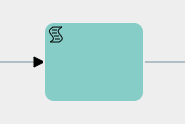
It is advisable to use it to indicate the creation and updating of tasks.
Send Task
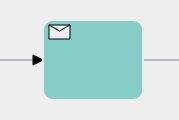
It is advisable to use it to indicate the sending of emails and notifications.
Receive Task
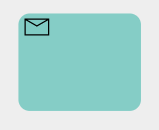
There is no particular recommended use.
User Task
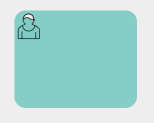
It is advisable to use it to indicate a task in charge of the user.
Manual Task
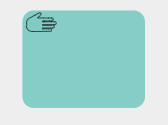
It is advisable to use it to indicate a task in charge of the user (process helper).
Business Rule Task
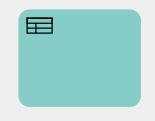
There is no particular recommended use.
Service Task
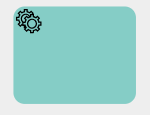
It is advisable to use it to indicate the calling of external Webservices or SDKs.
On the other hand, the only two symbols that allow a given action to take place and thus condition the behavior of a given task are the “Call Activity” and the “Sub Process.”
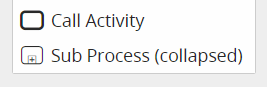
Call Activity
This symbol allows you to perform an action that is not currently implemented.
PLEASE NOTE: As of version 24.08 it has been completely removed.
Sub Process (collapsed)
This symbol allows you to call and use a sub process.