
2.13 Process Manager: Versioning Management
Within each individual process configured in the system, there is a button called "Save Version" in the top left. (Figure 1)
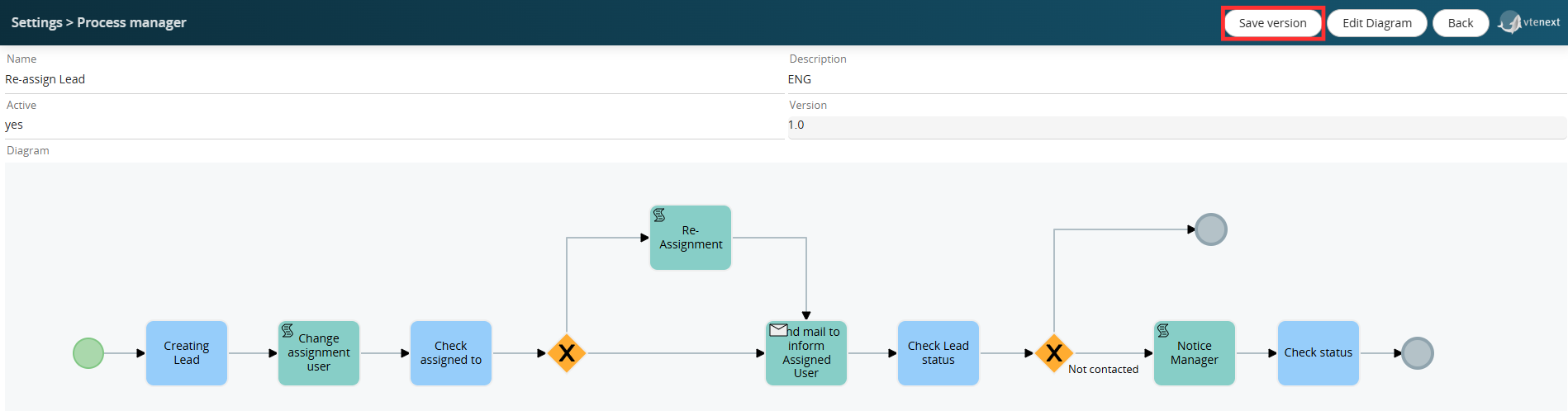
Figure 1
This allows you to force a new process version to be saved, ensuring its historicization in a dedicated DB table.
In simple terms, it simulates the "Export BPMN Process VTE" button, allowing you to save a copy of the current process configuration in a table other than the main table linked to the Process Manager section.
Furthermore, the value of the related "Version" field is also updated. (Figure 2)
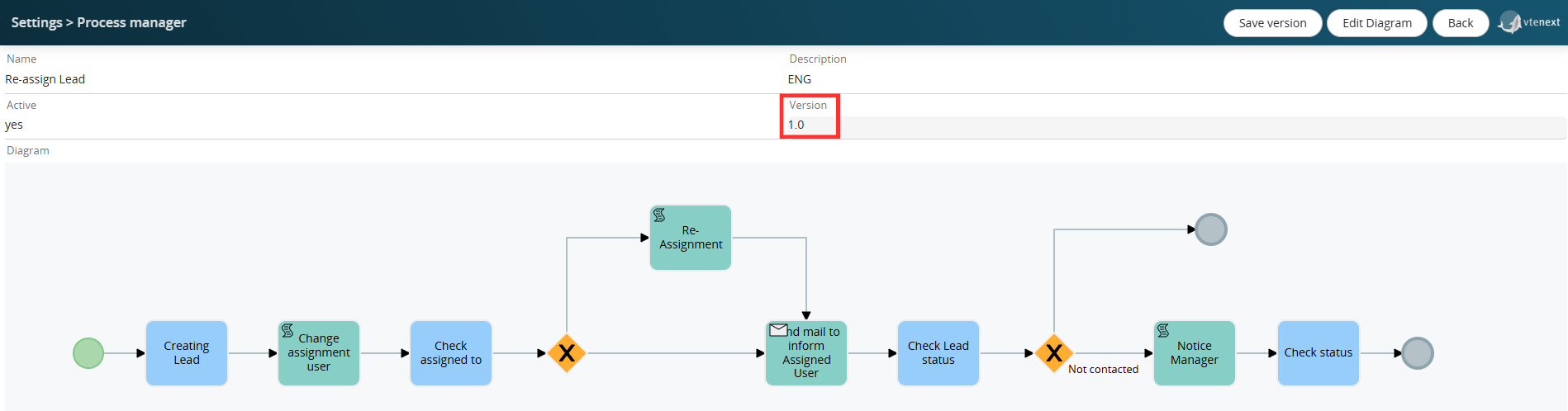
Figure 2
This type of operation is essential to ensure the ability to restore a previous version of the process in the event of configuration errors or other situations.
WARNING!: Deleting a process using the X button in the Process Manager section permanently deletes the process from all related tables in the database, including the aforementioned table.
Therefore, it is important to proceed with caution when using this function, as once the deletion is performed, there will be no way to restore the process and all pending instances associated with the records involved.
If you want to save a new version of a process with pending instances (in our case, some leads with the Lead Re-Assignment process active), the system will display the popup shown in Figure 3.
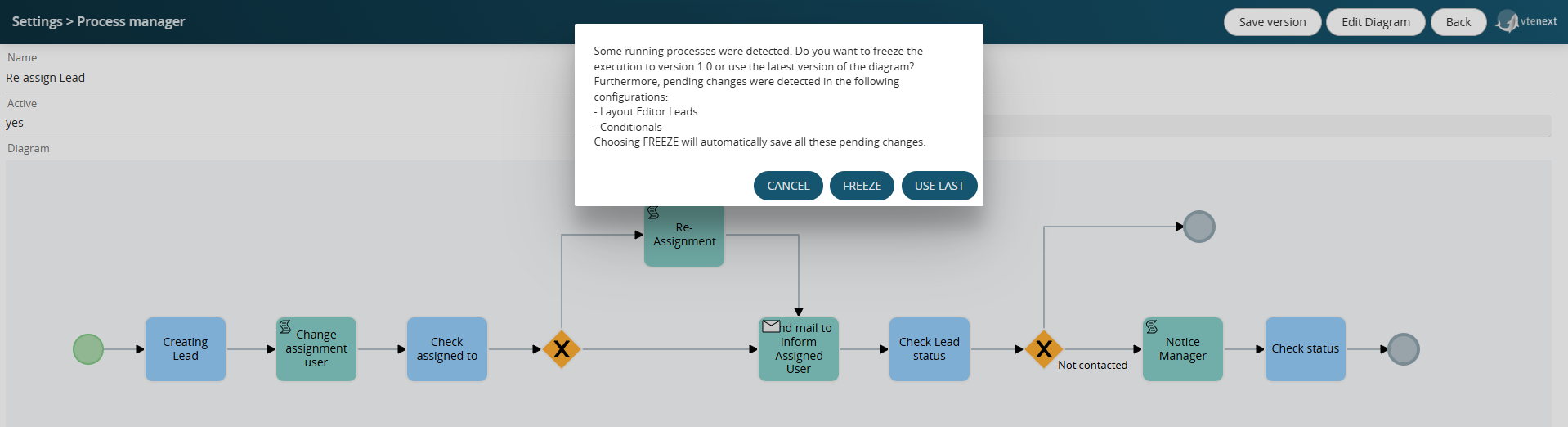
Figure 3
Furthermore, for completeness, all pending changes to Conditional Fields and Layout Editors for the modules in the system will also be displayed (even for modules not involved in the process, as the system performs a general check).
By clicking the FREEZE button, the system will automatically save the version of all pending changes indicated above and will NOT update the version of pending process instances on the identified records (in our case, maintaining version 1.0).
This feature is useful when you want to apply the new process version only to process instances starting in the future, or rather, from the time of the version update onward.
By clicking the USE LAST button, the system will update the version of pending process instances on the identified records (in our case, setting version 1.1).