Examples
Below are some example applications of how these new tools can be integrated into processes.
Web scraping
This is a process that, when a company is created, calls an agent to search for company information online and update it in the company records.
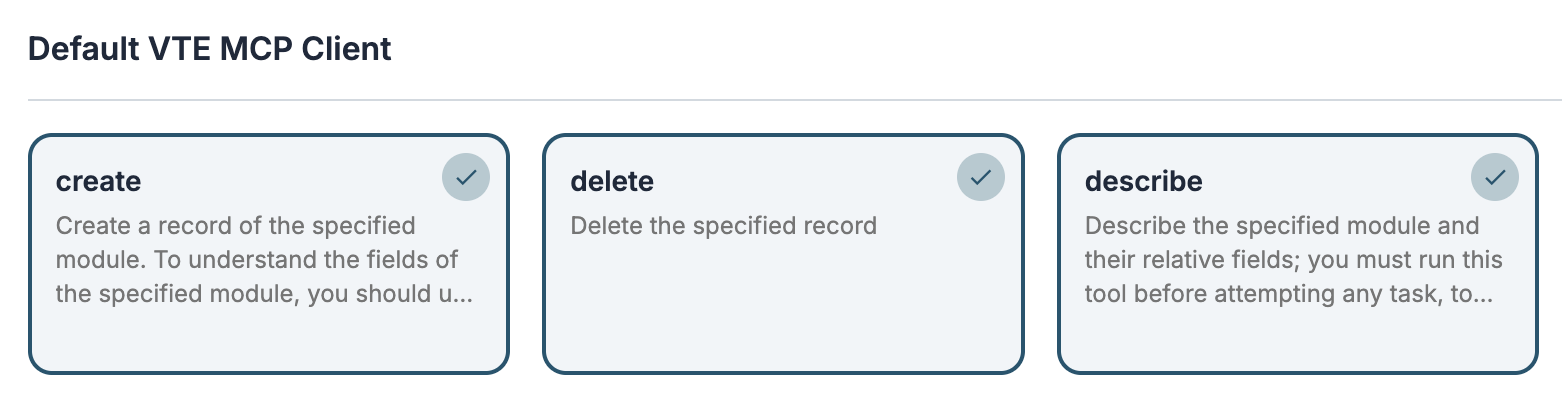
The agent must have activated a web search tool (e.g., web_search_exa) and the VTENEXT MCP client tools to access the module structure and update the record.

The process starts when a company is created and performs the Call Agent action.

In the User message, I ask to search for the information online and update the company fields. I also ask them to create a contact for the CEO.

If you have set the Background execution mode in the process action after saving, the system will notify that the record is still updating and once finished the browser page will automatically refresh.

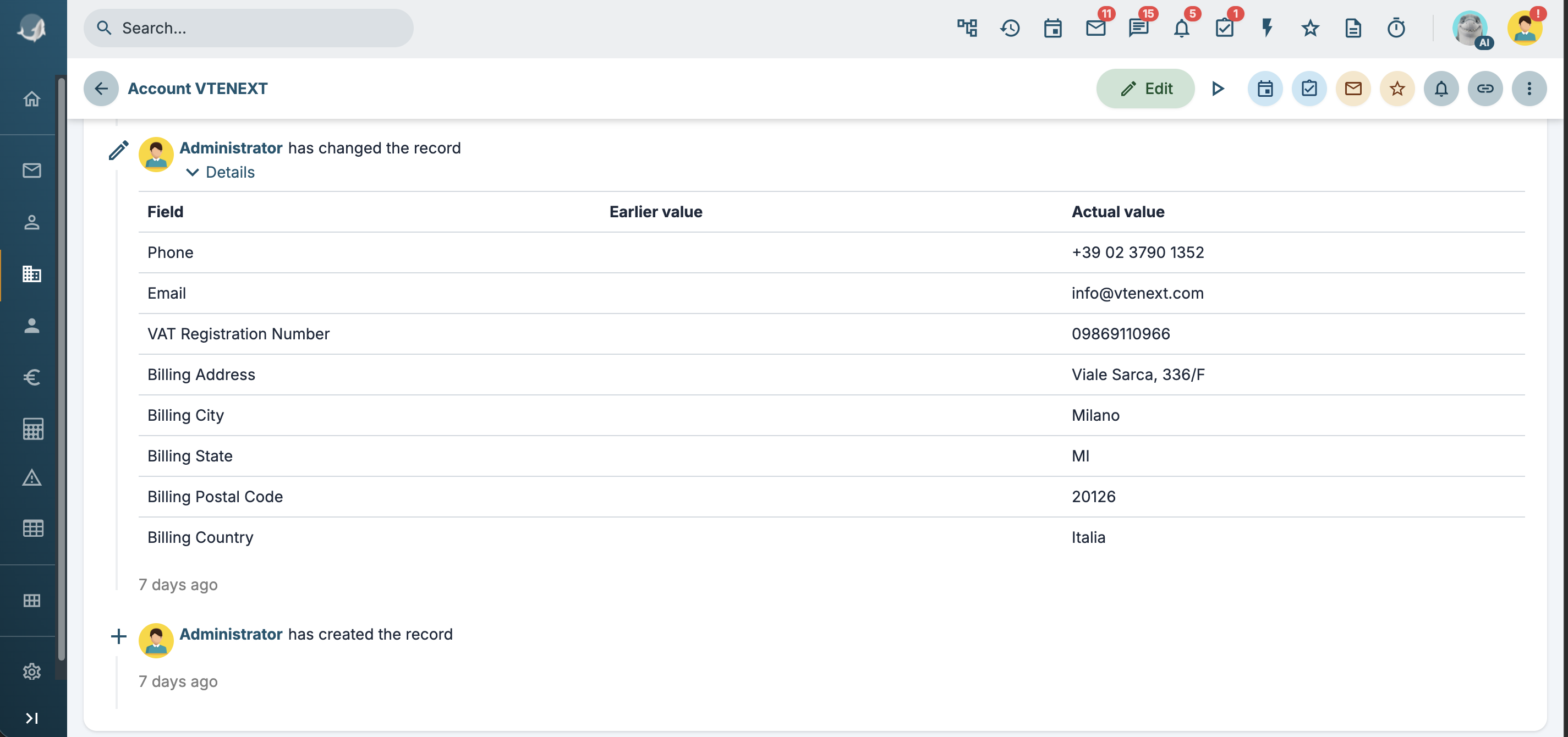
From the History tab you will see the updated fields:
Customer service closed
In this case, we implement a process that automatically responds to technical support tickets during office hours, informing the customer of the closure and attempting to provide a solution to the problem.
Tool add_comment
First, we create a process tool to add a comment to a ticket that takes the ticket id and comment parameters as input.
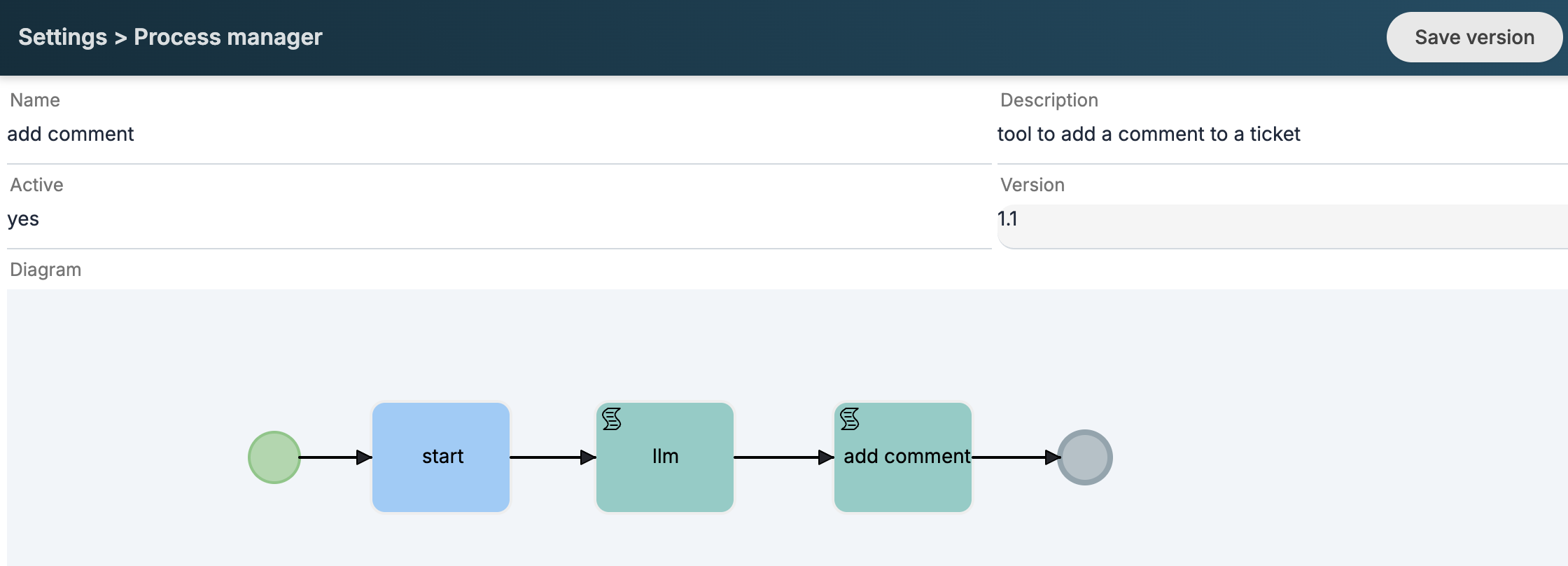

In the second step of the process, we perform an LLM call to rework the comment text by applying a certain style.
User message:
Rewrite the comment in a technical and professional manner:
$TOOLIN-comment

Never use headings or Markdown code.
In this case, it is sufficient to use an LLM instead of an agent since it is not necessary to use tools but only to exploit the linguistic capacity of the model.
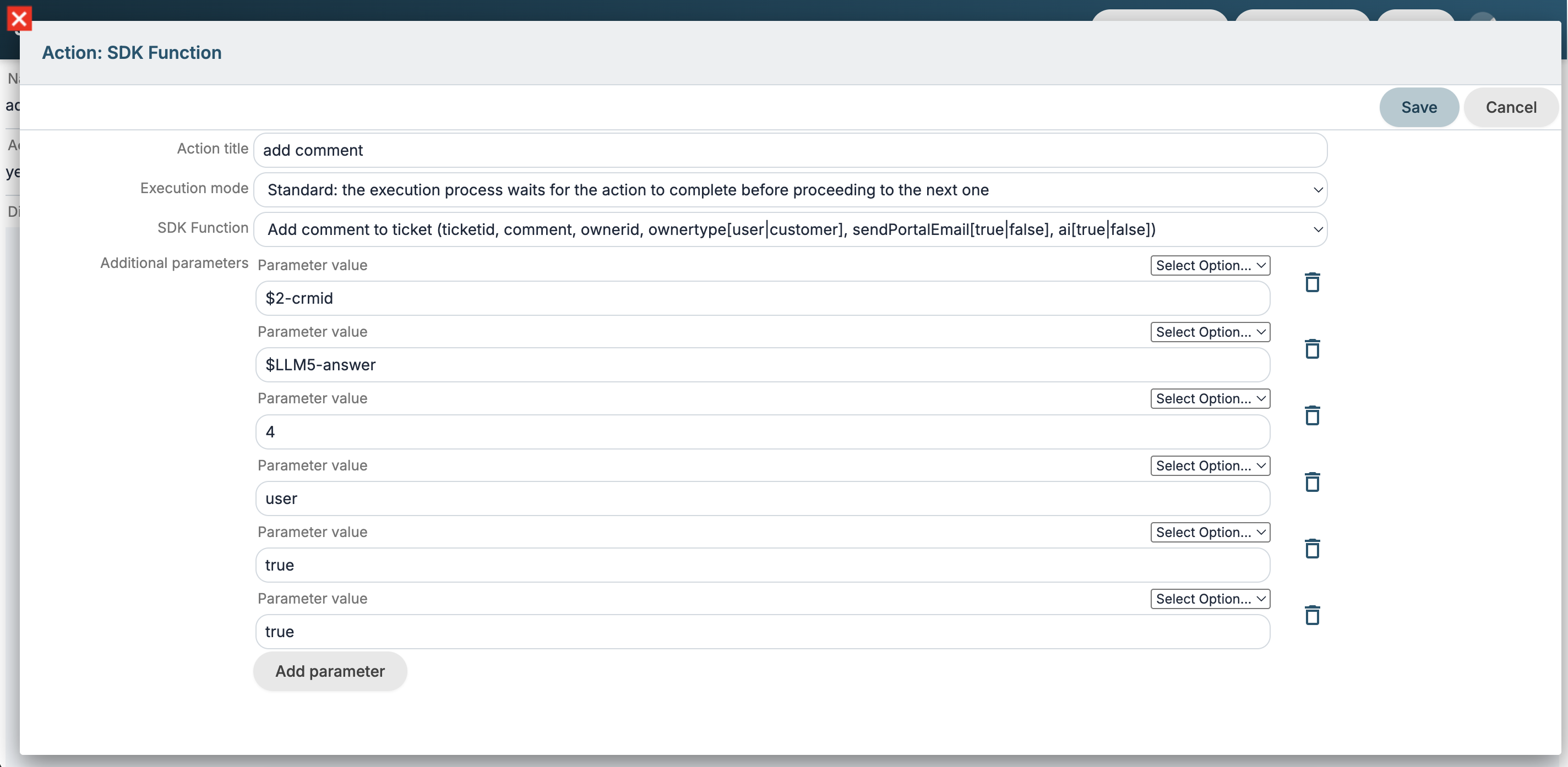
Finally, we use the Add comment SDK function, mapping all the required fields. In this case, I specify Kitt's user ID in the ownerid parameter, and with ai set to true, I force a note to be added to the comment's footer, indicating that the text was generated using AI.
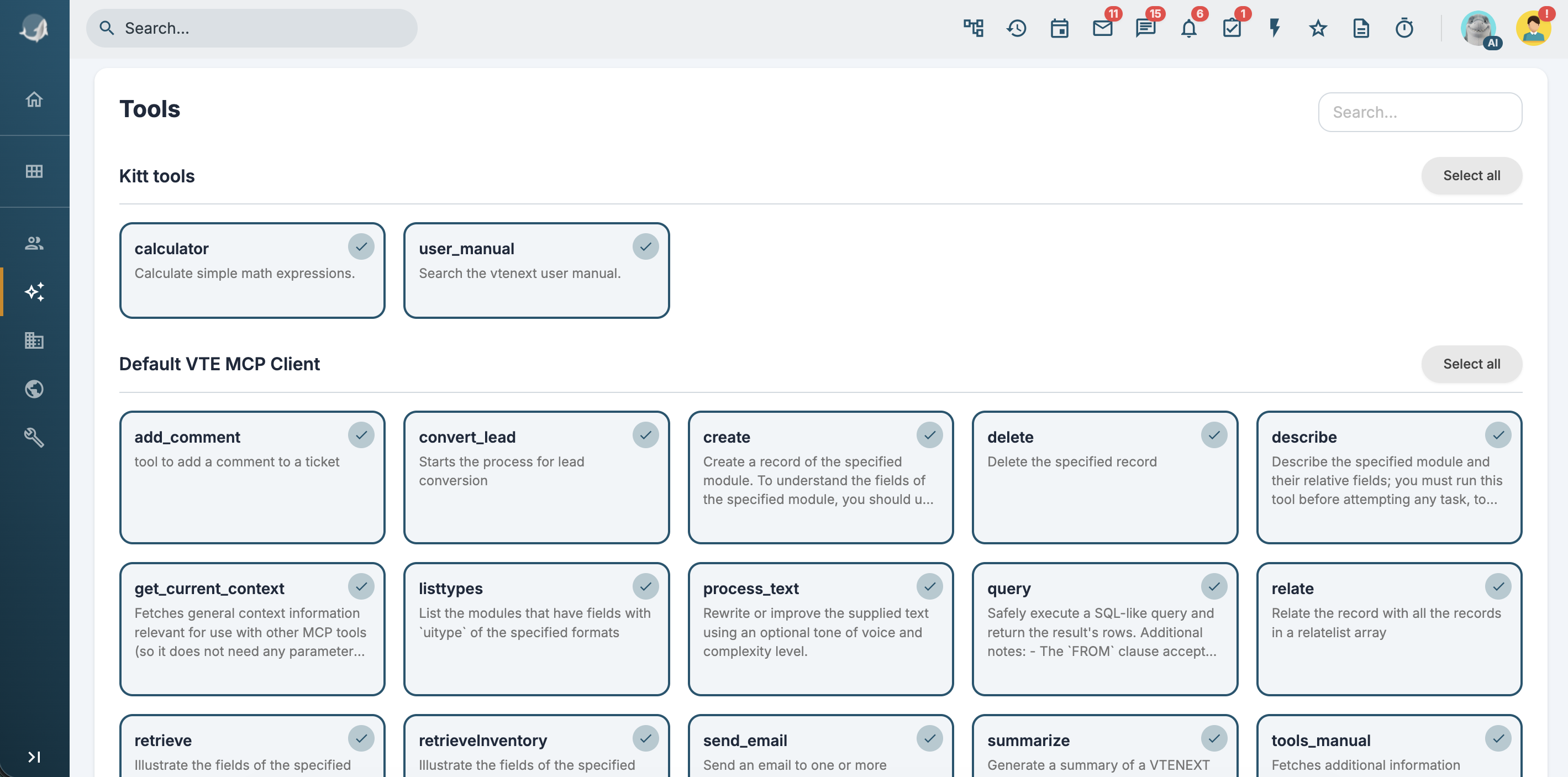
The add_comment tool must then be activated in the agent we will use in the next steps, together with the user_manual tool and/or any documents in the RAG section for the knowledge needed to provide a solution.
Ticket process implementation
We can then implement a new process or integrate the new AI logic into an existing one. In this case, I leverage an existing process that sets the SLA based on priority when a ticket is created.
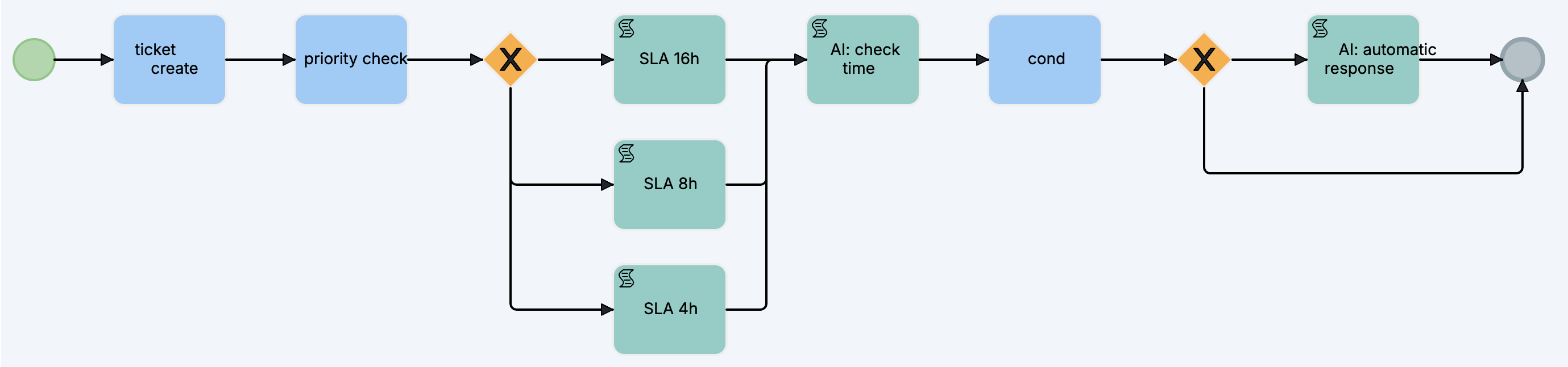
In the AI: check time task, I make a call to the agent with the following prompt:
The company is open Monday through Friday from 9:00 AM to 1:00 PM and from 2:00 PM to 6:00 PM on weekdays only.
If the ticket was created during business hours, return the string "open"; otherwise, return "closed."
Return exactly that string without adding any additional text or titles.
and I set up the dynamic form with a field populated with the answer:
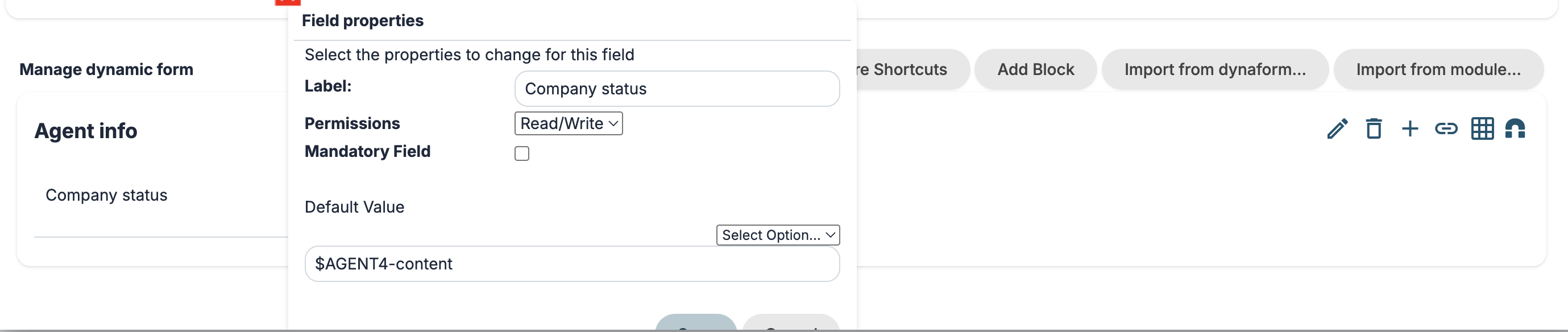
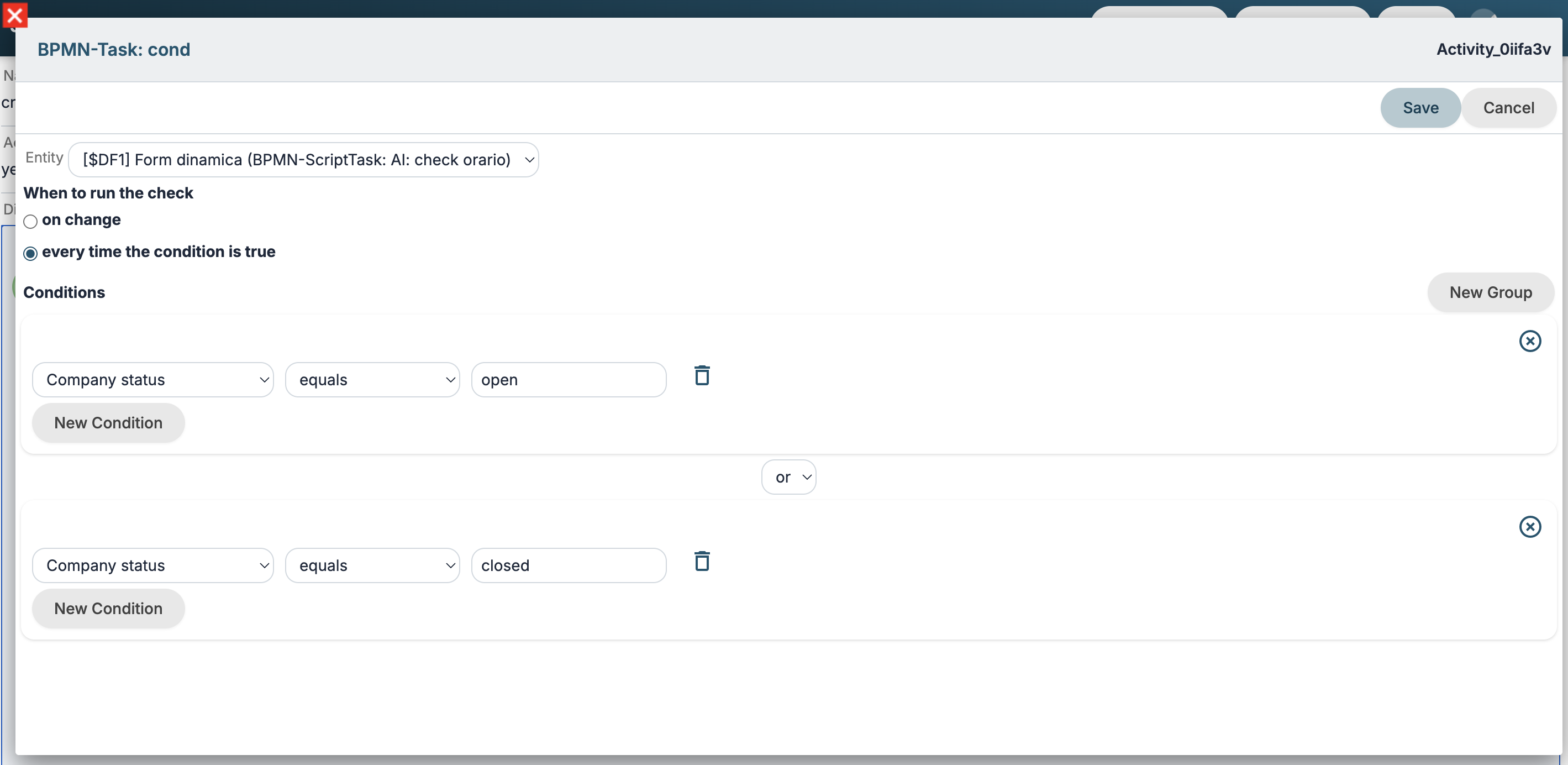
I configure the condition on the dynamic form field and the next gateway so that if the agent returns closed the process goes into the AI: automatic response task.
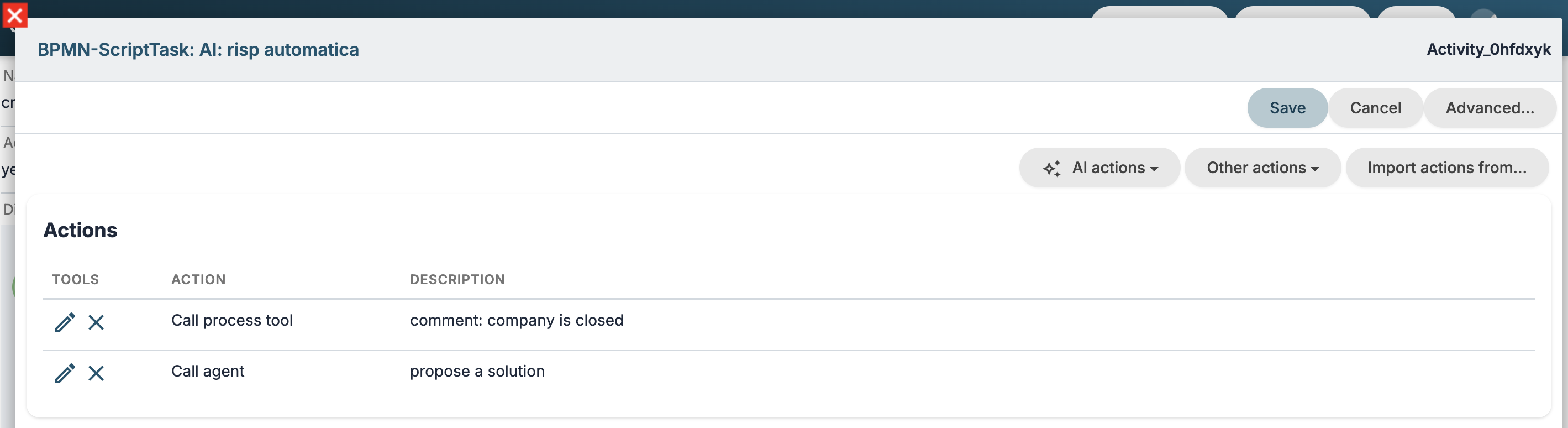
In the last task of the process, I first call the add_comment tool to inform the customer of the closure and finally call the agent to propose the solution.
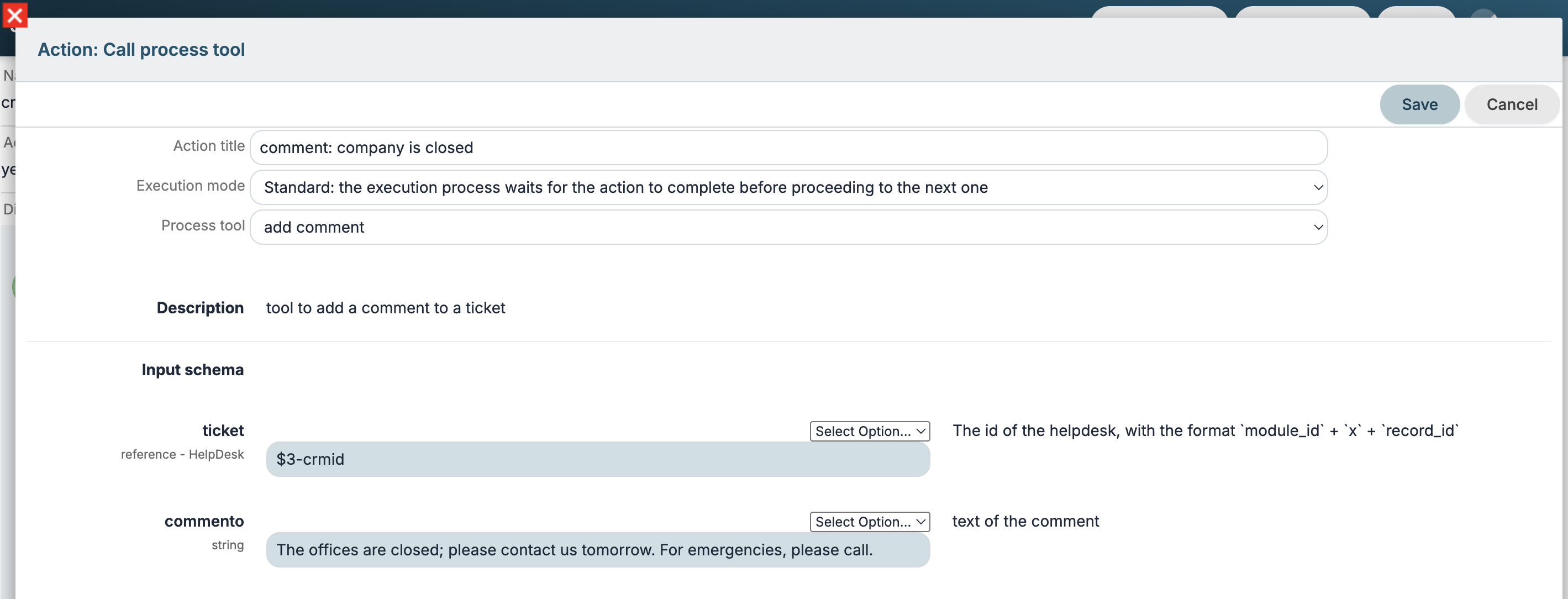
The comment indicated here will then be reworked by the LLM model in the tool process.
agent prompt:
Add a comment with the add_comment tool, suggesting a solution to their problem by searching in user_manual.
Never use headings or markdown code in the text; return only plain text.
Test
Let's test the process by creating a ticket during off-hours with the Title Login failed and Description "Good morning, I can't log in to vte this morning. Can you check urgently?"
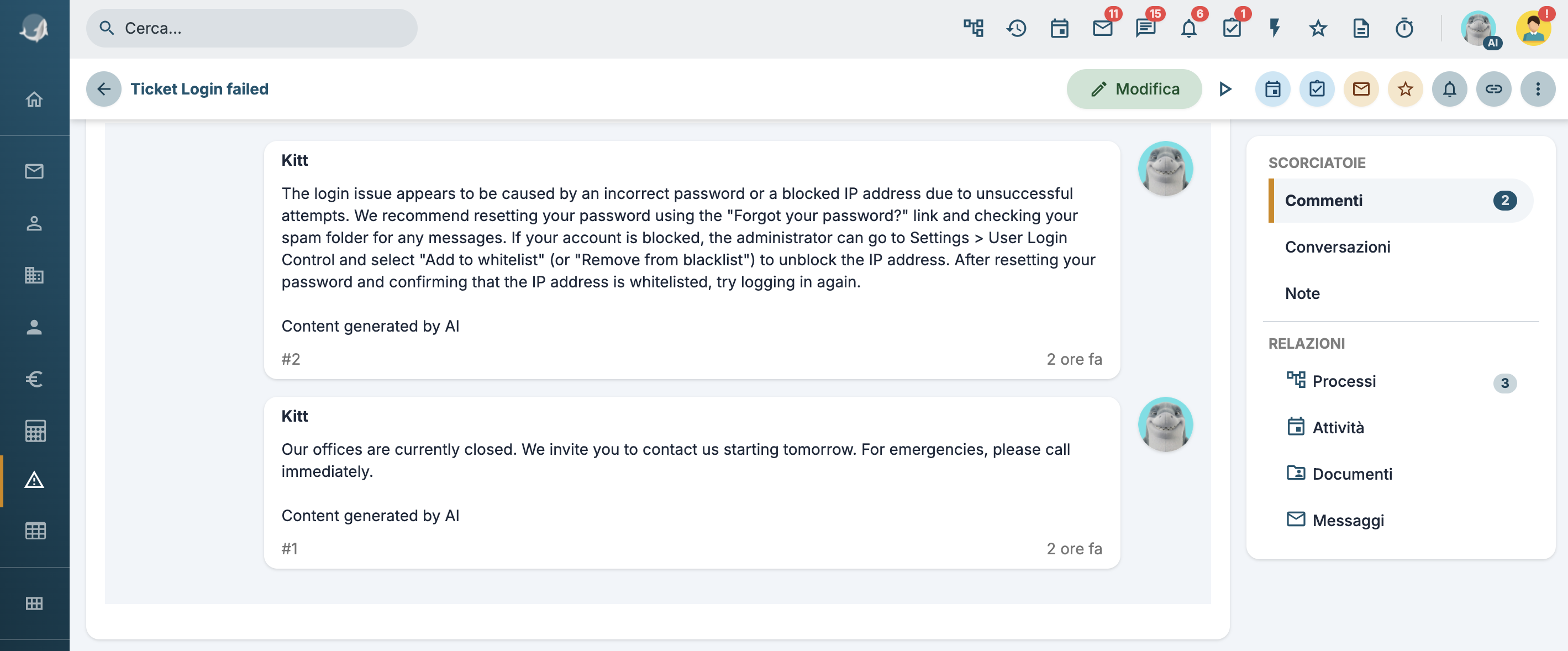
Comments similar to these will be added: