
3.17 Import Actions from...
This feature allows you to duplicate an action that has already been configured, either within the same Action Task or in another task within the same process.
It is a highly useful and practical tool when you need to create an action similar to an existing one, as it avoids the need to reconfigure its entire content from scratch.
To duplicate an action, click the "Import actions from..." button located at the top right of each Action Task. (Figure 1)
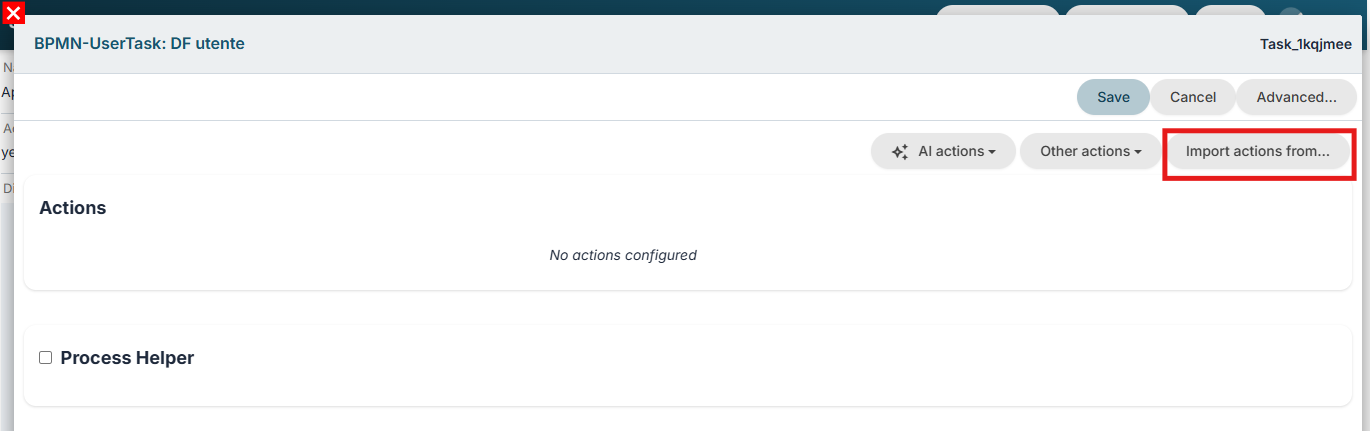
Figure 1 (click the image for higher resolution)
The system will display the list of all actions configured within the process, and you will be able to select those to be duplicated—including multiple actions simultaneously, if necessary. (Figure 2)

Figure 2 (click the image for higher resolution)
Upon saving, the newly selected actions will be generated, and the tag [imported] will be added to the Description. (Figure 3)
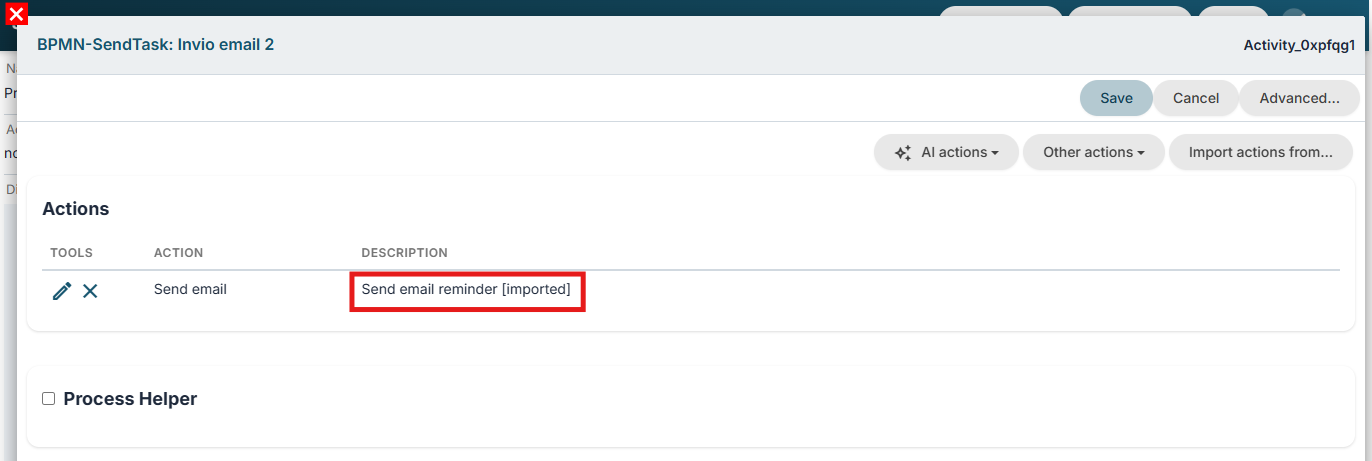
Figure 3 (click the image for higher resolution)
At this point, you can make the necessary changes to the content of the newly duplicated action by entering edit mode for that action.