
3.A.1 Call LLM
This action allows you to send a request to an LLM that has been previously configured in Settings > AI Tools > LLM.
Once you select one of the available LLMs, all the settings configured in Settings > AI Tools > LLM are automatically loaded and can be customized as needed.
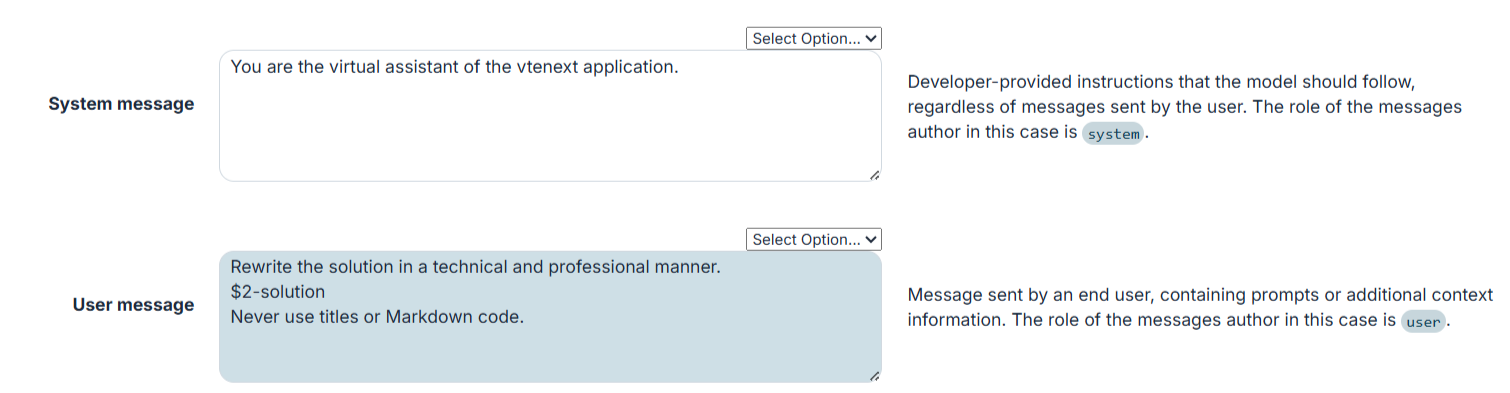
Figure 1
In addition, you can define custom Headers, Parameters, and Output Fields, allowing you to pass dynamic values retrieved from the records involved in the process.
By default, an output field containing the model's response is already configured (Figure 2). This field can then be referenced and used in subsequent steps of the process (Figure 3).

Figure 2
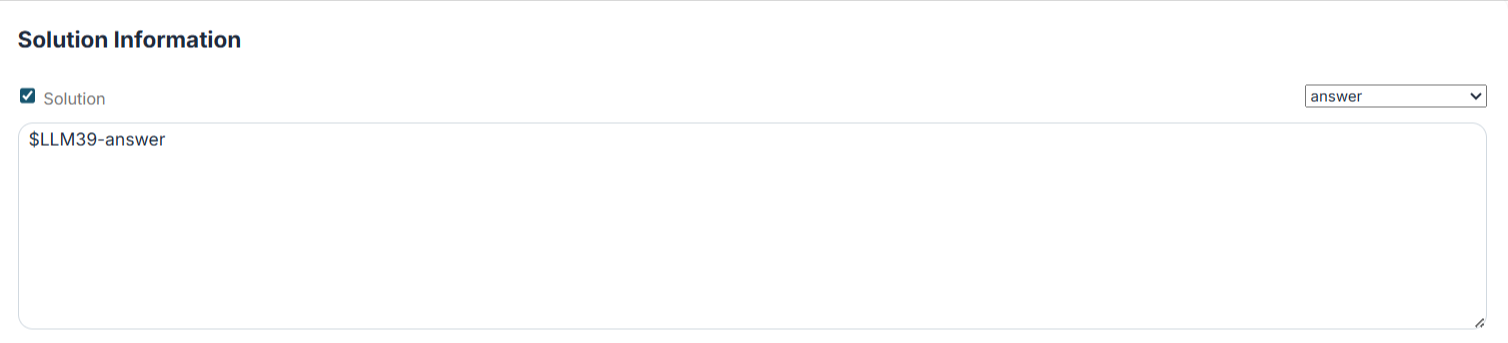
Figure 3